 PluginStats

PDF OCR — Extract Text from PDF users statistics
By blureshot · Chrome Web Store · Tools
Extract text from scanned or image-based PDFs. 100% local processing — your files never leave your browser.
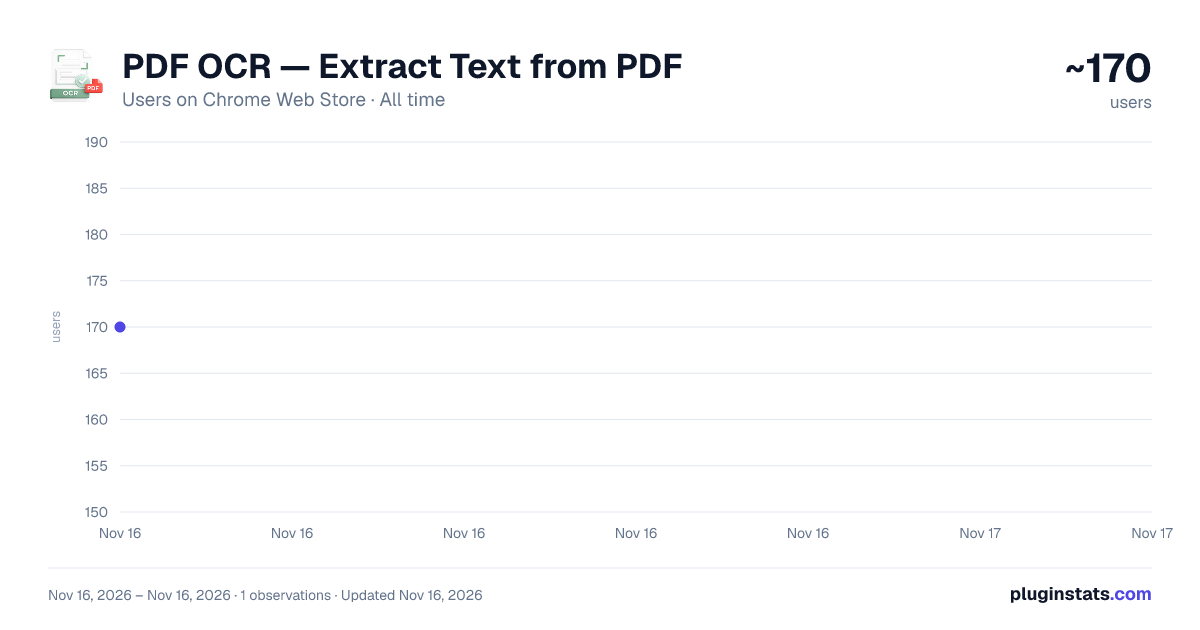
PDF OCR — Extract Text from PDF has approximately 170 recorded users on Chrome Web Store, ranking #8349 of 10,388 tracked listings.
About PDF OCR — Extract Text from PDF
Extract text from scanned or image-based PDFs. 100% local processing — your files never leave your browser.
Most "PDF to text" tools are a mess. You upload your file to some random server, wait two minutes, and half the time get back a blank document or "limit reached, upgrade to pro."
PDF OCR works differently. You drag your PDF (or photo, or screenshot) into the extension, and you get the text back. Right there in your browser. Your file doesn't go anywhere. There's no server to send it to — we just don't have one.
It handles the messy stuff most extensions choke on: A scanned PDF from your old printer. A photo of a contract taken with your phone. A screenshot of a page that won't let you copy text. A 50-page manual in German.
For regular PDFs that already have text inside them (like exported reports), extraction is instant — no waiting for OCR. For everything else, it runs Tesseract — the open-source OCR engine that powers Google's own document scanning tools — and gives you clean text in seconds.
You can copy it, save it as a .txt file, or download a searchable PDF (the original page with selectable text layered on top). Useful if you need to keep the original look but want to highlight, copy, or feed it into another tool.
Five languages are built in: English, Spanish, French, German, Russian. Pick from the dropdown before you drop the file.
No account. No sign-up. No Google Drive linking. No upload limits. No daily "free tier" cap. Just open it, drop a file, get text.
Description from the Chrome Web Store listing.
README badge
Show your rank in a README or on your website. The badge updates automatically.
Charts
Images: 30d · 1y · all time · 1600×900 dark
Adoption over time
7/30/90-day growth
Ranking history
Ratings over time
Listing placement
Listing placement
Filled points are observed values; hollow points come from Internet Archive snapshots of the listing page. Dashed segments span periods with no observations — values between points are not interpolated.
Each band is one page of 20. Users on a linear scale. Placement is projected from users, so it can differ from the marketplace's own sort order. Hover a dot to see the listing.
Recent observations
Full history (1)Similar Chrome Web Store Tools plugins
All 20 PDF OCR — Extract Text from PDF alternatives



Data source
Covers every Chrome Web Store extension with at least 100 users, found through the store's public sitemap. User counts are read from public listing pages. The 10% most-used extensions are refreshed daily, the next 40% weekly and the next 40% monthly; the least-used 10% are not refreshed. Google displays rounded user counts (and caps the display at 10,000,000+), so small changes may not be visible. Rating counts above 1,000 are rounded (e.g. 1.6K).
Listing: https://chromewebstore.google.com/detail/pdf-ocr-—-extract-text-fr/ofaoffiladebidfapmleojdodkjggflp. First seen Nov 16, 2026; last successful collection Nov 16, 2026. See the methodology.