 PluginStats

GrowX: The Ultimate X (Twitter) Growth Tool users statistics
All-in-one X (Twitter) growth tool: auto follow, tweet scheduler, AI tweet writer, X analytics, unfollower tracker, reply targets.
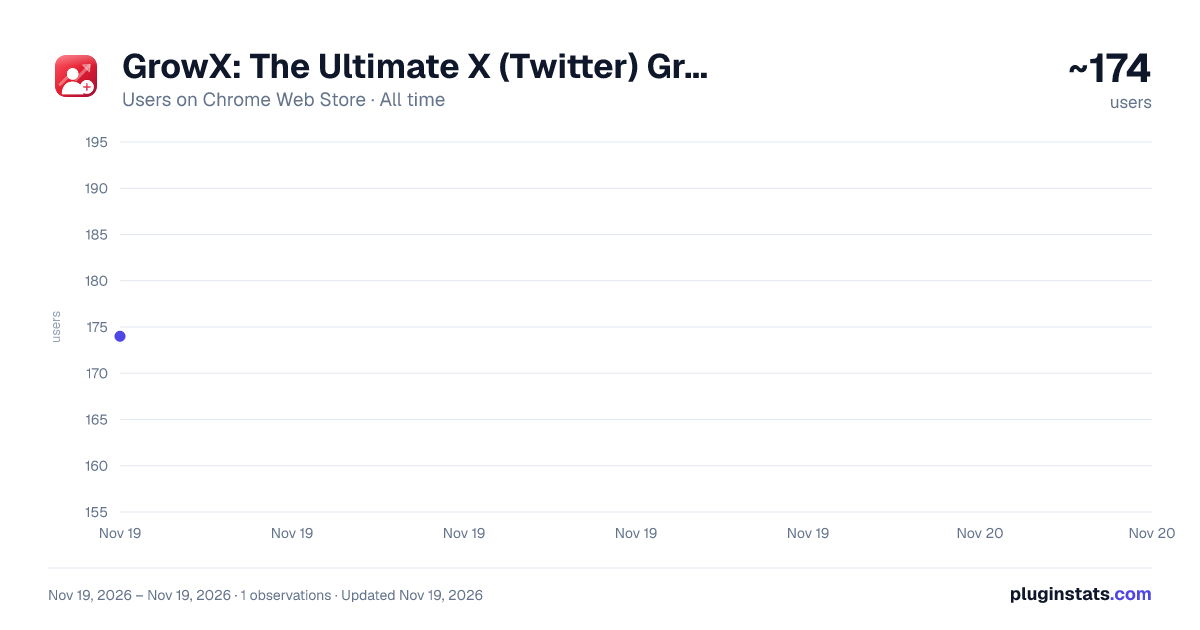
GrowX: The Ultimate X (Twitter) Growth Tool has approximately 174 recorded users on Chrome Web Store, ranking #8280 of 10,388 tracked listings.
Rating: 5.00 / 5 from 10 ratings
About GrowX: The Ultimate X (Twitter) Growth Tool
All-in-one X (Twitter) growth tool: auto follow, tweet scheduler, AI tweet writer, X analytics, unfollower tracker, reply targets.
GrowX is an all-in-one growth tool for X (Twitter). It follows people who are likely to follow you back, schedules your tweets and threads, helps you write with AI, and shows what's working - including who unfollowed you. It all happens in one Chrome extension, with a Free plan you can really grow with.
Growing on X comes down to three things: reaching the right people, posting often, and knowing what works. Most people use four or five different tools for that. GrowX does it all from one simple dashboard. It uses the X account you're already signed in to - no password to share and nothing to set up - moves at a calm, human pace to keep your account safe, and keeps your data on your computer.
Pick a pace. Press Start. GrowX does the rest.
★ WHAT YOU GET
• Auto follow that finds people likely to follow you back • A tweet scheduler for posts, threads and images • An AI writer for ideas, rewrites and replies • Twitter analytics for every post, and your best time to post • An unfollower tracker: who followed and who unfollowed you • Fresh posts worth replying to, before everyone else does • A weekly report, daily goals and streaks • A safe way to unfollow people who don't follow back
★ GET STARTED IN 4 STEPS
-
Choose your audience. Add a few accounts in your niche, or press "Find sources for me" and GrowX picks some from the accounts you already follow.
-
GrowX picks the best people. It starts with the newest followers of those accounts - people who just showed interest in content like yours - and skips accounts that look fake, inactive or unlikely to follow back.
-
Pick a pace and press Start. Choose Safe, Balanced, Turbo or X Premium right next to your sources, or in the toolbar popup. GrowX follows one person at a time, takes breaks, stays under daily limits, and keeps going until you press Stop.
-
Post, reply and check your results. Queue a few posts, reply to fresh posts in your niche, and see your new followers, unfollowers and best posts.
The setup guide gets you going in about two minutes.
★ TWITTER AUTO FOLLOW THAT GETS FOLLOWS BACK
• Newest followers first, while they're most likely to notice you • Every account is checked before it's followed: real photo and bio, recent activity, account age, and how often they follow people back • Smart score (Premium): learns from your own results which people follow you back, and gets better over time • More ways to find people (Premium): everyone who liked, replied to or reposted a post, a search or #hashtag, or an X List • See which accounts bring you the most followers, and swap out the ones that don't (Premium) • A never-follow list, so GrowX skips anyone you choose • Extra filters by words, activity and audience size (Premium) • GrowX checks who followed you back, so your numbers are real
★ SAFE BY DEFAULT
Your pace and safety settings are right in front of you, so you always know how fast GrowX is going.
• Four paces: Safe and Balanced (Free), Turbo and X Premium (Premium) - or set your own • Random gaps between follows, regular breaks, and hourly and daily limits • Choose the hours and days GrowX works, and start slowly on a new account • If X shows any warning or limit, GrowX slows down or takes a rest - posting pauses too • One-key emergency stop: Alt+Shift+S • Every safety feature is free
★ SCHEDULE TWEETS AND THREADS
A tweet scheduler and thread maker that keeps you posting, even on busy days.
• Write with a live preview of how your post will look, and add up to 4 images • Build threads post by post, or paste long text and press "Thread it" to split it for you • Set your posting times once (for example 9:00, 13:00 and 18:30) and "Add to queue" fills the next open time • Or pick an exact date and time, save a draft, or post right away • See your best time to post, based on your own posts and when your followers are online • A calendar of everything planned and posted - edit, move, copy or retry in a click • 52 ready-made post templates, plus your own • Repost your best posts every few weeks, using different versions so they never repeat exactly (Premium) • When a post takes off, GrowX adds a reply with your link or offer (Premium) • Write a quick post straight from the toolbar popup
★ GROWX AI WRITER
An AI tweet writer that works with you right on your computer. There's no cost per use and no key to set up, and what you write is never sent to GrowX or anyone else.
• Get three post ideas from any topic • Make a draft shorter, punchier, clearer, more casual or more professional - or just fix the grammar • Get six strong opening lines for any topic • Turn rough notes into a ready-to-post thread • Get reply ideas for posts you want to reply to • Tell GrowX your niche and style once, and every draft sounds like you • Needs a recent version of Chrome on a desktop computer. Without it, templates take over
★ SEE WHAT WORKS: X (TWITTER) ANALYTICS
• Views, likes, replies, reposts and bookmarks for each recent post • Which posts brought you new followers • Your best days and times to post • Which topics and kinds of posts do best for you - threads, images, questions or links • A weekly report comparing this week with last week, in plain words • How many of the people GrowX followed followed you back
★ UNFOLLOWER TRACKER: WHO UNFOLLOWED YOU
• New followers and unfollowers, day by day • Unfollow back in one click (Premium) • How many of your followers look like real, active people • Your top fans: the people who like and reply to you most
★ REPLY EARLY, MAKE CONNECTIONS
Good, early replies on bigger accounts are one of the fastest ways to get noticed.…
Description from the Chrome Web Store listing.
README badge
Show your rank in a README or on your website. The badge updates automatically.
Charts
Images: 30d · 1y · all time · 1600×900 dark
Adoption over time
7/30/90-day growth
Ranking history
Ratings over time
Listing placement
Listing placement
Filled points are observed values; hollow points come from Internet Archive snapshots of the listing page. Dashed segments span periods with no observations — values between points are not interpolated.
Each band is one page of 20. Users on a linear scale. Placement is projected from users, so it can differ from the marketplace's own sort order. Hover a dot to see the listing.
Recent observations
Full history (1)Similar Chrome Web Store Tools plugins
All 20 GrowX: The Ultimate X (Twitter) Growth Tool alternatives



Data source
Covers every Chrome Web Store extension with at least 100 users, found through the store's public sitemap. User counts are read from public listing pages. The 10% most-used extensions are refreshed daily, the next 40% weekly and the next 40% monthly; the least-used 10% are not refreshed. Google displays rounded user counts (and caps the display at 10,000,000+), so small changes may not be visible. Rating counts above 1,000 are rounded (e.g. 1.6K).
Listing: https://chromewebstore.google.com/detail/growx-the-ultimate-x-twit/ofiancichfcakbdgekhcahflpoglfgbh. First seen Nov 19, 2026; last successful collection Nov 19, 2026. See the methodology.