 PluginStats

FrameTrace Reverse Video Search users statistics
Find where any video came from. Detect webpage or local videos to find sources, full versions, and reposts online.
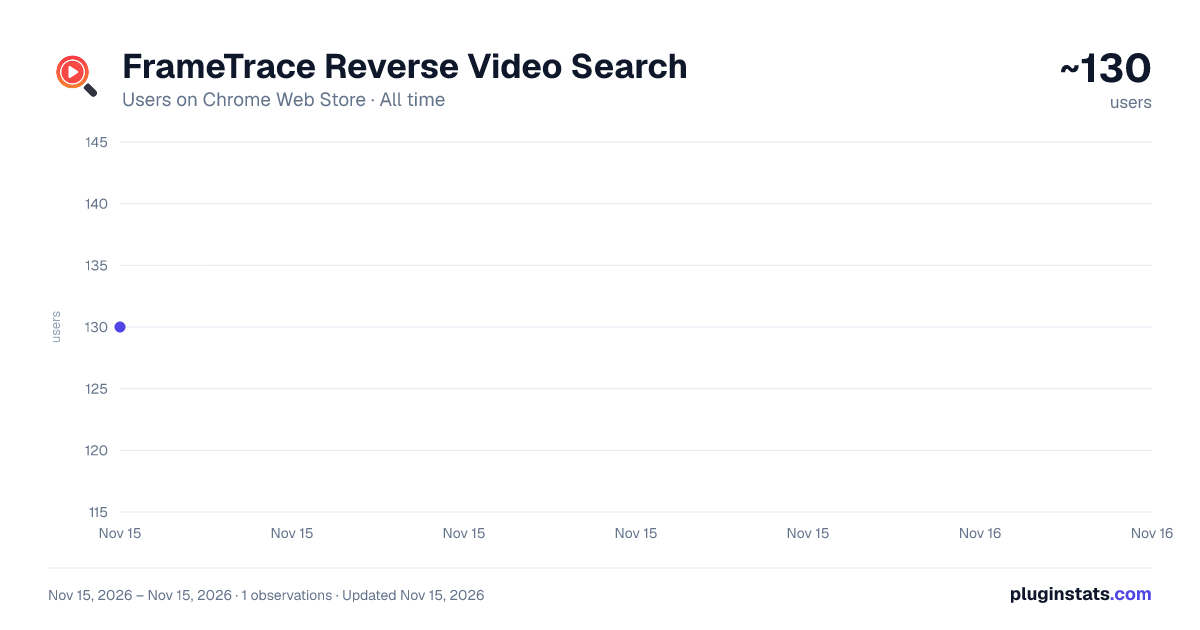
FrameTrace Reverse Video Search has approximately 130 recorded users on Chrome Web Store, ranking #9281 of 10,388 tracked listings.
About FrameTrace Reverse Video Search
Find where any video came from. Detect webpage or local videos to find sources, full versions, and reposts online.
Find Any Video Source in One Click
FrameTrace helps you reverse search videos from webpages or from your own local files. Use it to find where a video came from, discover a longer version of a short clip, and check where the same video has been reposted online.
What You Can Do
Find the original source of a video. Search for the full version of a short clip. Check whether a video has been reposted or duplicated online. Compare matching results from public web sources. Use Deep Search for a more thorough search when a quick search is not enough.
How To Search Videos On A Webpage
Step 1: Open a webpage that contains a video.
Step 2: Click the FrameTrace extension icon in your Chrome toolbar.
Step 3: The extension detects available videos on the page and shows them in the panel.
Step 4: Select the video you want to investigate.
Step 5: Click Reverse Search for a quick lookup, or Deep Search for a more detailed search.
This is useful when you see a short clip online and want to know where it first appeared, whether a longer version exists, or whether the same video has been shared elsewhere.
How To Search Local Video Files
Step 1: Open FrameTrace and choose the local upload option.
Step 2: Select a video file from your computer.
Step 3: Click Reverse Search or Deep Search.
Step 4: Review matching results from public web sources.
This is useful when you already have a downloaded video and want to check if it appears elsewhere on the internet.
For local uploads, common formats such as MP4 and MOV are supported.
Who It Helps
Everyday users can find the source of viral clips before sharing them.
Creators can check whether their videos have been reposted without permission.
Researchers and journalists can investigate where a video appeared and compare related versions.
Brands and teams can monitor public reposts of their video content.
Why Use FrameTrace
FrameTrace keeps the workflow simple: open the extension, choose a video, and start searching. It is built for source discovery, repost checks, duplicate video discovery, and finding full versions of short clips.
FrameTrace searches public web sources and video pages where matching content may appear. Results depend on what is publicly accessible online.
Example sources include YouTube, TikTok, and Instagram. FrameTrace is not limited to these platforms.
Privacy
The extension only sends a video for search when you choose to start a search. Local uploads are used for analysis and are not intended to be retained after processing.
Support
For questions or support, contact hi@reversevideosearch.org.
Description from the Chrome Web Store listing.
README badge
Show your rank in a README or on your website. The badge updates automatically.
Charts
Images: 30d · 1y · all time · 1600×900 dark
Adoption over time
7/30/90-day growth
Ranking history
Ratings over time
Listing placement
Listing placement
Filled points are observed values; hollow points come from Internet Archive snapshots of the listing page. Dashed segments span periods with no observations — values between points are not interpolated.
Each band is one page of 20. Users on a linear scale. Placement is projected from users, so it can differ from the marketplace's own sort order. Hover a dot to see the listing.
Recent observations
Full history (1)Similar Chrome Web Store Tools plugins
All 20 FrameTrace Reverse Video Search alternatives



Data source
Covers every Chrome Web Store extension with at least 100 users, found through the store's public sitemap. User counts are read from public listing pages. The 10% most-used extensions are refreshed daily, the next 40% weekly and the next 40% monthly; the least-used 10% are not refreshed. Google displays rounded user counts (and caps the display at 10,000,000+), so small changes may not be visible. Rating counts above 1,000 are rounded (e.g. 1.6K).
Listing: https://chromewebstore.google.com/detail/frametrace-reverse-video/mmgegpdanfijhnconjgphdeeinkkpcbh. First seen Nov 15, 2026; last successful collection Nov 15, 2026. See the methodology.