 PluginStats

Audio Extractor from Video users statistics
By CEO · Chrome Web Store · Tools
Extract sound from video to audio converter MP4 to MP3. Get audio from video files (mov, mkv, webm..)
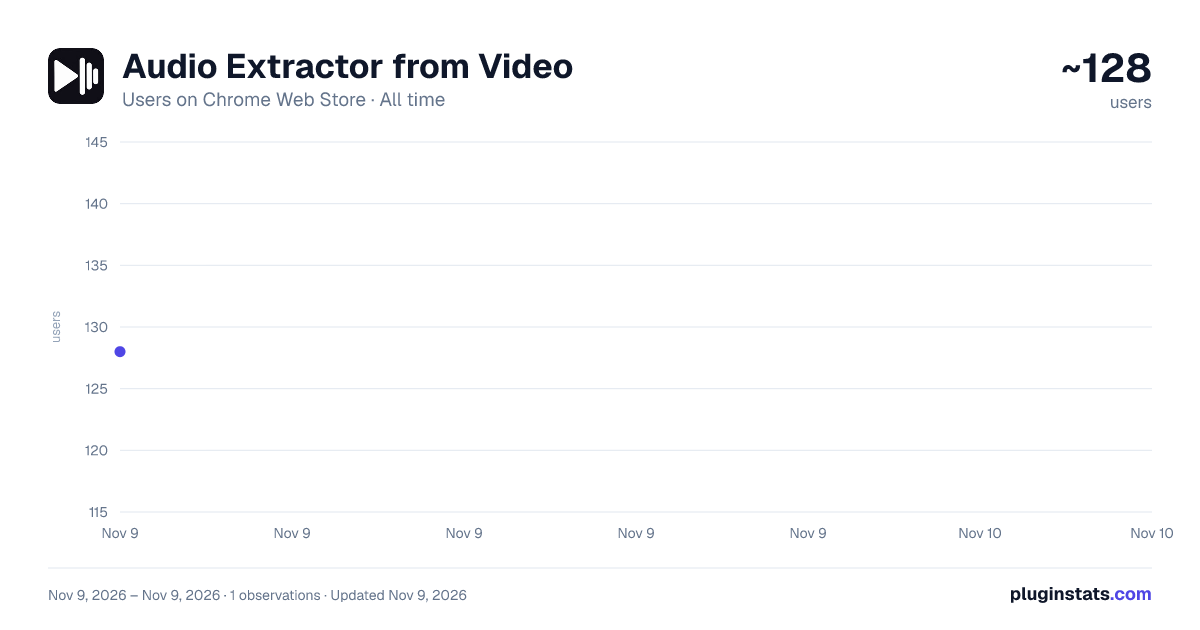
Audio Extractor from Video has approximately 128 recorded users on Chrome Web Store, ranking #9325 of 10,388 tracked listings.
Rating: 5.00 / 5 from 1 ratings
About Audio Extractor from Video
Extract sound from video to audio converter MP4 to MP3. Get audio from video files (mov, mkv, webm..)
Extract audio from video in a few clicks and save the track as MP3, WAV or M4A directly in Chrome. Audio Extractor from Video works with local video files and supported media detected on the current webpage. Choose the source, select the part you need, pick an output format and export the track without opening a separate desktop converter.
Use the video to audio converter when you need to extract sound from video, get audio from video for listening, or extract music from video for permitted editing. Choose MP3, WAV or M4A to convert video into audio without keeping the picture. Range selection lets you export the full soundtrack or only the section you need.
✨ MAIN FEATURES
• Local files — work with supported MP4, MOV, MKV and WEBM sources. • Range selection — export the full soundtrack or only a selected section. • MP3, WAV and M4A output — choose the format that fits your next step. • Webpage mode — detect supported media on the current page as an extra workflow.
Use it as a video audio extractor when you need the soundtrack from a supported source.
🎵 MP4 TO AUDIO
Use the extension as an audio extractor from MP4 when you need the track without the picture. Choose MP3, WAV or M4A as the output.
🎧 VIDEO TO MP3
Use the video to MP3 converter when you want to convert video to MP3. For MP4 files, the MP4 to MP3 converter can turn MP4 to MP3 and extract audio from MP4. The MOV to MP3 converter can convert MOV to MP3. MKV to MP3 and WEBM to MP3 follow the same workflow with supported files.
Need a video in MP3 format? Use the same steps. For several videos in MP3 format, process each supported source one at a time.
🎚️ VIDEO TO WAV
Use the MP4 to WAV converter to convert MP4 to WAV. MOV to WAV is supported as well. To convert video to WAV, choose WAV as the output. MKV to WAV and WEBM to WAV follow the same steps with supported files. For other supported source files, the video to WAV converter provides the same workflow.
🎶 M4A OUTPUT
Need to export MP4 to M4A? The MP4 to M4A converter exports the track directly. MOV to M4A and WEBM to M4A use the same steps with supported files. The same steps apply to video to M4A conversion from other supported sources.
🌐 ONLINE CONVERTER IN CHROME
Looking for an online video converter or online audio converter? After installation, the extension handles the same task directly in Chrome without opening a separate conversion site. For MP3 or soundtrack extraction, it can replace a separate online MP3 converter or online audio extractor.
✂️ EXTRACT OR SEPARATE AUDIO
Need to detach audio from video? Choose the source and export the soundtrack as a separate file. You can export audio from video while leaving the original source unchanged. If your goal is to separate audio from video, the same workflow applies.
⬇️ DOWNLOAD FROM A WEBPAGE — EXTRA
When supported media is detected on the current page, the built-in audio downloader can download audio from video without first saving the complete source file. You can also download audio from webpage content when that media is available to the extension. Local files remain the primary workflow.
⚙️ HOW IT WORKS
- Open the extension and choose a local file or supported media detected on the current page.
- Preview the source and select the full track or only the part you need.
- Choose MP3, WAV or M4A.
- Export the soundtrack as a separate file.
💡 COMMON USE CASES
Save audio from video for listening when you do not need the picture. Export a lecture, presentation or interview for listening. Keep a short section from a long recording instead of processing the entire source. You can pull audio from video from only the selected range. If you want to rip audio from video for permitted use, the output is the soundtrack without the picture. The extension also works as a sound extractor from video when that is all you need.
❓ FAQ
How to extract audio from video? Choose the source, select the full track or a range, then export it.
How to convert MP4 to MP3? Open the MP4 file, choose MP3 and export the track.
How to turn a video into an audio file? Choose the source, select MP3, WAV or M4A, then export the soundtrack.
How to isolate audio from video? Select the required range and export the soundtrack as a separate file.
How to convert video to audio? Open the source, choose the output format and export only the track.
Description from the Chrome Web Store listing.
README badge
Show your rank in a README or on your website. The badge updates automatically.
Charts
Images: 30d · 1y · all time · 1600×900 dark
Adoption over time
7/30/90-day growth
Ranking history
Ratings over time
Listing placement
Listing placement
Filled points are observed values; hollow points come from Internet Archive snapshots of the listing page. Dashed segments span periods with no observations — values between points are not interpolated.
Each band is one page of 20. Users on a linear scale. Placement is projected from users, so it can differ from the marketplace's own sort order. Hover a dot to see the listing.
Recent observations
Full history (1)Similar Chrome Web Store Tools plugins
All 20 Audio Extractor from Video alternatives



Data source
Covers every Chrome Web Store extension with at least 100 users, found through the store's public sitemap. User counts are read from public listing pages. The 10% most-used extensions are refreshed daily, the next 40% weekly and the next 40% monthly; the least-used 10% are not refreshed. Google displays rounded user counts (and caps the display at 10,000,000+), so small changes may not be visible. Rating counts above 1,000 are rounded (e.g. 1.6K).
Listing: https://chromewebstore.google.com/detail/audio-extractor-from-vide/hombbkmdpbfjokmbobhpakdldmchbcnn. First seen Nov 9, 2026; last successful collection Nov 9, 2026. See the methodology.