 PluginStats
New Tab: Pomodoro Timer & Site Blocker for Chrome users statistics
Chrome Web Store · Functionality & UI
Optimize your New Tab Page with a Focus Timer and Site Blocker for Chrome. Manage your todo list and stay productive every day.
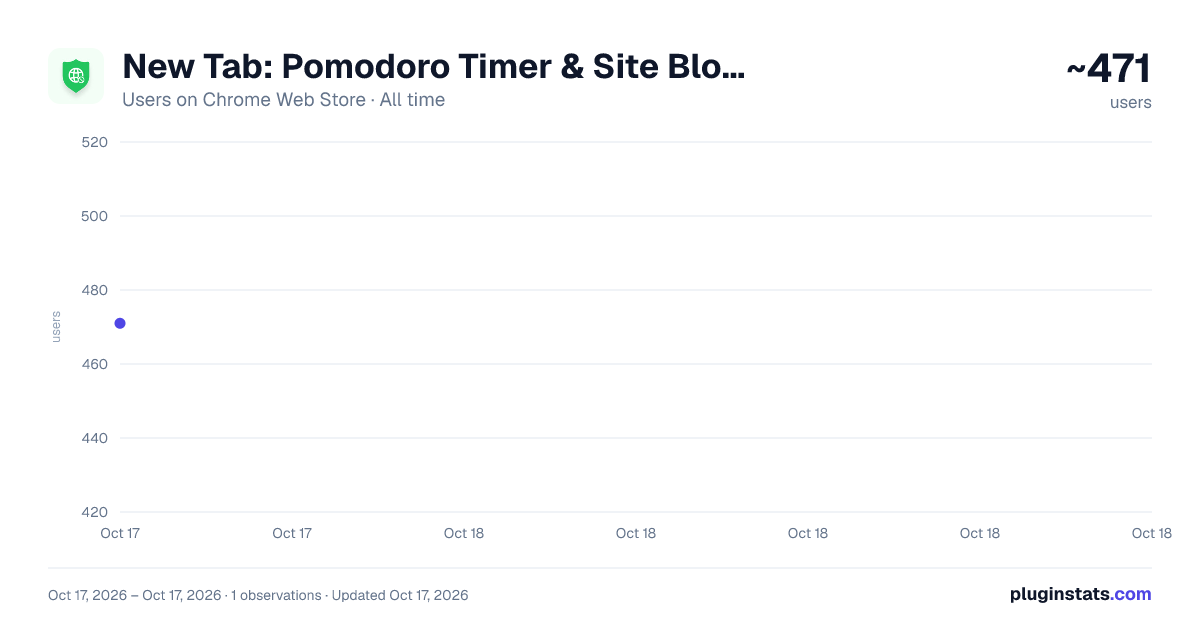
New Tab: Pomodoro Timer & Site Blocker for Chrome has approximately 471 recorded users on Chrome Web Store, ranking #1282 of 2,495 tracked listings.
Rating: 4.80 / 5 from 30 ratings
About New Tab: Pomodoro Timer & Site Blocker for Chrome
Optimize your New Tab Page with a Focus Timer and Site Blocker for Chrome. Manage your todo list and stay productive every day.
Stop losing hours to mindless browsing and fragmented focus.
Ashdeck is designed to help you stay focused by blocking distracting websites & apps using a Pomodoro timer for structured work sessions, and tracking your progress. It transforms your new tab into a personalized productivity workspace, keeping you organized, motivated, and distraction-free.
✅ Why Choose Ashdeck? Unlike traditional productivity tools that live in separate apps, Ashdeck integrates directly into your Chrome New Tab—right where your work actually happens. Every time you open a new tab, you’re greeted with a calm, purpose-built environment designed to help you block distractions, structure your time, and move tasks forward without friction.
Ashdeck combines a powerful site blocker, a Pomodoro-focus timer, task management, and science-backed soundscapes into one minimalist, privacy-focused experience. Whether you’re a tech professional, a remote worker or freelancer working from home, a student studying for exams, or a founder juggling multiple priorities, or someone with ADHD, Ashdeck helps you regain control of your attention. It provides the structure you need to stay focused and manage your todo list with ease.
By transforming your browser into a personalized productivity hub, Ashdeck eliminates digital noise, reinforces healthy work rhythms, and keeps your goals visible—so focus becomes a habit, not a constant struggle.
✅ What Makes Ashdeck Different? 🔹Lives inside the Chrome New Tab instead of a separate app 🔹Combines blocking, focus, tasks, and sound in one simple workspace 🔹Minimalist, calm design with no feature overload 🔹Built specifically for browser-based work and deep focus 🔹Open source and privacy-first, with no invasive tracking
✅ Key Features for Deep Work 👉Custom New Tab: Transform your browser into a beautifully designed new tab that helps you feel calm, focused, and inspired. Ashdeck replaces distracting blank screens with a minimalist, productive workspace tailored to your workflow.
👉Strict Site Blocker for Chrome: Instantly block time-wasting websites or schedule focus sessions. Our site blocker ensures you don't stray from your work during critical hours.
👉Integrated Pomodoro Timer: Built on the Pomodoro technique, this pomodoro timer allows you to toggle between deep work and restorative breaks to prevent burnout.
👉Intelligent Todo List/ Tasks & Reminders: Align your daily tasks with your focus sessions. Track your progress in real-time and see exactly how much you've accomplished.
👉Science-Backed Soundscapes: Boost your concentration with binaural beats and ambient sounds (white noise, nature, café vibes) designed to deepen your creative flow.
👥 Who Is Ashdeck For? ➤Professionals: Create a disciplined digital workspace and improve your daily output. ➤Students: Use the site blocker for Chrome to stay away from social media while studying with a structured pomodoro timer. ➤ADHD Support: Benefit from a structured New Tab that minimizes visual noise and provides clear, timed intervals. ➤Creatives: Use the pomodoro timer and binaural audio to enter a flow state faster.
🛠️ How to Get Started:
- Add to Chrome: Install the Ashdeck extension in seconds. Set Your New Tab: Grant permission to let Ashdeck organize your dashboard.
- Pin the Extension – Keep Ashdeck accessible from your toolbar.
- Define Your Limits: Activate the site blocker for Chrome for your most distracting URLs.
- Start Your Pomodoro Timer: Choose your work interval and get to work.
- Achieve Your Goals: Watch your productivity soar as you check off your todo list.
Instead of creating yet another app that demands your attention, we asked a different question:
"What if productivity lived exactly where work already happens? That answer became Ashdeck.
Description from the Chrome Web Store listing.
README badge
Show your rank in a README or on your website. The badge updates automatically.
Charts
Images: 30d · 1y · all time · 1600×900 dark
Adoption over time
7/30/90-day growth
Ranking history
Ratings over time
Listing placement
Listing placement
Filled points are observed values; hollow points come from Internet Archive snapshots of the listing page. Dashed segments span periods with no observations — values between points are not interpolated.
Each band is one page of 20. Users on a linear scale. Placement is projected from users, so it can differ from the marketplace's own sort order. Hover a dot to see the listing.
Recent observations
Full history (1)Similar Chrome Web Store Functionality & UI plugins
All 20 New Tab: Pomodoro Timer & Site Blocker for Chrome alternatives



Data source
Covers every Chrome Web Store extension with at least 100 users, found through the store's public sitemap. User counts are read from public listing pages. The 10% most-used extensions are refreshed daily, the next 40% weekly and the next 40% monthly; the least-used 10% are not refreshed. Google displays rounded user counts (and caps the display at 10,000,000+), so small changes may not be visible. Rating counts above 1,000 are rounded (e.g. 1.6K).
Listing: https://chromewebstore.google.com/detail/new-tab-pomodoro-timer-si/ahdbmagpbepplcdlfodgilcljafooimc. First seen Oct 17, 2026; last successful collection Oct 17, 2026. See the methodology.