 PluginStats
FullPageScreenshot - Custom Screenshots & Advanced Editor users statistics
Chrome Web Store · Workflow & Planning
Capture full-page or custom-area screenshots & Edit with an advanced dashboard and save in multiple formats like JPEG, PNG, and PDF.
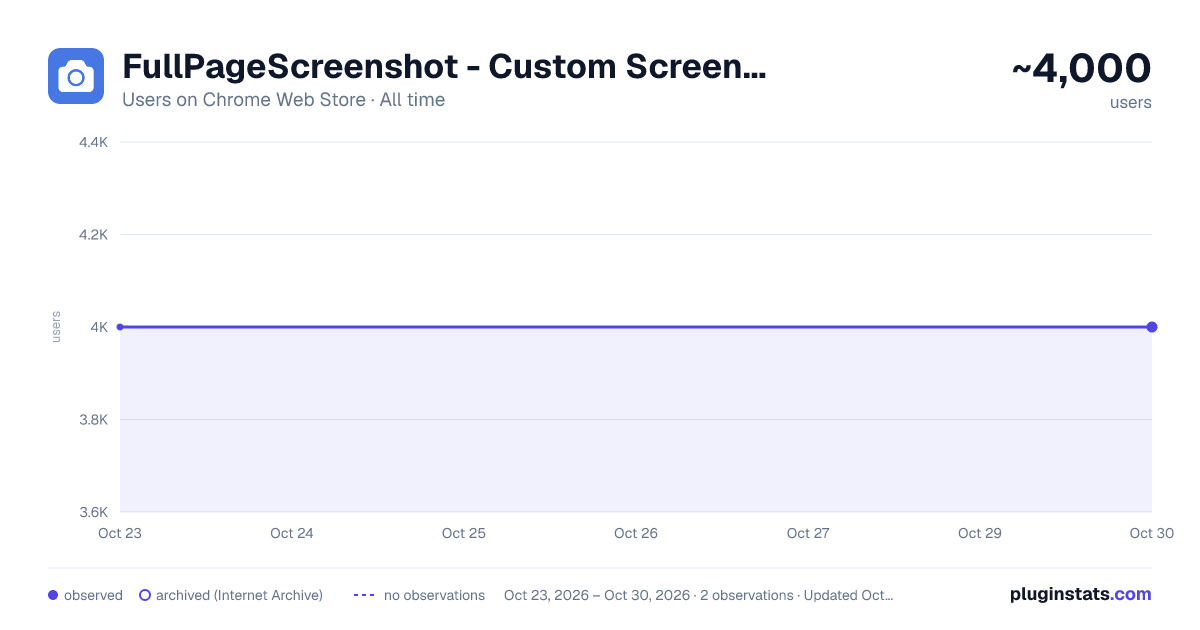
FullPageScreenshot - Custom Screenshots & Advanced Editor has approximately 4,000 recorded users on Chrome Web Store, ranking #760 of 3,853 tracked listings.
Rating: 4.30 / 5 from 6 ratings
About FullPageScreenshot - Custom Screenshots & Advanced Editor
Capture full-page or custom-area screenshots & Edit with an advanced dashboard and save in multiple formats like JPEG, PNG, and PDF.
FullPageScreenshot - The Ultimate Screenshot Tool
Take your productivity to the next level with FullPageScreenshot, the most advanced and user-friendly screenshot tool. Whether you need to capture an entire webpage, a specific section, or a custom area, FullPageScreenshot has you covered!
Key Features: Full-Page Screenshots: Capture the entire webpage, no matter how long it is. Custom-Area Screenshots: Select and capture only the part you need. Advanced Editing Dashboard: Edit your screenshots with precision. Add annotations, text, highlights, shapes, and more. Multiple Download Formats: Save your screenshots in JPEG, PNG, or PDF to suit your needs. User-Friendly Interface: Simple, intuitive, and efficient design for effortless use. High-Quality Output: Ensure your screenshots look sharp and professional. Who Is It For? FullPageScreenshot is perfect for:
Students: Capture notes, assignments, and study material. Professionals: Document workflows, create reports, or share project updates. Designers & Developers: Grab website snapshots for reviews and presentations. Anyone: Who wants a reliable, easy-to-use tool to capture and edit screenshots! Why Choose FullPageScreenshot? FullPageScreenshot isn’t just another screenshot tool. It’s a productivity powerhouse designed to save you time and make your work easier. With its seamless features and advanced editing options, you’ll wonder how you managed without it.
Download FullPageScreenshot now and take control of your screenshots like never before!
Description from the Chrome Web Store listing.
README badge
Show your rank in a README or on your website. The badge updates automatically.
Charts
Images: 30d · 1y · all time · 1600×900 dark
Adoption over time
7/30/90-day growth
Ranking history
Ratings over time
Listing placement
Listing placement
Filled points are observed values; hollow points come from Internet Archive snapshots of the listing page. Dashed segments span periods with no observations — values between points are not interpolated.
Each band is one page of 20. Users on a linear scale. Placement is projected from users, so it can differ from the marketplace's own sort order. Hover a dot to see the listing.
Recent observations
Full history (1)Similar Chrome Web Store Workflow & Planning plugins
All 20 FullPageScreenshot - Custom Screenshots & Advanced Editor alternatives



Data source
Covers every Chrome Web Store extension with at least 100 users, found through the store's public sitemap. User counts are read from public listing pages. The 10% most-used extensions are refreshed daily, the next 40% weekly and the next 40% monthly; the least-used 10% are not refreshed. Google displays rounded user counts (and caps the display at 10,000,000+), so small changes may not be visible. Rating counts above 1,000 are rounded (e.g. 1.6K).
Listing: https://chromewebstore.google.com/detail/fullpagescreenshot-custom/colimbbgbkkmcbkjnnmmpbbhmbcngdcj. First seen Oct 23, 2026; last successful collection Oct 23, 2026. See the methodology.