 PluginStats

Absolute Right Click Enable Plus users statistics
Chrome Web Store · Developer Tools
Force Enable Right Click & Copy
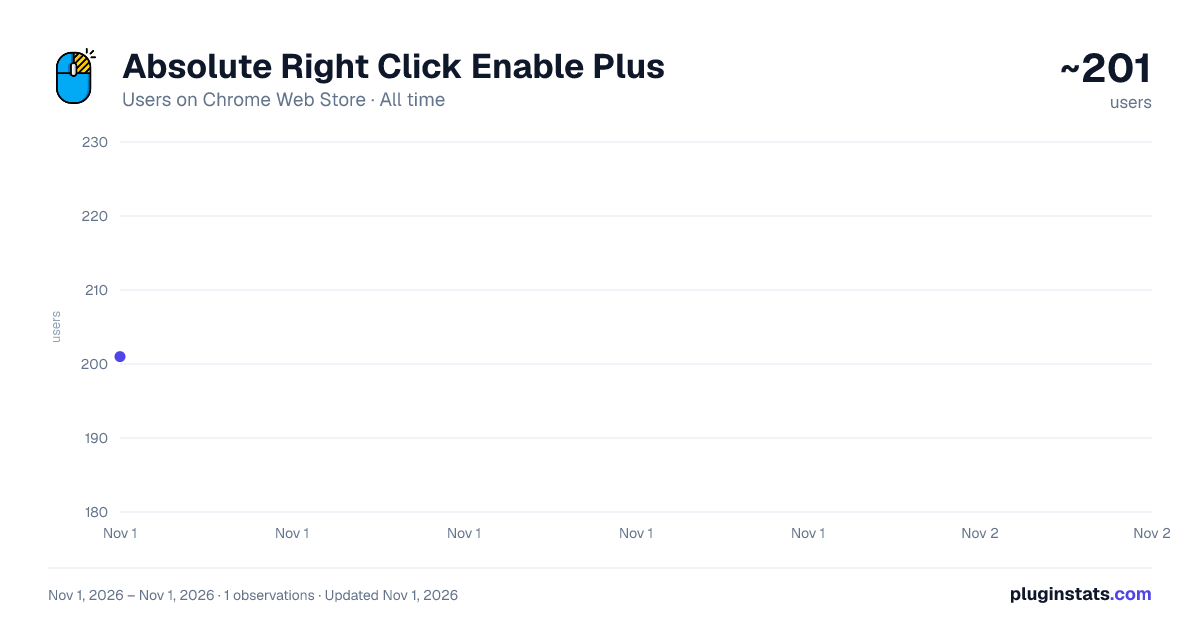
Absolute Right Click Enable Plus has approximately 201 recorded users on Chrome Web Store, ranking #4973 of 6,672 tracked listings.
About Absolute Right Click Enable Plus
Force Enable Right Click & Copy
🔓 Unlock Right-Click & Copy on Any Website Tired of websites blocking your right-click and copy functionality? Absolute Right Click Enable Plus is your solution! This powerful extension bypasses website restrictions and gives you back control over your browsing experience.
✨ Key Features:
- Enable Copy Mode - Allow text selection and copying on protected websites
- Absolute Mode - Advanced protection bypass for stubborn sites
- Smart Detection - Automatically remembers your preferences for each website
- Modern Interface - Clean, intuitive design with dark/light theme support
- Privacy Focused - No data collection, works entirely locally
- Lightweight - Minimal resource usage, fast performance
🎯 Perfect For:
- Students copying research materials
- Developers examining website code
- Content creators gathering information
- Anyone who needs to copy text from protected sites
- Users frustrated by overly restrictive websites
⚡ How It Works:
- Click the extension icon in your toolbar
- Toggle "Enable Copy" for basic text selection
- Use "Absolute Mode" for advanced protection bypass
- Your settings are automatically saved per website
- Enjoy unrestricted right-click and copy functionality!
Safe & Secure:
- No data collection or tracking
- Open source and transparent
- Minimal permissions required
- Regular updates and maintenance
- Compatible with all modern websites
💡 Pro Tips:
- Use "Enable Copy" for most websites
- Switch to "Absolute Mode" for heavily protected sites
- Check the settings page to manage your enabled websites
- Reload the page after enabling to see changes
Technical Details:
- Manifest V3 compatible
- Works on all major websites
- Supports both light and dark themes
- Minimal memory footprint
- Fast and responsive
📱 Browser Compatibility:
- Google Chrome (recommended)
- Microsoft Edge
- Other Chromium-based browsers
🎨 User Experience:
- Clean, modern interface
- Intuitive toggle controls
- Real-time status indicators
- Easy website management
- Professional design
🚀 Why Choose Absolute Right Click Enable Plus?
- Reliable - Works on 99% of websites
- Fast - Instant activation, no delays
- Safe - No security risks or data leaks
- User-Friendly - Simple one-click operation
- Maintained - Regular updates and bug fixes
📞 Support: Developer: Atikur Rahman Shohel Website: arshohel.com Facebook: fb.com/arshohel99
⚠️ Important Note: This extension is designed for legitimate use cases like research, education, and personal productivity. Please respect website terms of service and copyright laws when using this tool.
🔍 Perfect for:
- Research and academic work
- Content creation and writing
- Web development and debugging
- Personal productivity tasks
- Educational purposes
- Download Absolute Right Click Enable Plus today and take back control of your browsing experience!
Description from the Chrome Web Store listing.
README badge
Show your rank in a README or on your website. The badge updates automatically.
Charts
Images: 30d · 1y · all time · 1600×900 dark
Adoption over time
7/30/90-day growth
Ranking history
Ratings over time
Listing placement
Listing placement
Filled points are observed values; hollow points come from Internet Archive snapshots of the listing page. Dashed segments span periods with no observations — values between points are not interpolated.
Each band is one page of 20. Users on a linear scale. Placement is projected from users, so it can differ from the marketplace's own sort order. Hover a dot to see the listing.
Recent observations
Full history (1)Similar Chrome Web Store Developer Tools plugins
All 20 Absolute Right Click Enable Plus alternatives



Data source
Covers every Chrome Web Store extension with at least 100 users, found through the store's public sitemap. User counts are read from public listing pages. The 10% most-used extensions are refreshed daily, the next 40% weekly and the next 40% monthly; the least-used 10% are not refreshed. Google displays rounded user counts (and caps the display at 10,000,000+), so small changes may not be visible. Rating counts above 1,000 are rounded (e.g. 1.6K).
Listing: https://chromewebstore.google.com/detail/absolute-right-click-enab/cpoimmkkddobofbjfodcihmoocljidpa. First seen Nov 1, 2026; last successful collection Nov 1, 2026. See the methodology.