 PluginStats

Prism - Colour Picker users statistics
By AR Labs · Chrome Web Store · Developer Tools
Advanced color picker: multi-format output, WCAG contrast, palette sessions, and magnifier loupe. 100% local, no data collection.
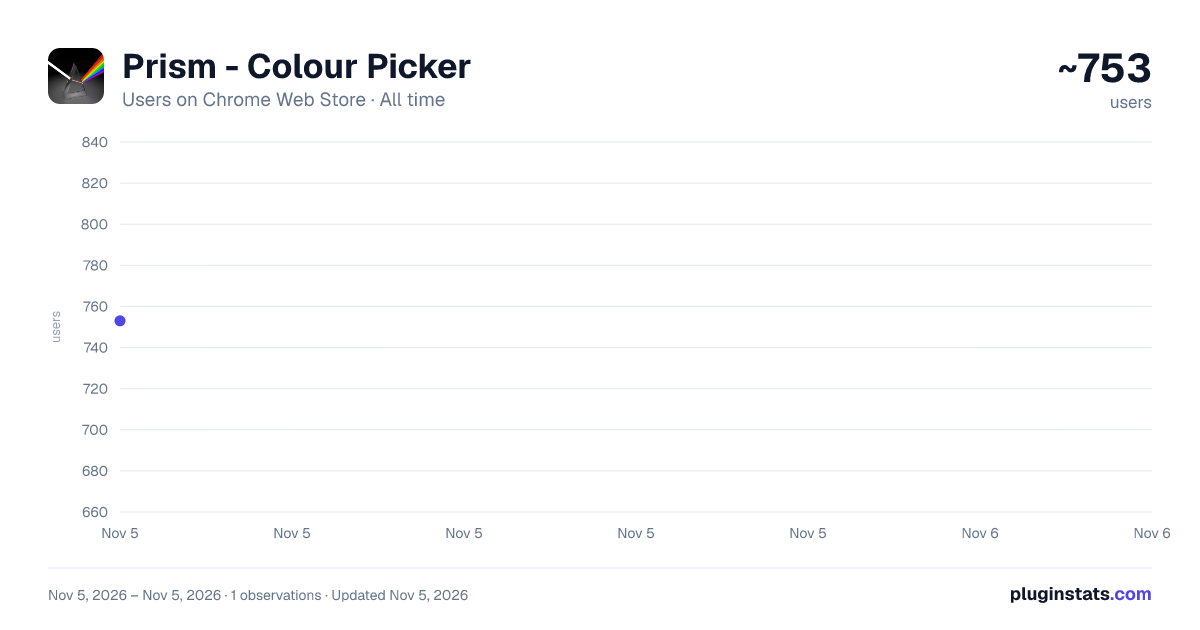
Prism - Colour Picker has approximately 753 recorded users on Chrome Web Store, ranking #3046 of 7,342 tracked listings.
Rating: 5.00 / 5 from 2 ratings
About Prism - Colour Picker
Advanced color picker: multi-format output, WCAG contrast, palette sessions, and magnifier loupe. 100% local, no data collection.
Prism – Colour Picker
Prism is a fast, precise colour picker that captures any colour from any webpage with pixel-perfect accuracy and copies it instantly in the format you need.
Whether you're designing an interface, building a website, or maintaining a design system, Prism brings precision colour selection, accessibility testing, and palette management together in one lightweight extension — no tab-switching, no external tools.
KEY FEATURES
🎯 Precision Eyedropper • Pick colours from any webpage with a high-precision magnifier loupe • Zoom into individual pixels for accurate selection • Fine-tune your pick using the keyboard arrow keys
🎨 Multiple Colour Formats View and copy colours in HEX, RGB, HSL, HSB, and CSS OKLCH.
📋 One-Click Copy Copy any colour format with a single click to speed up your workflow.
♿ Built-in WCAG Contrast Checker Verify colour accessibility with AA and AAA contrast ratings against light, dark, or custom backgrounds.
🧩 Smart Palette Builder Build colour palettes while you browse and export them as CSS variables, SCSS variables, Tailwind CSS configuration, JSON, or PNG colour swatches.
🌈 CSS & Tailwind Matching Automatically find the closest CSS named colour and Tailwind CSS utility class for every selected colour.
👁️ Colour Blindness Preview Preview colours as they appear under protanopia, deuteranopia, and tritanopia.
📚 Colour History Keep track of previously selected colours with searchable history, custom labels, and tags.
⌨️ Keyboard Shortcut Launch the eyedropper instantly with Alt + Shift + C.
PRIVACY FIRST
Prism works 100% locally inside your browser. • No analytics or tracking • No external servers or network requests • No personal data or browsing history collected
All settings, colour history, and palette sessions are stored only on your device.
WHY PRISM?
Unlike basic colour pickers, Prism combines precision selection, accessibility testing, palette management, and design-system export in one fast, lightweight extension — so you can work more efficiently without juggling multiple tools.
Description from the Chrome Web Store listing.
README badge
Show your rank in a README or on your website. The badge updates automatically.
Charts
Images: 30d · 1y · all time · 1600×900 dark
Adoption over time
7/30/90-day growth
Ranking history
Ratings over time
Listing placement
Listing placement
Filled points are observed values; hollow points come from Internet Archive snapshots of the listing page. Dashed segments span periods with no observations — values between points are not interpolated.
Each band is one page of 20. Users on a linear scale. Placement is projected from users, so it can differ from the marketplace's own sort order. Hover a dot to see the listing.
Recent observations
Full history (1)Similar Chrome Web Store Developer Tools plugins
All 20 Prism - Colour Picker alternatives



Data source
Covers every Chrome Web Store extension with at least 100 users, found through the store's public sitemap. User counts are read from public listing pages. The 10% most-used extensions are refreshed daily, the next 40% weekly and the next 40% monthly; the least-used 10% are not refreshed. Google displays rounded user counts (and caps the display at 10,000,000+), so small changes may not be visible. Rating counts above 1,000 are rounded (e.g. 1.6K).
Listing: https://chromewebstore.google.com/detail/prism-colour-picker/fnolbffnpeamdpjepbgmlajdeakfecfb. First seen Nov 5, 2026; last successful collection Nov 5, 2026. See the methodology.