 PluginStats
Annotator - for Chrome users statistics
Chrome Web Store · Developer Tools
Capture page screenshot, annotate with draws/highlights/arrows/text, select & move elements, and send to IDE.
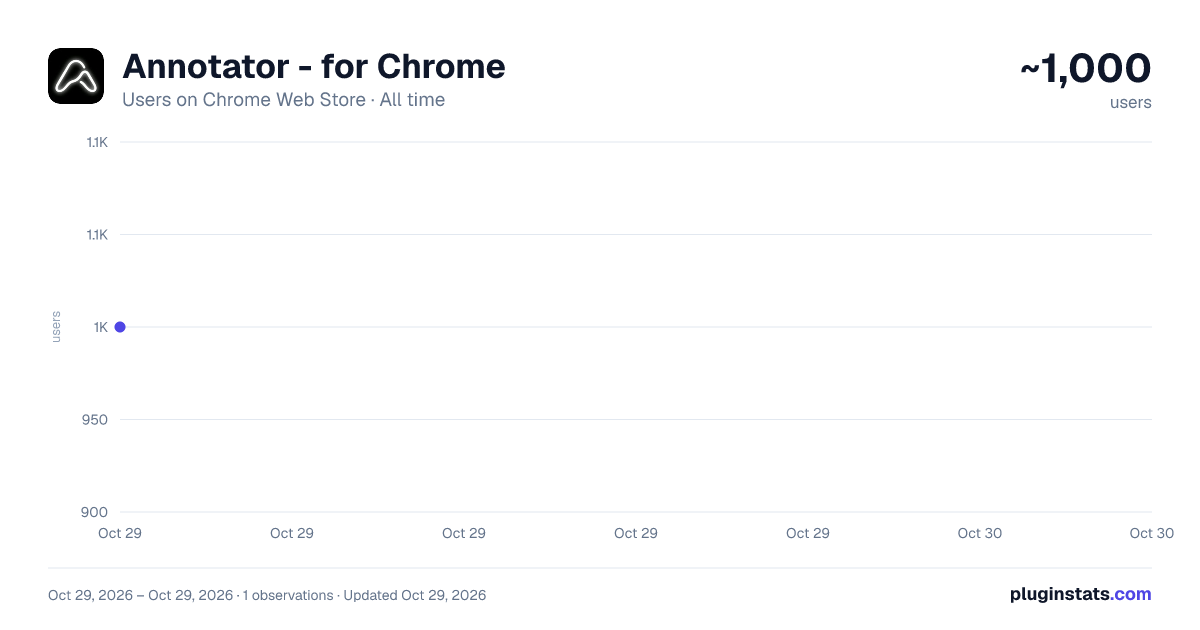
Annotator - for Chrome has approximately 1,000 recorded users on Chrome Web Store, ranking #1916 of 5,223 tracked listings.
Rating: 5.00 / 5 from 2 ratings
About Annotator - for Chrome
Capture page screenshot, annotate with draws/highlights/arrows/text, select & move elements, and send to IDE.
Antigravity Annotator: The Ultimate Bridge Between Your Browser and IDE
Antigravity Annotator is a powerful, lightweight Chrome extension designed specifically for developers, designers, and QA engineers who need a seamless, frictionless feedback loop between their web browser and their local development environment (IDE).
Say goodbye to the tedious process of capturing screenshots, saving them to your disk, opening an image editor to add arrows or text, and then manually dragging them into your code editor. Antigravity Annotator streamlines this entire workflow into a single click!
✨ Key Features
📸 Instant Full-Page Capture: Snaps a crisp, high-resolution screenshot of your current visible tab instantly. ✂️ Smart Crop Tool: Focus only on what matters. Easily crop your screenshot to highlight specific UI components or bugs. 🎨 Rich Annotation Suite: Freehand Drawing: fluidly draw with customizable, high-contrast neon colors. Highlighting: Draw semi-transparent rectangles to emphasize specific text or elements. Contextual Comments: Drop comment boxes with pointer lines exactly where feedback is needed. Direct Text Wrapping: Type text notes directly onto the image. ⚡ One-Click IDE Injection: (Requires the companion VS Code Extension) Click "Add to Antigravity," and your annotated screenshot—along with any generated context prompts—will be beamed directly into your currently active file in Visual Studio Code via a local bridge. 📋 Universal Clipboard Support: Seamlessly copy your annotated master-pieces directly to your system clipboard to paste into Slack, Jira, Notion, or anywhere else. ⌨️ Power-User Shortcuts: Fully keyboard-accessible (e.g., press P to draw, C to comment, H to highlight, Cmd/Ctrl+Z to undo) for lightning-fast workflows. 🌟 Retina & High-DPI Ready: Ensures your screenshots look pixel-perfect, never blurry, preserving the original fidelity of your web app. 🚀 How It Works (The IDE Workflow)
Install this Chrome extension. Install the companion "Annotator for Antigravity" extension in your Antigravity IDE. Click the Antigravity icon in your browser to capture and annotate a page. Hit "Send" — watch your screenshot magically appear right where your cursor was in VS Code! Privacy First: Antigravity Annotator operates entirely locally. It only communicates with your local IDE instance (localhost) and never tracks, stores, or sends your screenshots to any external cloud servers.
Elevate your debugging, design review, and documentation process today with Antigravity Annotator!
Description from the Chrome Web Store listing.
README badge
Show your rank in a README or on your website. The badge updates automatically.
Charts
Images: 30d · 1y · all time · 1600×900 dark
Adoption over time
7/30/90-day growth
Ranking history
Ratings over time
Listing placement
Listing placement
Filled points are observed values; hollow points come from Internet Archive snapshots of the listing page. Dashed segments span periods with no observations — values between points are not interpolated.
Each band is one page of 20. Users on a linear scale. Placement is projected from users, so it can differ from the marketplace's own sort order. Hover a dot to see the listing.
Recent observations
Full history (1)Similar Chrome Web Store Developer Tools plugins
All 20 Annotator - for Chrome alternatives



Data source
Covers every Chrome Web Store extension with at least 100 users, found through the store's public sitemap. User counts are read from public listing pages. The 10% most-used extensions are refreshed daily, the next 40% weekly and the next 40% monthly; the least-used 10% are not refreshed. Google displays rounded user counts (and caps the display at 10,000,000+), so small changes may not be visible. Rating counts above 1,000 are rounded (e.g. 1.6K).
Listing: https://chromewebstore.google.com/detail/annotator-for-chrome/ppaadnkamhbodfekedpdgnknhdfclkin. First seen Oct 29, 2026; last successful collection Oct 29, 2026. See the methodology.