 PluginStats

Copilot to PDF, Word, Markdown, Google Docs & Notion — Chat Exporter users statistics
Export a Microsoft Copilot chat to PDF, Word, Markdown, Google Docs or Notion. Free plan. Code, tables and equations intact.
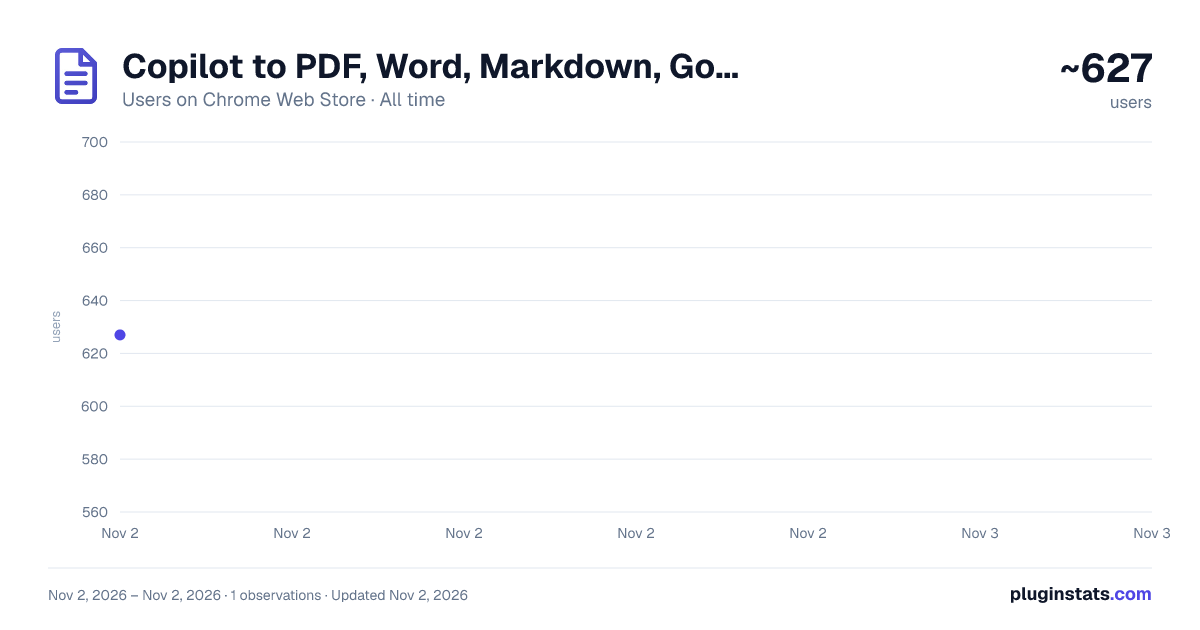
Copilot to PDF, Word, Markdown, Google Docs & Notion — Chat Exporter has approximately 627 recorded users on Chrome Web Store, ranking #3032 of 6,786 tracked listings.
Rating: 4.40 / 5 from 7 ratings
About Copilot to PDF, Word, Markdown, Google Docs & Notion — Chat Exporter
Export a Microsoft Copilot chat to PDF, Word, Markdown, Google Docs or Notion. Free plan. Code, tables and equations intact.
Export any Microsoft Copilot conversation as a ready-to-share document — or send it straight to your printer. One click, no copy-paste, no signup, free.
Whether you want to archive your Copilot chat history, share a deliverable with a client, drop research into Notion, or keep prompts under version control, this Chrome extension makes exporting Microsoft Copilot conversations fast, clean, and repeatable.
━━━━━━━━━━━━━━━━━━━━━━━━━━━ ✨ WHAT YOU CAN DO ━━━━━━━━━━━━━━━━━━━━━━━━━━━
✔ EDITABLE DOCUMENTS Save Copilot as an editable Word document with headings, lists, tables, and code blocks intact. Better than copy-paste — no broken formatting, ready for proposals, reports, SOPs, content drafts.
✔ FIXED LAYOUT FOR SHARING Convert Copilot conversations to PDF for sharing, archiving, or compliance. Consistent fonts and spacing every time. Code blocks and math equations render correctly.
✔ STRAIGHT TO YOUR DRIVE Push Copilot chats straight into Google Docs for team collaboration. Skip the "download then upload" loop — content lands in your Drive with one click.
✔ INTO YOUR WORKSPACE Send Copilot conversations to a Notion page or database. Headings, lists, tables, code blocks, and math equations become native Notion blocks — searchable, editable, taggable.
✔ PLAIN TEXT FOR EDITORS Download as plain Markdown — portable, editor-friendly, ready for any editor or tool that reads .md.
✔ STRUCTURED DATA FOR DEVELOPERS Download chats as structured JSON in standard API message format (role and content). Perfect for developers, data pipelines, or AI fine-tuning.
✔ PRINT COPILOT CONVERSATIONS Send straight to your printer or "Save as PDF" — pixel-identical to the PDF export. Great for paper handouts, archival prints, offline review.
━━━━━━━━━━━━━━━━━━━━━━━━━━━ 🎯 KEY CAPABILITIES ━━━━━━━━━━━━━━━━━━━━━━━━━━━
➤ Export the FULL chat history, the assistant's replies only, your prompts only, or hand-pick individual messages with checkboxes. ➤ Customize font family, text size, heading size, and colors before exporting — keep client deliverables on-brand. ➤ Strips Copilot citation chips ("1", "2" footnote buttons) automatically — clean output, no UI noise. ➤ Renders math equations correctly (KaTeX SSR block math → embedded image, centered with breathing room). ➤ Keeps code blocks with monospace formatting and language hints, with comfortable spacing around them. ➤ Handles Copilot's rich HTML output: headings, lists, tables, blockquotes — all parsed cleanly. ➤ Works on Copilot Chat, Copilot Pro, and Microsoft 365 Copilot at copilot.microsoft.com.
━━━━━━━━━━━━━━━━━━━━━━━━━━━ 🚀 HOW TO EXPORT IN 30 SECONDS ━━━━━━━━━━━━━━━━━━━━━━━━━━━
- Open a Copilot conversation at copilot.microsoft.com.
- Click a format icon directly on the message — or hit the global icon in the top bar for full-chat export.
- (Optional) Select multiple messages first using the checkboxes for partial export.
- (Optional) Adjust font, size, color in Settings before exporting.
- The file downloads — or opens in your chosen destination — instantly.
That's it. No login required. No paywall for basic exports.
━━━━━━━━━━━━━━━━━━━━━━━━━━━ ❓ FAQ ━━━━━━━━━━━━━━━━━━━━━━━━━━━
Q: Is Chat Exporter for Microsoft Copilot free? A: Yes. A generous free quota covers most users. Premium unlocks unlimited exports.
Q: Does it work with Copilot Pro and Microsoft 365 Copilot? A: Yes — all Copilot variants on copilot.microsoft.com are supported.
Q: Does it store my conversations on a server? A: Markdown and JSON are built inside your browser and never leave it. PDF, Word, Google Docs and Print are rendered by our converter, so that conversation is sent there to build the file and is not kept afterwards. We record the time, format, account, IP address and browser of each export — that is what the monthly allowance counts.
Q: Does it preserve code blocks and math equations? A: Yes. Code blocks keep monospace formatting with comfortable spacing; math equations (KaTeX SSR block math) are rendered as centered images so they look right in Word and PDF.
Q: Does it remove Copilot's citation footnotes from the export? A: Yes. The numbered citation chips ("1", "2", ...) Copilot inserts into answers are stripped automatically — your exported document reads cleanly without the source-link clutter.
Q: Can I export just my prompts (questions) or just Copilot's answers? A: Yes. Toggle "Answers only", "Prompts only", or "Everything" in Settings.
Q: Why do Google Docs and Notion exports need permission? A: To create files in your account, the extension needs your one-time authorization.
Q: Can I select specific messages instead of the whole chat? A: Yes. Tick the checkboxes next to individual messages to export only those.
━━━━━━━━━━━━━━━━━━━━━━━━━━━ 🔐 PERMISSIONS & REQUIREMENTS ━━━━━━━━━━━━━━━━━━━━━━━━━━━
● Works directly inside copilot.microsoft.com. ● Google account required only for Google Docs export. ● Notion workspace + one-time auth required only for Notion export. ● Latest Chrome recommended. ● Each export is logged — time, format, account, IP address and browser — to count your quota. Nothing else is collected.
━━━━━━━━━━━━━━━━━━━━━━━━━━━
Install free → export your first Microsoft Copilot conversation in 30 seconds.
Description from the Chrome Web Store listing.
README badge
Show your rank in a README or on your website. The badge updates automatically.
Charts
Images: 30d · 1y · all time · 1600×900 dark
Adoption over time
7/30/90-day growth
Ranking history
Ratings over time
Listing placement
Listing placement
Filled points are observed values; hollow points come from Internet Archive snapshots of the listing page. Dashed segments span periods with no observations — values between points are not interpolated.
Each band is one page of 20. Users on a linear scale. Placement is projected from users, so it can differ from the marketplace's own sort order. Hover a dot to see the listing.
Recent observations
Full history (1)Similar Chrome Web Store Tools plugins
All 20 Copilot to PDF, Word, Markdown, Google Docs & Notion — Chat Exporter alternatives



Data source
Covers every Chrome Web Store extension with at least 100 users, found through the store's public sitemap. User counts are read from public listing pages. The 10% most-used extensions are refreshed daily, the next 40% weekly and the next 40% monthly; the least-used 10% are not refreshed. Google displays rounded user counts (and caps the display at 10,000,000+), so small changes may not be visible. Rating counts above 1,000 are rounded (e.g. 1.6K).
Listing: https://chromewebstore.google.com/detail/copilot-to-pdf-word-markd/inmiconkfkeicnnhljojilechleofccg. First seen Nov 2, 2026; last successful collection Nov 2, 2026. See the methodology.