 PluginStats

XApi HTTP Client - API Tool, Modify Header & Response users statistics
By Senee Lu · Chrome Web Store · Developer Tools
Intercept, debug, modify header & response, replay HTTP requests. Comprehensive API client & cURL support in Chrome DevTools.
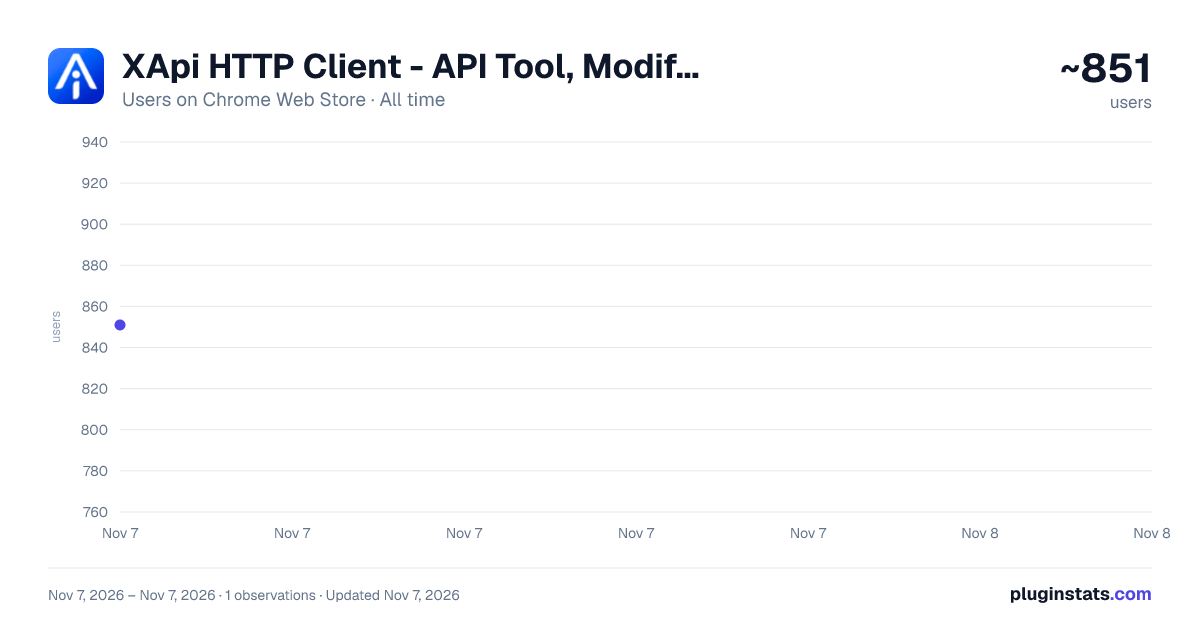
XApi HTTP Client - API Tool, Modify Header & Response has approximately 851 recorded users on Chrome Web Store, ranking #3133 of 7,934 tracked listings.
About XApi HTTP Client - API Tool, Modify Header & Response
Intercept, debug, modify header & response, replay HTTP requests. Comprehensive API client & cURL support in Chrome DevTools.
Stop switching context between your browser and external API clients like Postman or Insomnia. XApi HTTP Client brings a full-featured API testing environment directly into your Chrome DevTools panel.
Built with the latest Manifest V3 technology, this extension allows you to intercept, inspect, edit, and replay HTTP requests without ever leaving your current tab. It provides advanced capabilities including support for modifying restricted request headers such as Origin, Referer, and User-Agent, giving you complete control over your API testing scenarios.
XApi HTTP Client is lightweight, secure, and designed specifically for frontend developers and QA engineers who need a seamless debugging experience directly in their browser environment.
KEY FEATURES
- Seamless DevTools Integration Access the "HTTP Tool" tab directly in your F12 Developer Tools. Debug APIs in the exact context of your web application.
- Intercept & Record Traffic Automatically capture live Fetch and XHR requests occurring on the page. View status codes, timing, size, and methods (GET, POST, PUT, DELETE, PATCH, etc.) in real-time.
- Edit & Replay Requests Found a bug? Don't just watch it happen—fix it. Click any captured request to open it in the editor. Modify: Query Parameters: Add, remove, or disable params. Headers: Tweak authorization tokens or content types. Request Body: Full support for JSON, Raw Text, x-www-form-urlencoded, and Multipart Form-Data (including file uploads). History: Access your recently captured requests instantly.
- cURL Import Have a cURL command from your backend team or server logs? simply paste it into the importer, and we'll convert it into an editable request instantly. 5.Mock & Response Override Intercept live requests and serve custom responses without touching the backend — ideal for front-end development, edge-case testing, and reproducing bugs.
PRIVACY & SECURITY Offline First: We do not track your usage or collect your API data. Local Execution: All requests originate from your browser, ensuring access to local/intranet APIs (localhost) works perfectly. Open Source: Transparent code for peace of mind. Why install HTTP CaptureExt Client? If you are tired of copying authentication tokens from the browser to an external tool, or if you need to quickly test how your backend handles different payloads without writing code, this is the tool for you.
Update Log (v1.1.1): Fix the issue where newly added request parameters fail to load into params. Support Chinese and English multilingual.
Update Log (v2.1.0): 1.Fix the issue with submitting data via Form Data 2.Auto transcode imported cURL requests of the x-www-form-urlencoded type
Update Log (v3.1.1): 1.Supports collapsing and expanding JSON response content 2.Allows modification of response data 3.Optimizes lag issues with large JSON responses
Update Log (v3.1.3): 1.Resolve the issue where the MOCK feature fails to work 2.Optimize text copy and UI styles
Update Log (v3.1.3): 1.Bug fix 2.Optimize styles
Update Log (v3.1.7): 1.Support Modify Header 2.Optimize styles
Description from the Chrome Web Store listing.
README badge
Show your rank in a README or on your website. The badge updates automatically.
Charts
Images: 30d · 1y · all time · 1600×900 dark
Adoption over time
7/30/90-day growth
Ranking history
Ratings over time
Listing placement
Listing placement
Filled points are observed values; hollow points come from Internet Archive snapshots of the listing page. Dashed segments span periods with no observations — values between points are not interpolated.
Each band is one page of 20. Users on a linear scale. Placement is projected from users, so it can differ from the marketplace's own sort order. Hover a dot to see the listing.
Recent observations
Full history (1)Similar Chrome Web Store Developer Tools plugins
All 20 XApi HTTP Client - API Tool, Modify Header & Response alternatives



Data source
Covers every Chrome Web Store extension with at least 100 users, found through the store's public sitemap. User counts are read from public listing pages. The 10% most-used extensions are refreshed daily, the next 40% weekly and the next 40% monthly; the least-used 10% are not refreshed. Google displays rounded user counts (and caps the display at 10,000,000+), so small changes may not be visible. Rating counts above 1,000 are rounded (e.g. 1.6K).
Listing: https://chromewebstore.google.com/detail/xapi-http-client-api-tool/ilcnglohbiokfdcokfceihebobkpeaij. First seen Nov 7, 2026; last successful collection Nov 7, 2026. See the methodology.