 PluginStats
ChatGPT Enter Key Control (by marusin) users statistics
Prevent accidental sends when you meant to insert a line break in ChatGPT.
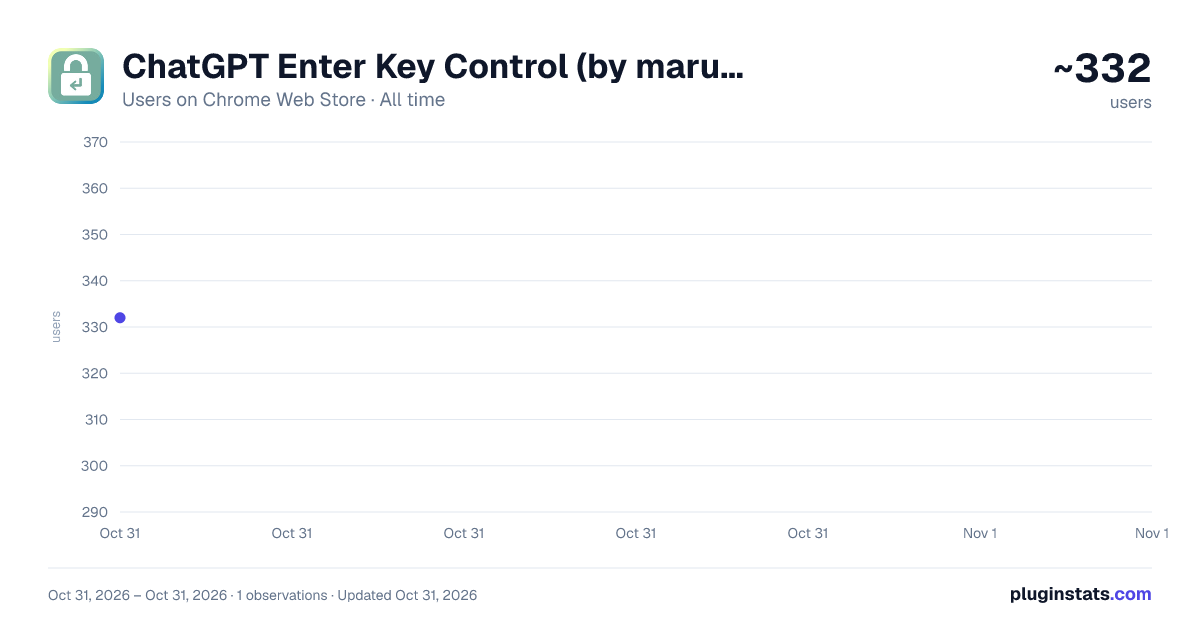
ChatGPT Enter Key Control (by marusin) has approximately 332 recorded users on Chrome Web Store, ranking #3776 of 6,300 tracked listings.
About ChatGPT Enter Key Control (by marusin)
Prevent accidental sends when you meant to insert a line break in ChatGPT.
Press Enter for a new line. Send when you're ready with the shortcut you prefer.
ChatGPT Enter Key Control is a browser extension designed to prevent accidental sends while you're still writing, so you can send only when you're ready.
✨ Latest update (October 28, 2026)
Added Enter for new lines and configured send shortcuts in supported message composers in ChatGPT’s built-in Dots feature.
Support for standard chat, ChatGPT Work, and side chat in Work continues. No additional permissions are required.
✨ Featured feature
Includes a fix for an issue that can cause IME input to become scrambled after pasting multiple lines of text.
■ How to use
- Install the extension
- If ChatGPT is already open, reload the page once
- Use Enter for new lines and Shift+Enter to send
※⚠️ IMPORTANT: If the extension does not work immediately after installation, reload the ChatGPT page once.
The extension is enabled by default, so you can start using it right away.
If you prefer, open the extension from your browser toolbar to choose another send shortcut or turn Enter-key control on or off.
■ Main features
・Enter inserts a new line instead of sending immediately ・Send only when you're ready ・Choose your preferred send shortcut ・Supports shortcuts such as Shift+Enter, Ctrl+Enter, Cmd+Enter, and Shift+Cmd+Enter ・Designed to work smoothly with IME input ・Helps reduce IME input issues that can occur after pasting multiple lines of text ・Helps prevent unintended duplicate sends caused by holding down a key ・Settings can be changed anytime from the extension popup
■ IME input after pasting multiple lines
In some environments, IME input may become scrambled after pasting multiple lines of text.
The extension adjusts the handling of supported simple multiline text pastes so that you can continue typing with IME more smoothly afterward.
It does not interfere with unsupported paste types such as HTML, rich text, images, files, or URLs, allowing the original paste behavior to take priority.
■ Supported service
The extension supports the official ChatGPT web version.
Both the current web version and the legacy domain are supported.
■ Not supported
The extension is designed for safely identifiable supported ChatGPT message composers, including standard chat, Work mode, side chat in ChatGPT Work, and ChatGPT Dots.
It does not apply to input fields inside dialogs or fields that cannot be reliably identified as supported composers.
It also does not apply to web services other than ChatGPT.
■ Privacy and security
・No input content is collected ・No conversation content is collected ・No input content is stored ・No input or conversation content is sent to external servers ・Only the permissions required for supported features are used ・The source code is publicly available on GitHub
■ About site permissions
This extension uses site access permissions to control Enter-key behavior in supported chat input fields.
The extension does not collect, store, or transmit your input or conversation content.
Site access permissions are used only to control Enter-key behavior in supported input fields.
■ Release notes
Version 1.3.7
・Added Enter for new lines and configured send shortcuts in ChatGPT Dots composers ・Retained support for standard chat, Work, and side chat in Work ・No additional permissions are required
Version 1.3.6
・Added Enter-key control support for ChatGPT Work's built-in side chat feature ・Improved handling when multiple chat composers are open ・Improved stability when switching inputs and using IME
Version 1.3.5
・Improved the extension settings layout ・Refined the placement of the Details section and version information ・Adjusted the interface across all seven supported languages
Version 1.3.4
・Fixed an issue where configured send shortcuts did not work in ChatGPT Work mode ・Improved compatibility with the updated message composer ・Updated for the ChatGPT web input and send environment as of October 10, 2026
Version 1.3.3
・Updated for the ChatGPT web input and send environment as of October 5, 2026 ・Fixed an issue where changes to the ChatGPT input form could prevent configured send shortcuts from sending messages ・Improved compatibility with standard chat input and the new input environment ・Improved stability
Version 1.3.2
・Updated for the ChatGPT web input environment as of September 29, 2026 ・Improved composer detection when multiple input fields exist within the page ・Improved compatibility and stability of Enter-key control
Version 1.3.1
・Added compatibility with the new web message composer as of September 27, 2026 ・Improved compatibility so Enter for new lines and configured send shortcuts work correctly with the new composer ・Extended the multiline-paste IME fix to work with the new composer
Version 1.3.0
・Improved an issue where IME input could become scrambled after pasting multiple lines of text ・Improved multiline plain-text paste handling for better compatibility with IME input
Version 1.2.0
・Added Cmd+Enter / Shift+Cmd+Enter send shortcuts on Mac ・Improved compatibility with Japanese, Chinese, Korean, and other IME input so Enter-key control is less likely to interfere with text conversion or confirmation ・Fixed an issue that could insert an extra line break in certain situations
Version 1.1.6
・Added Spanish, Brazilian Portuguese, and Traditional Chinese UI support ・Fixed an issue where the language selector could be clipped in some languages
If ChatGPT Enter Key Control helps you finish what you're writing without sending too early, a rating or review on the store would be greatly appreciated.
You can also leave a star rating without writing a review.
Description from the Chrome Web Store listing.
README badge
Show your rank in a README or on your website. The badge updates automatically.
Charts
Images: 30d · 1y · all time · 1600×900 dark
Adoption over time
7/30/90-day growth
Ranking history
Ratings over time
Listing placement
Listing placement
Filled points are observed values; hollow points come from Internet Archive snapshots of the listing page. Dashed segments span periods with no observations — values between points are not interpolated.
Each band is one page of 20. Users on a linear scale. Placement is projected from users, so it can differ from the marketplace's own sort order. Hover a dot to see the listing.
Recent observations
Full history (1)Similar Chrome Web Store Tools plugins
All 20 ChatGPT Enter Key Control (by marusin) alternatives



Data source
Covers every Chrome Web Store extension with at least 100 users, found through the store's public sitemap. User counts are read from public listing pages. The 10% most-used extensions are refreshed daily, the next 40% weekly and the next 40% monthly; the least-used 10% are not refreshed. Google displays rounded user counts (and caps the display at 10,000,000+), so small changes may not be visible. Rating counts above 1,000 are rounded (e.g. 1.6K).
Listing: https://chromewebstore.google.com/detail/chatgpt-enter-key-control/glldkcipolmbmhhcjppgiplkbcjhdjbm. First seen Oct 31, 2026; last successful collection Oct 31, 2026. See the methodology.