 PluginStats

Web Reader for VOICEVOX users statistics
By ningengakushu · Chrome Web Store · Accessibility
閲覧中のWEBページの選択しているテキストのみを読み上げてくれるアプリです。(This extension is designed to read Japanese text aloud.)
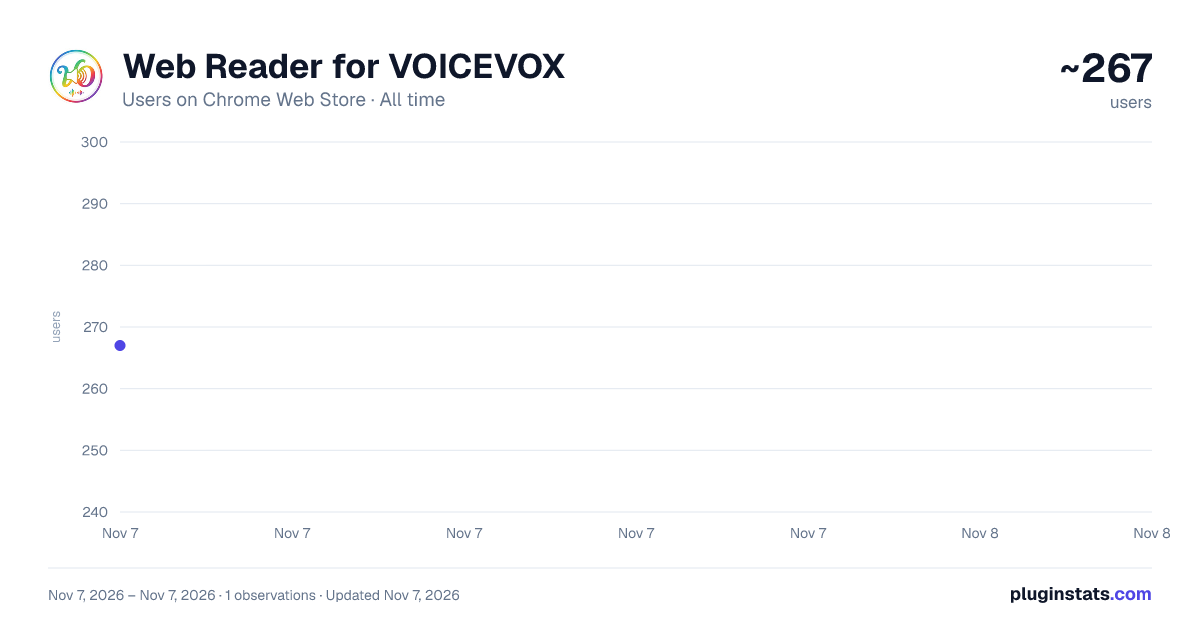
Web Reader for VOICEVOX has approximately 267 recorded users on Chrome Web Store, ranking #5244 of 7,934 tracked listings.
Rating: 5.00 / 5 from 1 ratings
About Web Reader for VOICEVOX
閲覧中のWEBページの選択しているテキストのみを読み上げてくれるアプリです。(This extension is designed to read Japanese text aloud.)
============================================ Web Reader for VOICEVOX [v1.2.1]
Webサイトのテキスト読み上げを、あなたの好きな声で。 VOICEVOXエンジンの力を借りて、ブラウザ上のテキストを 滑らかに読み上げるChrome拡張機能です。
v1.2.1では、ショートカット操作時の安定性を改善し、複数タブ利用時の再生状態表示をより正確にしました。
【主な機能】
◆ テキスト選択からすぐに読み上げ Webページ上のテキストを選択し、表示されるアイコンを左クリックすると読み上げを開始します。再生中にもう一度操作すると停止できます。
◆ ショートカット操作に対応 Alt+Shift+U で、選択中のテキストの読み上げ開始・停止を切り替えられます。 環境によってショートカットが反応しない場合は、Chromeの拡張機能ショートカット設定をご確認ください。 chrome://extensions/shortcuts
◆ 右クリックメニューから再生 選択したテキストを右クリックし、メニューから読み上げを開始できます。
◆ VOICEVOXキャラクターに対応 オプション画面からキャラクターを選択できます。 速度、ピッチ、抑揚、音量、文間の長さも調整できます。
◆ 割り込み再生 再生中に別のテキストを読み上げると、現在の再生を停止して新しいテキストを読み上げます。
◆ テキスト整形機能 URLや不要な改行を自動で整形し、より自然に読み上げます。
【動作要件】※重要
本拡張機能を使用するには、別途「VOICEVOX」ソフトウェアの インストールと起動が必要です。
-
公式サイトからVOICEVOXをインストールしてください。 https://voicevox.hiroshiba.jp/
-
VOICEVOXを起動しておきます(デフォルト設定のままでOK)。
-
ブラウザでテキストを選択し、読み上げを開始してください。
【インストール方法】
- Chrome ウェブストアの本拡張機能のページを開きます。
- 「Chromeに追加」ボタンをクリックします。
- 確認ダイアログが表示されたら「拡張機能を追加」を選択します。
- インストール完了後、VOICEVOXを起動してからご利用ください。
【プライバシーと安全性】
読み上げ対象のテキストは、ローカル環境で起動している VOICEVOXエンジン(127.0.0.1)との通信にのみ使用されます。 外部サーバーへの送信は一切行いません。
【技術仕様】
Manifest V3 準拠 : セキュリティとパフォーマンスに優れた最新仕様 Service Worker : バックグラウンドでの安定したAPI通信 Offscreen API : CSP制限を回避するための独立したオーディオ再生環境 Audio Memory Safety : 再生済みのBlob URLを即時解放し、ブラウザの負荷を最小限に抑制 Visual Isolation : Shadow DOM (mode: closed) を使用し、サイト側のCSS干渉を完全に遮断
============================================ 利用規約・免責事項
本アプリを使用した時点で、以下の規約に同意したものとみなされます。
利用規約 https://github.com/ningengakushu-dot/Web-Reader-for-VOICEVOX/blob/main/docs/TERMS.md
プライバシーポリシー https://github.com/ningengakushu-dot/Web-Reader-for-VOICEVOX/blob/main/docs/PRIVACY.md
[自己責任の原則] 本アプリは個人によって開発されたものであり、無償で提供されています。 使用によって生じたいかなる損害についても開発者は責任を負いません。
[ライセンス・権利関係] ・ソースコードの利用はMIT Licenseに準じます。 ・音声の生成にはVOICEVOXを使用しています。 https://voicevox.hiroshiba.jp/ ・生成した音声を公開する場合、必ず「VOICEVOX:(キャラクター名)」 のようなクレジット表記が必要です。 各キャラクターの利用規約は上記の利用規約ページをご確認ください。
============================================
【開発支援】 この拡張機能を気に入っていただけた場合は、開発支援をご検討いただけると幸いです。 https://github.com/sponsors/ningengakushu-dot
Description from the Chrome Web Store listing.
README badge
Show your rank in a README or on your website. The badge updates automatically.
Charts
Images: 30d · 1y · all time · 1600×900 dark
Adoption over time
7/30/90-day growth
Ranking history
Ratings over time
Listing placement
Listing placement
Filled points are observed values; hollow points come from Internet Archive snapshots of the listing page. Dashed segments span periods with no observations — values between points are not interpolated.
Each band is one page of 20. Users on a linear scale. Placement is projected from users, so it can differ from the marketplace's own sort order. Hover a dot to see the listing.
Recent observations
Full history (1)Similar Chrome Web Store Accessibility plugins
All 20 Web Reader for VOICEVOX alternatives



Data source
Covers every Chrome Web Store extension with at least 100 users, found through the store's public sitemap. User counts are read from public listing pages. The 10% most-used extensions are refreshed daily, the next 40% weekly and the next 40% monthly; the least-used 10% are not refreshed. Google displays rounded user counts (and caps the display at 10,000,000+), so small changes may not be visible. Rating counts above 1,000 are rounded (e.g. 1.6K).
Listing: https://chromewebstore.google.com/detail/web-reader-for-voicevox/ilcfondcjhaalpcghnhcejioopcbhhla. First seen Nov 7, 2026; last successful collection Nov 7, 2026. See the methodology.