 PluginStats

BrowserChef users statistics
Build and run organized browser workflows with visual steps, natural-language actions, and live side-panel output.
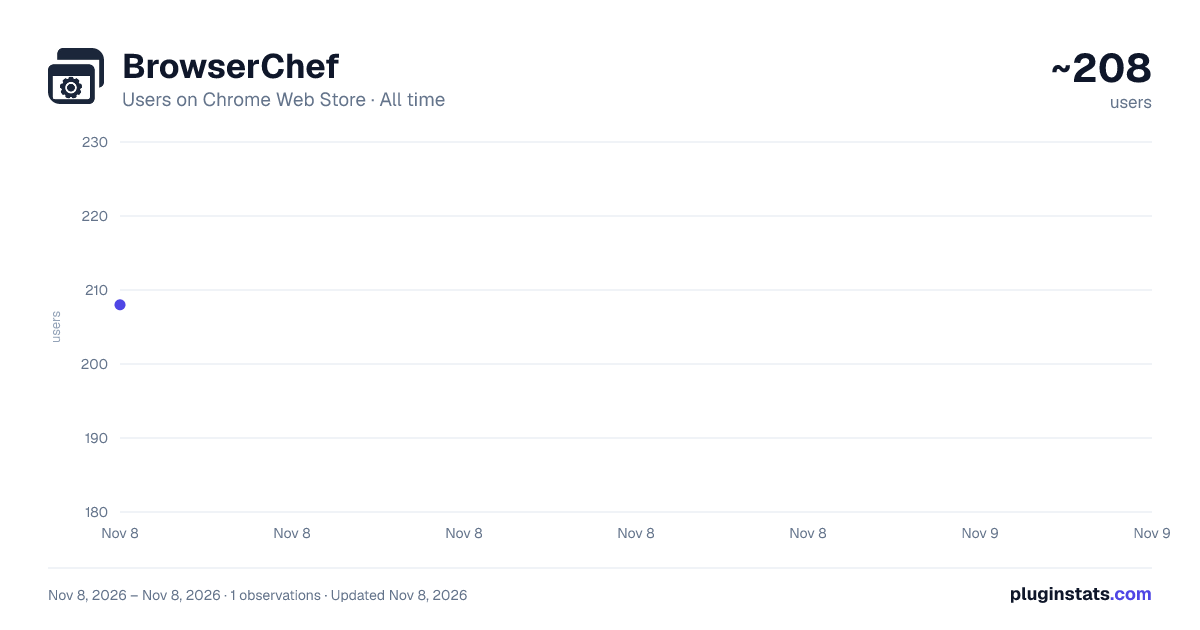
BrowserChef has approximately 208 recorded users on Chrome Web Store, ranking #6031 of 8,189 tracked listings.
Rating: 5.00 / 5 from 2 ratings
About BrowserChef
Build and run organized browser workflows with visual steps, natural-language actions, and live side-panel output.
BrowserChef automates repetitive browser tasks with visual workflows. Build connected steps to click buttons, fill forms, extract page data, download files, and display results in a side panel.
Build and organize workflows • Create workflows in a visual canvas with conditions and loops. • Run them manually, from a right-click menu, on selected text, when pages load, or on a schedule while Chrome is running. • Organize workflows in folders and import or export workflow bundles. • Install community workflows and review their steps before running them.
Use AI where it helps • Describe a page interaction, such as “click the Download button,” with AI Action. • Use AI to summarize or transform text and return it to later steps. • Ask the workflow helper to create or edit a workflow, then review the proposed changes. • Free includes 5 one-time AI trial credits. Pro includes 500 credits per month. Additional credit packs are available in Settings.
See results where you work Display text, Markdown, or sanitized HTML in the side panel, a page overlay, or a new tab. Inspect workflow history when a step fails.
Accounts and data Workflow steps run in your browser. Saved workflow definitions and private variable values sync through Firebase. AI features send the inputs described in their settings to OpenAI through our backend. Stripe handles payments. Workflows can send data to endpoints you configure. See https://browserchef.com/privacy for the full details.
Free supports up to 10 workflows and 100 executions per day. Pro supports up to 100 workflows, unlimited executions, and additional actions. Websites can change or restrict automation, so review and test workflows before relying on them.
Description from the Chrome Web Store listing.
README badge
Show your rank in a README or on your website. The badge updates automatically.
Charts
Images: 30d · 1y · all time · 1600×900 dark
Adoption over time
7/30/90-day growth
Ranking history
Ratings over time
Listing placement
Listing placement
Filled points are observed values; hollow points come from Internet Archive snapshots of the listing page. Dashed segments span periods with no observations — values between points are not interpolated.
Each band is one page of 20. Users on a linear scale. Placement is projected from users, so it can differ from the marketplace's own sort order. Hover a dot to see the listing.
Recent observations
Full history (1)Similar Chrome Web Store Tools plugins
All 20 BrowserChef alternatives



Data source
Covers every Chrome Web Store extension with at least 100 users, found through the store's public sitemap. User counts are read from public listing pages. The 10% most-used extensions are refreshed daily, the next 40% weekly and the next 40% monthly; the least-used 10% are not refreshed. Google displays rounded user counts (and caps the display at 10,000,000+), so small changes may not be visible. Rating counts above 1,000 are rounded (e.g. 1.6K).
Listing: https://chromewebstore.google.com/detail/browserchef/anpdeikhaagjognlhpkccclipiflikkk. First seen Nov 8, 2026; last successful collection Nov 8, 2026. See the methodology.