 PluginStats
Google Drive Sidepanel - Tabbee users statistics
Chrome Web Store · Accessibility
Use Google Drive visible on every page in the side panel.
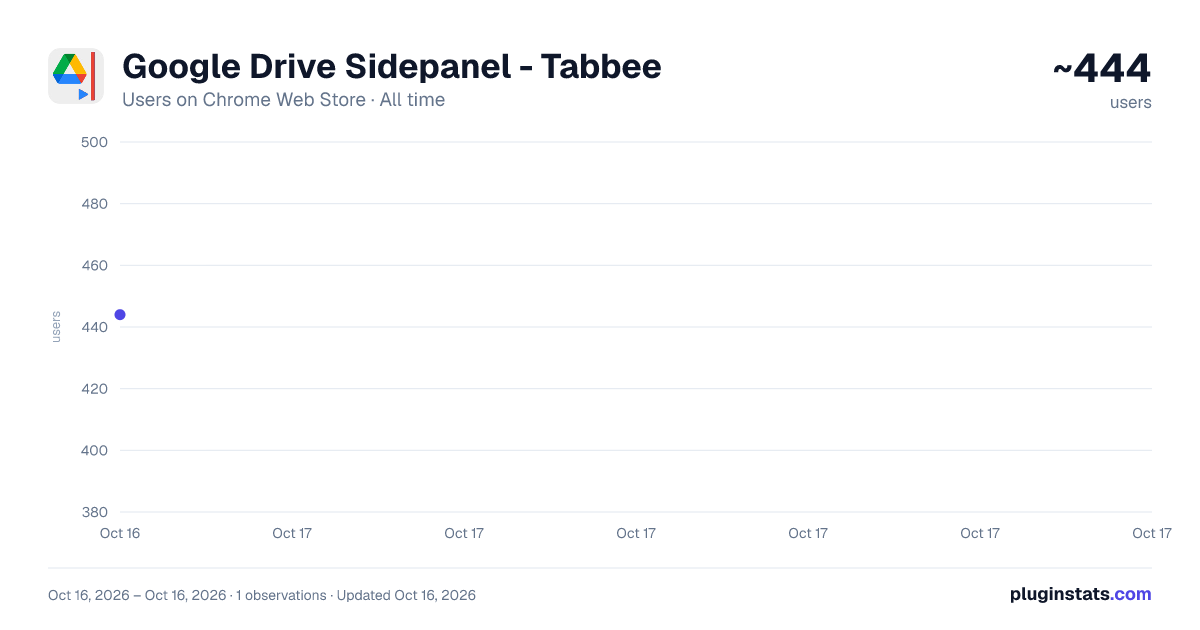
Google Drive Sidepanel - Tabbee has approximately 444 recorded users on Chrome Web Store.
It ranks #828 of 1,556 tracked Chrome Web Store listings by users.
It is rated 3.8 out of 5 from 4 ratings.
PluginStats has 1 daily observations since Oct 16, 2026; the latest is from Oct 16, 2026.
Rating: 3.80 / 5 from 4 ratings
About Google Drive Sidepanel - Tabbee
Use Google Drive visible on every page in the side panel.
Google Drive Sidepanel - Simplify File Management in Your Browser -----------------------------------------------------------------------------------------------------------
Access, organize, and manage all your Google Drive files directly from your Chrome sidebar with the Google Drive Sidepanel extension! This extension is perfect for busy professionals, students, and anyone who needs quick access to their files while multitasking. With Google Drive Sidepanel, you can seamlessly view, edit, and organize documents, spreadsheets, presentations, and more without leaving your current tab.
Why Use Google Drive Sidepanel? ----------------------------------------------------- 1. Instant Google Drive Access Open Google Drive with one click and keep your documents, folders, and files available right from the side panel. Whether you’re searching for a specific document or managing shared files, this extension gives you quick access to everything you need without switching tabs.
2. Streamlined File Management With Google Drive Sidepanel, you can browse folders, organize files, and create new documents easily. The compact design provides full Google Drive functionality so you can handle all your file management needs in a single, accessible sidebar.
3. Stay Productive on Multiple Tasks Perfect for anyone juggling various tasks, the Google Drive Sidepanel lets you access and manage your files while working on other projects. Quickly check documents, open presentations, or review spreadsheets without disrupting your workflow.
4. Real-Time Collaboration View and edit shared files in real-time, comment on documents, and track changes directly from the side panel. Collaborate seamlessly with team members, classmates, or clients, all while keeping Google Drive at your fingertips.
5. Organized Workspace Keep your Google Drive organized and easily accessible. The side panel design brings your entire file library into a single, user-friendly view, helping you stay organized and efficient as you manage your documents and projects.
Key Features: ----------------------------------------------------- One-Click Google Drive Access: Open Google Drive directly in your Chrome sidebar, instantly connecting you to your files.
Full Google Drive Functionality: Browse, create, move, and delete files; access shared folders; and manage documents with ease.
Compact Layout: Enjoy an optimized Google Drive experience with a clean, compact design that’s easy to navigate.
Lightweight and Smooth: Built to run efficiently alongside your browser activities, ensuring a responsive and fast experience.
Experience the freedom of accessing Google Drive directly in your browser with Google Drive Sidepanel. Stay productive, organized, and connected to your files like never before. Install Google Drive Sidepanel today and manage your documents seamlessly within your browser!
Description from the Chrome Web Store listing.
Where Google Drive Sidepanel - Tabbee sits in the listing
Each band is one page of 20. Users on a log scale. Placement is projected from users, so it can differ from the marketplace's own sort order. Hover a dot to see the listing.
Charts
Images: 30d · 1y · all time · 1600×900 dark
Adoption over time
7/30/90-day growth
Ranking history
Filled points are observed values; hollow points come from Internet Archive snapshots of the listing page. Dashed segments span periods with no observations — values between points are not interpolated.
Recent observations
Full history (1)Similar Chrome Web Store Accessibility plugins




Data source
User counts are read from public Chrome Web Store listing pages. Google displays rounded user counts (and caps the display at 10,000,000+), so small changes may not be visible. Rating counts above 1,000 are rounded (e.g. 1.6K).
Listing: https://chromewebstore.google.com/detail/google-drive-sidepanel-ta/mpljbnedmhkfddglkgpeakdnffgeedmn. First seen Oct 16, 2026; last successful collection Oct 16, 2026. See the methodology.