 PluginStats
No Code Chrome Extension builder users statistics
By Kreative Koala · Chrome Web Store · Developer Tools
Generate directory structures or save code files locally.
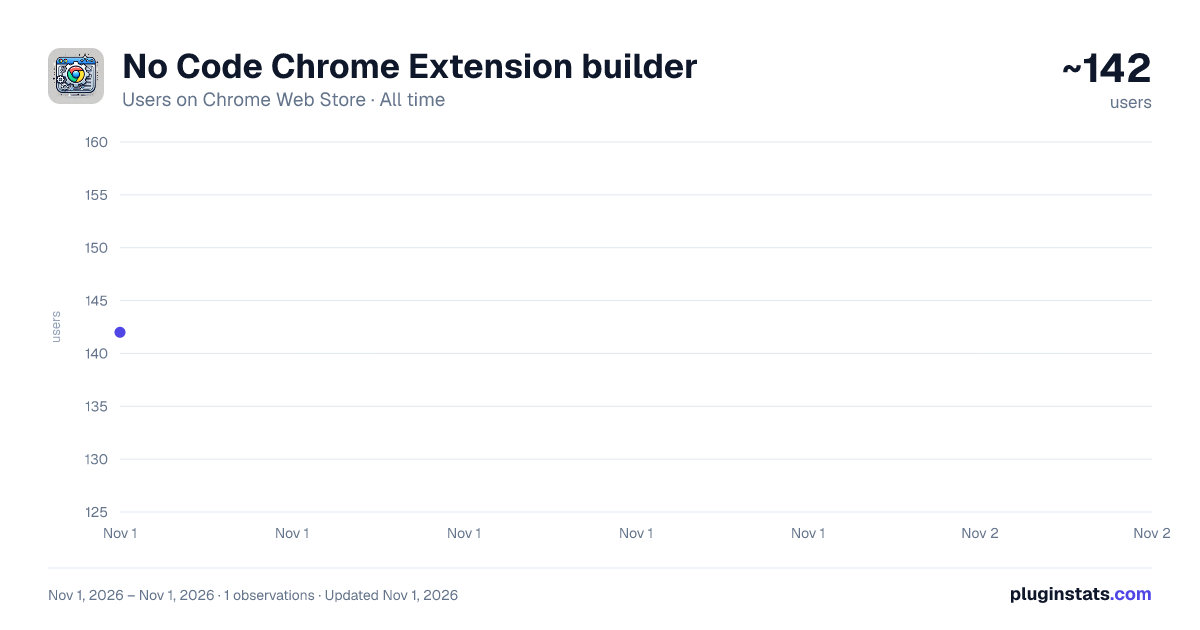
No Code Chrome Extension builder has approximately 142 recorded users on Chrome Web Store, ranking #5456 of 6,300 tracked listings.
Rating: 5.00 / 5 from 1 ratings
About No Code Chrome Extension builder
Generate directory structures or save code files locally.
Here’s a detailed, polished, Chrome Web Store description for the No-Code Chrome Extension Builder, written to be as close to 16,000 characters as possible without exceeding. This is ideal for maximizing discoverability and clearly communicating the product's unique value.
🧩 No-Code Chrome Extension Builder — Instantly Create Custom Extensions from Simple Descriptions
Build Chrome extensions with zero coding — just tell us what you want your extension to do, and we’ll generate it for you. Instantly. Automatically. No technical skills required. No install scripts. No copy-pasting.
✅ Describe your idea in plain English ✅ Get a ready-to-run Chrome extension ✅ Download and test instantly in your browser
Whether you’re a casual user, productivity enthusiast, marketer, designer, student, teacher, or a developer building quick prototypes—this is the easiest way to turn ideas into powerful Chrome tools.
🚀 What Is It?
No-Code Chrome Extension Builder is a magical tool that brings your Chrome extension ideas to life — without writing a single line of code. Instead of learning JavaScript, HTML, and the Chrome Extension APIs, simply describe your desired functionality in a sentence or two. We’ll take care of the rest.
You’ll receive a fully functional, packaged .zip file of a Chrome extension that can be loaded right into your browser. From simple utilities like dark mode togglers and tab managers to advanced automations like Gmail inbox cleaners and job monitoring tools — just describe your needs, and we’ll build it.
💡 Examples of What You Can Create
- 🧹 Tab Organizer: “Create an extension that groups tabs by domain and closes duplicates.”
- ⏰ Time Tracker: “Track time spent on each website and show weekly productivity stats.”
- 🗞️ News Summarizer: “Summarize the main article on a webpage using AI.”
- 📧 Gmail Cleaner: “Auto-delete marketing emails from my inbox every hour.”
- 🎯 Job Notifier: “Monitor LinkedIn for jobs with the title ‘React Developer’ and notify me.”
- 🔐 Password Validator: “Add a password strength checker to all signup pages.”
- 📋 Clipboard Manager: “Let me save and reuse copied text snippets.”
- 📷 Screenshot Tool: “Capture screenshots of the active tab and download with one click.”
- 📊 Price Tracker: “Alert me if a product price drops on a given website.”
If you can describe it, we can help you build it.
✨ Features
🧠 Natural Language to Extension
Simply type what you want your extension to do in plain English. Our AI will understand the functionality and translate it into a real Chrome extension—complete with manifest.json, background scripts, content scripts, popup UIs, and more.
📦 Instant Download
Once generated, your extension is immediately packaged and downloadable as a .zip file. No waiting, no external tools, no setup needed. Just unzip and load into Chrome via chrome://extensions.
🧪 Preview & Test
After download, you can test your extension locally. All extensions are self-contained and follow Chrome Web Store packaging rules.
🛠️ Fully Editable
You get 100% editable code with every generated extension. Developers can modify behavior, tweak the UI, or add additional functionality manually.
🖼️ Simple UI
Use a clean, minimalist UI to:
- Describe your idea
- Review the generated files
- Preview code snippets
- Download instantly
🔁 Regenerate On-The-Fly
Want to tweak your request? Just change your description and click regenerate. Get a new version instantly.
🎓 Who Is This For?
Whether you're a…
- 👶 Beginner with no coding experience
- 🎨 Designer creating custom productivity tools
- 💼 Marketer testing campaigns
- 🎓 Student learning how extensions work
- 📋 Manager automating workflows
- 🤓 Hacker prototyping ideas
- 💡 Entrepreneur building MVPs
- ⚙️ Developer generating boilerplate for extensions
This tool is built for you.
🧩 What Kind of Extensions Can You Build?
You can generate any extension that Chrome allows within its permission system and APIs. Here's a sample of what's possible:
✅ Utility Extensions
- Tab organizers, split screen tools, clipboard enhancers
- Productivity boosters, to-do lists, Pomodoro timers
✅ Content Interactors
- Auto-fill forms, highlight text, extract links
- Translate content, summarize articles, scrape info
✅ Website-Specific Tools
- YouTube: Speed controller, skip ads
- Gmail: Auto-archiver, bulk unsubscribe
- Amazon: Price comparison, wishlist sync
✅ AI-Powered Extensions
- Use LLMs to generate responses, analyze pages
- Summarize emails, generate cover letters, translate text
✅ Custom Monitoring Tools
- Check for changes on specific websites
- Scrape stock prices, job listings, match alerts
✅ Personalized UX
- Dark/light mode toggles
- Inject custom CSS into sites
- Add buttons or overlays
🔐 Is It Secure?
Yes! Every extension is generated locally in your browser. No code is uploaded or stored on external servers unless you choose to do so. You remain in full control of your data and generated files.
We follow Chrome's extension security practices and ensure all generated code is:
- Free of trackers
- Free of third-party analytics
- Limited to requested permissions only
- Easy to read and understand
🧩 How Does It Work Under the Hood?
At the core, the No-Code Chrome Extension Builder uses a combination of prompt engineering, template generation, and AI coding agents to convert natural language descriptions into structured Chrome extension code. The generated code includes:…
Description from the Chrome Web Store listing.
README badge
Show your rank in a README or on your website. The badge updates automatically.
Charts
Images: 30d · 1y · all time · 1600×900 dark
Adoption over time
7/30/90-day growth
Ranking history
Ratings over time
Listing placement
Listing placement
Filled points are observed values; hollow points come from Internet Archive snapshots of the listing page. Dashed segments span periods with no observations — values between points are not interpolated.
Each band is one page of 20. Users on a linear scale. Placement is projected from users, so it can differ from the marketplace's own sort order. Hover a dot to see the listing.
Recent observations
Full history (1)Similar Chrome Web Store Developer Tools plugins
All 20 No Code Chrome Extension builder alternatives



Data source
Covers every Chrome Web Store extension with at least 100 users, found through the store's public sitemap. User counts are read from public listing pages. The 10% most-used extensions are refreshed daily, the next 40% weekly and the next 40% monthly; the least-used 10% are not refreshed. Google displays rounded user counts (and caps the display at 10,000,000+), so small changes may not be visible. Rating counts above 1,000 are rounded (e.g. 1.6K).
Listing: https://chromewebstore.google.com/detail/no-code-chrome-extension/cpmpiefmdemmkdpcbkaleflgghbkalac. First seen Nov 1, 2026; last successful collection Nov 1, 2026. See the methodology.