 PluginStats

ChatGPT to PDF Export: GPT2PDF users statistics
Batch export long ChatGPT chats locally as PDF, Word, HTML and Markdown with images, code, math, selected messages. Privacy-first.
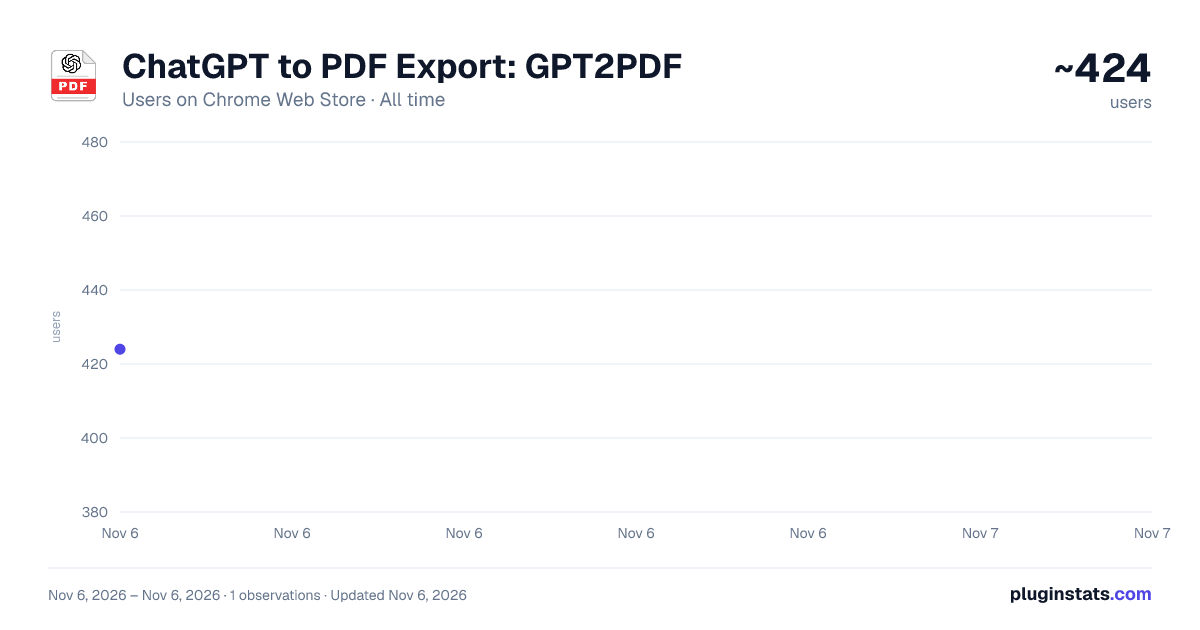
ChatGPT to PDF Export: GPT2PDF has approximately 424 recorded users on Chrome Web Store, ranking #4133 of 7,624 tracked listings.
Rating: 4.50 / 5 from 8 ratings
About ChatGPT to PDF Export: GPT2PDF
Batch export long ChatGPT chats locally as PDF, Word, HTML and Markdown with images, code, math, selected messages. Privacy-first.
GPT2PDF is a privacy-first Chrome extension for exporting a complete chat or only the messages you need. Convert conversations to PDF, Word or a Knowledge Pack ZIP — ready for reading, editing, sharing, printing, backup, and AI-ready knowledge management.
KEY FEATURES
• Save conversations as editable PDF, Microsoft Word and normal file format. • Keep the original message order, speaker labels, headings, lists, code blocks, tables, mathematical expressions, links, citations, and available images. • Choose PDF with selectable text for searching, copying, and annotating. • Create Word documents with headings, a table of contents, links, images, and editable equations. • Create a Knowledge Pack ZIP containing the conversation export, selected supporting files, images, and metadata for offline reference. • Apply a document template: Default, Academic, Technical Report, or Meeting Minutes. • No GPT2PDF account, no external GPT2PDF backend, no conversation upload to our servers.
BATCH EXPORT
Export multiple ChatGPT conversations at once. 1-Search your chat history by title, 2-Select individual conversations or choose all, 3-Pick one or more output formats 4-watch per-conversation progress in real time. 5-Pause, resume, or cancel any time.
If the batch is interrupted, it picks up where it left off on the next run and skips unchanged conversations automatically.
LONG CONVERSATIONS
Exports run locally in your browser, so large or image-heavy chats may take longer. For PDF over 60 pages, choose a single file or automatic 60-page parts to keep file sizes manageable.
PRIVACY
•Conversation content is processed inside your browser and is never uploaded to GPT2PDF servers. •Files are saved through Chrome's built-in downloads to timestamped local folders. •Images may be fetched from supported ChatGPT and OpenAI asset domains using your signed-in session. •No separate GPT2PDF account is needed, Pro payment and activation do not transmit conversation content.
FREE AND PRO
Core export formats are free with no account required. •Free users can also try up to 5 editable PDF exports,5 Pro Word exports, and 1 trial batch run of up to 10 conversations. •GPT2PDF Pro removes those trial limits for all the features.
HOW TO USE
- Open a conversation while signed in.
- Select the GPT2PDF Export button beside Share.
- Choose an output type and, if desired, a template.
- Export the full conversation, or use Selective Save to choose specific messages before saving locally.
For multiple conversations, open Batch Export, load the conversation list, select items and output types, then start the batch.
IMPORTANT NOTES
• Export time depends on conversation length, image count, available browser memory, and device performance. • Batch Export requires its dashboard tab to remain open while work is in progress. • This is an independent extension and is not affiliated with or endorsed by OpenAI.
WHAT’S NEW
Version 2.5.20 — October 21, 2026
- Dark export templates let you save conversations in a style that better matches dark interfaces.
- A new settings page brings export appearance and font-size options together, with a preview before export.
- More consistent font sizing across PDF, Word, HTML, and image exports.
- Improved dark-mode readability and layout for formulas, icons, cards, and input fields, with fewer clipped or crowded elements.
Version 2.5.20 — October 2026
- Optimize the UI and logic in result popup page.
Version 2.5.14 — September 2026
- Fixed historical export tasks restarting and downloading files again after opening or refreshing Chrome.
- Fixed unexpected tab switching. Screenshot and editable PDF exports now return to the original ChatGPT tab when complete.
- Improved in-browser previews for PDF, HTML, TXT, Markdown, and JSON files.
- Improved RTL layout for languages such as Arabic and Hebrew, including page margin fixes.
- Improved Pro activation, license status, and overall export reliability.
Version 2.5.1 — September 2026
• Faster and more reliable exports for long and image-heavy conversations. • Improved Word, editable PDF, Knowledge Pack, and Batch Export progress and recovery. • Added weekly Free trials, faster Pro status updates, and a 14-day Pro sharing reward.
Version 2.4 — August 2026
• Added text-selectable documents that support search, copy, and annotation. • Improved Word output with document structure, navigation, links, images, and editable equations. • Added Batch Export with title search, per-conversation progress, and pause, resume, and cancel controls. • Added templates for academic papers, technical reports, and meeting minutes. • Improved image handling across exports and added TXT, PNG, and Knowledge Pack output. • Added automatic 60-page splitting for long visual documents. • Improved preservation of formulas, code, tables, nested lists, citations, and web references.
Version 1.6 — June 2026
• Added the Export button beside Share and support for selective message saving. • Introduced local processing so conversation content remains in the browser.
Description from the Chrome Web Store listing.
README badge
Show your rank in a README or on your website. The badge updates automatically.
Charts
Images: 30d · 1y · all time · 1600×900 dark
Adoption over time
7/30/90-day growth
Ranking history
Ratings over time
Listing placement
Listing placement
Filled points are observed values; hollow points come from Internet Archive snapshots of the listing page. Dashed segments span periods with no observations — values between points are not interpolated.
Each band is one page of 20. Users on a linear scale. Placement is projected from users, so it can differ from the marketplace's own sort order. Hover a dot to see the listing.
Recent observations
Full history (1)Similar Chrome Web Store Tools plugins
All 20 ChatGPT to PDF Export: GPT2PDF alternatives



Data source
Covers every Chrome Web Store extension with at least 100 users, found through the store's public sitemap. User counts are read from public listing pages. The 10% most-used extensions are refreshed daily, the next 40% weekly and the next 40% monthly; the least-used 10% are not refreshed. Google displays rounded user counts (and caps the display at 10,000,000+), so small changes may not be visible. Rating counts above 1,000 are rounded (e.g. 1.6K).
Listing: https://chromewebstore.google.com/detail/chatgpt-to-pdf-export-gpt/ankbamjcgoeiibmgmgjgpllicjpodeib. First seen Nov 6, 2026; last successful collection Nov 6, 2026. See the methodology.