 PluginStats
TabCarousel users statistics
By Benjamin Oakes · Chrome Web Store · Workflow & Planning
Cycle through your Chrome tabs automatically. Great for monitoring information on a TV with a computer attached.
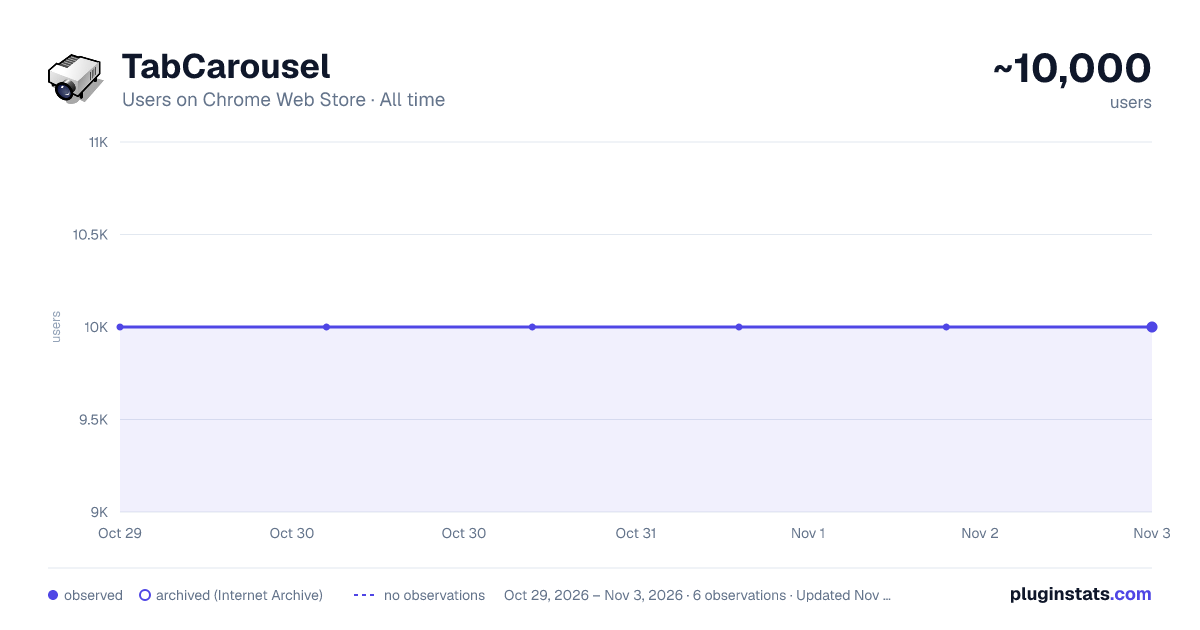
TabCarousel has approximately 10,000 recorded users on Chrome Web Store, ranking #652 of 5,223 tracked listings.
Rating: 4.40 / 5 from 31 ratings
About TabCarousel
Cycle through your Chrome tabs automatically. Great for monitoring information on a TV with a computer attached.
A Chrome extension to help you keep tabs on info you want to monitor. It's great for cycling through tabs on an external display, like a TV.
Authors: Benjamin Oakes, Madhur Ahuja, and Jim Adamson
Tutorial
TabCarousel is simple: open tabs you want to monitor throughout the day, then click the toolbar icon. To stop, click the icon again.
By default, TabCarousel will flip through your tabs every 15 s, reloading them every 5 min. It's great on a unused display or TV. Put Chrome in full-screen mode (F11, or cmd-shift-f on the Mac) and let it go.
If you want to change how often TabCarousel flips through your tabs, right click on the toolbar icon and choose "Options".
New in 1.0.3 (2024-06-21):
- Sponsorship links
New in 1.0.2 (2024-06-19):
- Fix no carouselling when flipWait set to > 30 seconds (Thank you, Jim Adamson!)
New in 1.0.1 (2024-06-10):
- Fixed auto startup (Thank you, Madhur Ahuja!)
New in 1.0.0 (2023-12-26):
- Manifest v3 support (Thank you, Madhur Ahuja!)
New in 0.5.4 (2020-05-14):
- Reduce permissions for Chrome Web Store policies
New in 0.5.3 (2012-08-21):
- Bug fixes
New in 0.5.2 (2011-07-06):
- Added an option to start Carousel automatically, by request from a user
- Tabs that have previously failed to reload now reload correctly
- Carousel now only flips through tabs in the window in which it was started
Example Uses
On a computer that has an external display (like an HDTV), try opening:
- NewRelic - Open as many tabs as you want for your apps -- don't forget to turn on "kiosk mode"
- Twitter - Make a list of services you use, for example, and open it
- Status sites:
- GitHub
- Heroku
- Monitor your CI service
- Packages with tracking information
- Anything else that's on the web that you want to monitor
The TabCarousel wiki on GitHub has more: https://github.com/TabCarousel/TabCarousel/wiki
TabCarousel is open source software. Contributions are welcome, as are suggestions and bug reports. Check the project out at https://github.com/TabCarousel/TabCarousel
Description from the Chrome Web Store listing.
README badge
Show your rank in a README or on your website. The badge updates automatically.
Charts
Images: 30d · 1y · all time · 1600×900 dark
Adoption over time
7/30/90-day growth
Ranking history
Ratings over time
Listing placement
Listing placement
Filled points are observed values; hollow points come from Internet Archive snapshots of the listing page. Dashed segments span periods with no observations — values between points are not interpolated.
Each band is one page of 20. Users on a linear scale. Placement is projected from users, so it can differ from the marketplace's own sort order. Hover a dot to see the listing.
Recent observations
Full history (1)Similar Chrome Web Store Workflow & Planning plugins
All 20 TabCarousel alternatives



Data source
Covers every Chrome Web Store extension with at least 100 users, found through the store's public sitemap. User counts are read from public listing pages. The 10% most-used extensions are refreshed daily, the next 40% weekly and the next 40% monthly; the least-used 10% are not refreshed. Google displays rounded user counts (and caps the display at 10,000,000+), so small changes may not be visible. Rating counts above 1,000 are rounded (e.g. 1.6K).
Listing: https://chromewebstore.google.com/detail/tabcarousel/ddldimidiliclngjipajmjjiakhbcohn. First seen Oct 29, 2026; last successful collection Oct 29, 2026. See the methodology.