 PluginStats

Impact Factor Finder users statistics
By Ahmad Arsalan · Chrome Web Store · Education
Show Reported IF, Reported WoS/JCR quartiles, separate SJR indicators, journal/conference rankings, and Top 2% insight.
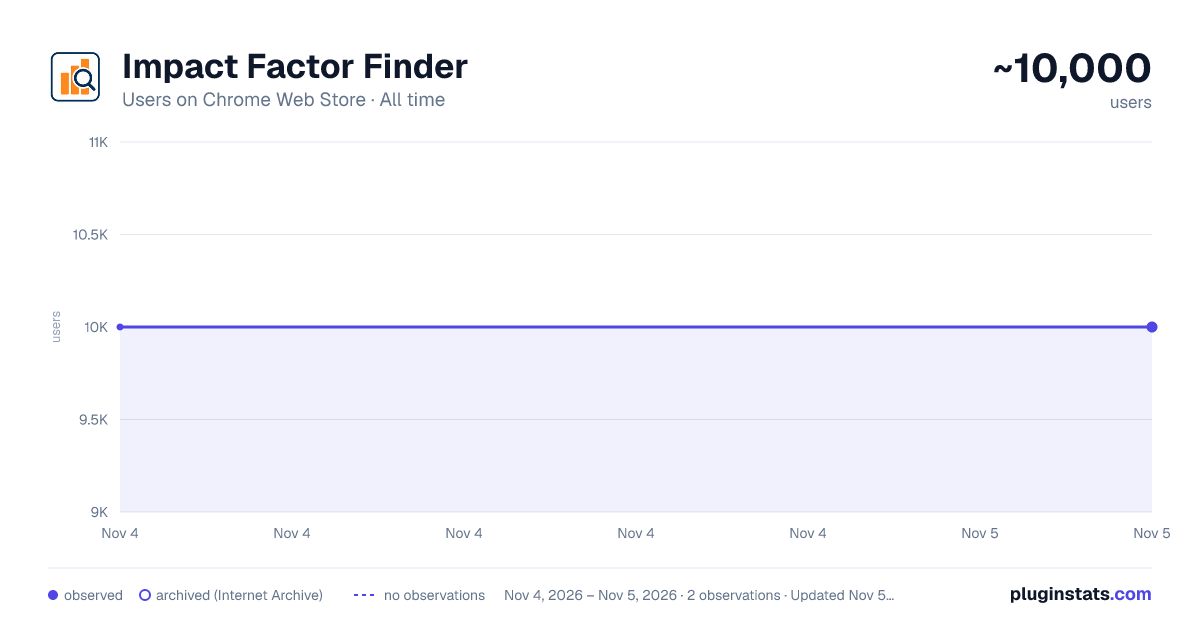
Impact Factor Finder has approximately 10,000 recorded users on Chrome Web Store, ranking #842 of 7,072 tracked listings.
Rating: 4.70 / 5 from 21 ratings
About Impact Factor Finder
Show Reported IF, Reported WoS/JCR quartiles, separate SJR indicators, journal/conference rankings, and Top 2% insight.
Impact Factor Finder is a research-support browser extension that adds publication insights directly to Google Scholar profiles.
It helps researchers, students, reviewers, and academic staff examine publication records by displaying journal impact information, colored quartile badges, author-position statistics, open-access indicators, profile summaries, and downloadable reports.
Important usage note:
For best results, use the main Scholar domain:
Regional domains may not be fully supported.
Main features:
• Display journal impact values beside matched publications • Show colored Q1, Q2, Q3, and Q4 badges • Show ABDC, ABS, ICORE, CCF ranking badges • Calculate profile-level Total IF and matched journal counts • Summarize journal and conference publications separately • Show first-author and co-author publication counts • Filter publications by journal or conference author position • Display the O-index with a link to its supporting research paper • Scan the first 25 loaded publications for open-access availability • Check possible Top 2% dataset matches using visible profile information • Export publication details and profile statistics to an editable DOCX file • Download a profile infographic with research and publication insights • Highlight the profile author’s name in publication author lists • Provide a dark theme for improved readability • Report journal-matching issues through the built-in feedback option • Give the option to add research status
DOCX export:
The DOCX export creates an editable publication document that can be used to prepare CVs, institutional profiles, research reports, funding applications, and promotion documents.
Automatically generated publication details should be reviewed before formal use because profile metadata may be incomplete or incorrectly formatted.
Data and privacy:
Core journal matching runs locally in the browser using a bundled journal dataset.
Open-access and citation-related checks run only when the user starts the relevant action. These checks may use public scholarly metadata services.
Top 2% matching uses a bundled dataset and visible profile information such as the researcher’s name, affiliation, and verified email domain.
Optional AI-assisted features may contact secure backend services only when the user explicitly starts them.
The core dashboard does not require an account or login.
Limitations:
The extension is intended for informational and research-support purposes only. Results depend on the publications currently loaded, visible author strings, journal-name matching, public metadata coverage, and available dataset records. Automatically generated statistics and reports may therefore contain incomplete or incorrect information. Users should verify journal metrics, publication records, indexing status, open-access availability, author contributions, citation indicators, and dataset matches through appropriate official sources before using them in academic, institutional, hiring, funding, ranking, or promotion decisions.
Impact Factor Finder is an independent research-support extension. It is not affiliated with or endorsed by Google Scholar or any journal-metrics provider.
Description from the Chrome Web Store listing.
README badge
Show your rank in a README or on your website. The badge updates automatically.
Charts
Images: 30d · 1y · all time · 1600×900 dark
Adoption over time
7/30/90-day growth
Ranking history
Ratings over time
Listing placement
Listing placement
Filled points are observed values; hollow points come from Internet Archive snapshots of the listing page. Dashed segments span periods with no observations — values between points are not interpolated.
Each band is one page of 20. Users on a linear scale. Placement is projected from users, so it can differ from the marketplace's own sort order. Hover a dot to see the listing.
Recent observations
Full history (1)Similar Chrome Web Store Education plugins
All 20 Impact Factor Finder alternatives



Data source
Covers every Chrome Web Store extension with at least 100 users, found through the store's public sitemap. User counts are read from public listing pages. The 10% most-used extensions are refreshed daily, the next 40% weekly and the next 40% monthly; the least-used 10% are not refreshed. Google displays rounded user counts (and caps the display at 10,000,000+), so small changes may not be visible. Rating counts above 1,000 are rounded (e.g. 1.6K).
Listing: https://chromewebstore.google.com/detail/impact-factor-finder/damonelhcfhpjhgnikakjpjinakfejhe. First seen Nov 4, 2026; last successful collection Nov 4, 2026. See the methodology.