 PluginStats

AI Sidebar for DeepSeek users statistics
By DeepSeek AI · Chrome Web Store · Tools
Chat with DeepSeek AI from a sidebar on any website. Other AI models are available too. Not affiliated with DeepSeek.
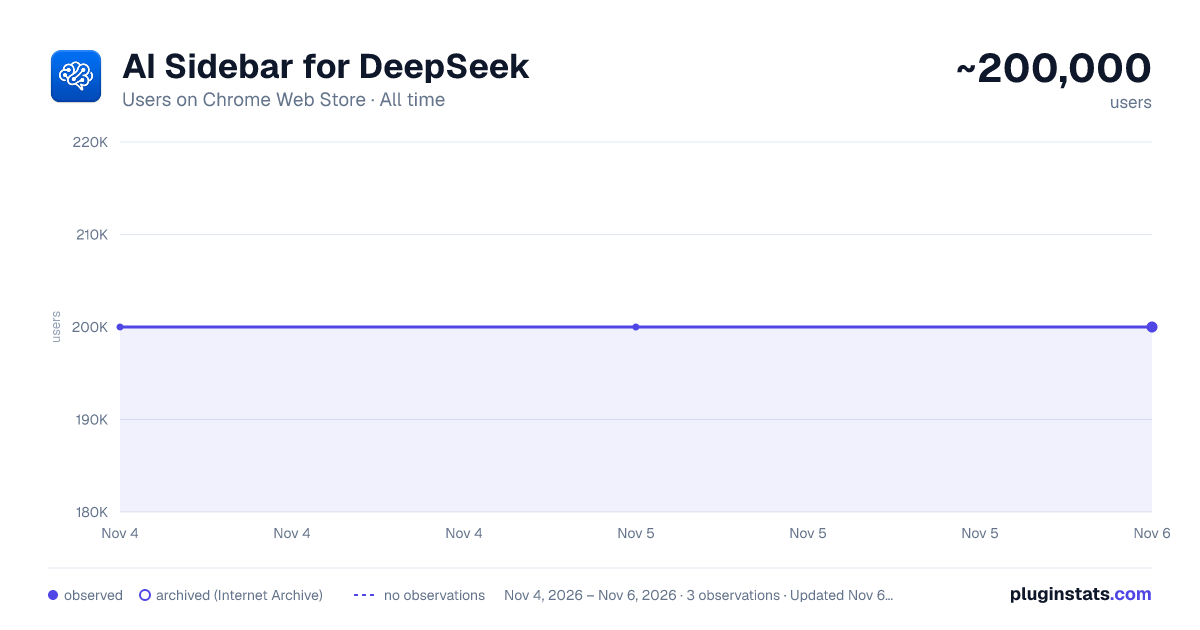
AI Sidebar for DeepSeek has approximately 200,000 recorded users on Chrome Web Store, ranking #150 of 7,342 tracked listings.
Rating: 4.40 / 5 from 2,200 ratings
About AI Sidebar for DeepSeek
Chat with DeepSeek AI from a sidebar on any website. Other AI models are available too. Not affiliated with DeepSeek.
AI Sidebar for DeepSeek puts a DeepSeek AI chat assistant in a sidebar on any website, so you can ask questions, write, summarize, and code without leaving the page or switching apps. DeepSeek is the default model, and other AI models are available in the sidebar too — you pick which one answers each prompt.
✅ Your DeepSeek assistant, one click away AI Sidebar for DeepSeek turns everyday browsing into a smart, interactive workspace. Whether you're studying, working, writing, or exploring ideas, your assistant is available on any site, in any tab, whenever you need it.
🔍 What you can do
🧠 Chat & ask questions Get instant answers, explanations, and summaries from DeepSeek — right inside your browser.
✍️ Write better, faster Draft blog posts, rewrite emails, polish grammar, or brainstorm content in seconds.
📚 Summarize anything Highlight text on a web page or document and get a quick, clear summary.
💻 Code smarter Use DeepSeek's reasoning to debug code, write scripts, and understand complex programming concepts.
🌐 Multilingual Translate text and chat in multiple languages with natural fluency.
⚙️ How it works
- Install AI Sidebar for DeepSeek.
- Click the extension icon to open the sidebar.
- Type your question or highlight content on the page.
- Get a smart, instant answer — no new tabs needed.
🧬 DeepSeek first, with more models on tap DeepSeek is the default model, tuned for advanced research, reasoning, and coding. For each prompt you can also switch to other leading large language models available in the sidebar, including OpenAI GPT, Anthropic Claude, Google Gemini, and Meta Llama.
🧑💼 Who it's for
- Students – summarize lessons, understand concepts, improve your writing.
- Professionals – automate repetitive tasks, write emails, generate reports.
- Developers – ask coding questions, analyze code, and build faster.
- Researchers – get contextual answers without searching manually.
- Everyone – a smarter, faster, more productive browsing experience.
💡 Example use cases
- Draft a professional email in seconds.
- Summarize long articles or transcripts.
- Translate content from any language.
- Create outlines, blog posts, or social captions.
- Debug Python, JavaScript, or other code.
- Ask follow-up questions and get conversational answers.
🖼️ Clean, distraction-free UI A lightweight interface, fast loading, and minimal resource usage that blends into your workflow without getting in the way.
📌 Note AI Sidebar for DeepSeek is an independent product and is not affiliated with, sponsored by, or endorsed by DeepSeek, OpenAI, Anthropic, Google, or Meta. All product names, logos, and brands are the property of their respective owners. Powered by Aitopia.
🚀 Try AI Sidebar for DeepSeek today Install now and explore a smarter way to browse, learn, and work — your DeepSeek assistant, always by your side.
📌 Note AI Sidebar for DeepSeek is an independent product and is not affiliated with, sponsored by, or endorsed by DeepSeek, OpenAI, Anthropic, Google, or Meta. All product names, logos, and brands are the property of their respective owners. Powered by Aitopia.
Description from the Chrome Web Store listing.
README badge
Show your rank in a README or on your website. The badge updates automatically.
Charts
Images: 30d · 1y · all time · 1600×900 dark
Adoption over time
7/30/90-day growth
Ranking history
Ratings over time
Listing placement
Listing placement
Filled points are observed values; hollow points come from Internet Archive snapshots of the listing page. Dashed segments span periods with no observations — values between points are not interpolated.
Each band is one page of 20. Users on a linear scale. Placement is projected from users, so it can differ from the marketplace's own sort order. Hover a dot to see the listing.
Recent observations
Full history (2)Similar Chrome Web Store Tools plugins
All 20 AI Sidebar for DeepSeek alternatives



Data source
Covers every Chrome Web Store extension with at least 100 users, found through the store's public sitemap. User counts are read from public listing pages. The 10% most-used extensions are refreshed daily, the next 40% weekly and the next 40% monthly; the least-used 10% are not refreshed. Google displays rounded user counts (and caps the display at 10,000,000+), so small changes may not be visible. Rating counts above 1,000 are rounded (e.g. 1.6K).
Listing: https://chromewebstore.google.com/detail/ai-sidebar-for-deepseek/inhcgfpbfdjbjogdfjbclgolkmhnooop. First seen Nov 4, 2026; last successful collection Nov 5, 2026. See the methodology.