 PluginStats

Roblox 2019 UI users statistics
By Roblox Extensions · Chrome Web Store · Tools
Use this Extension to Restore Roblox UI to its 2019 appearance
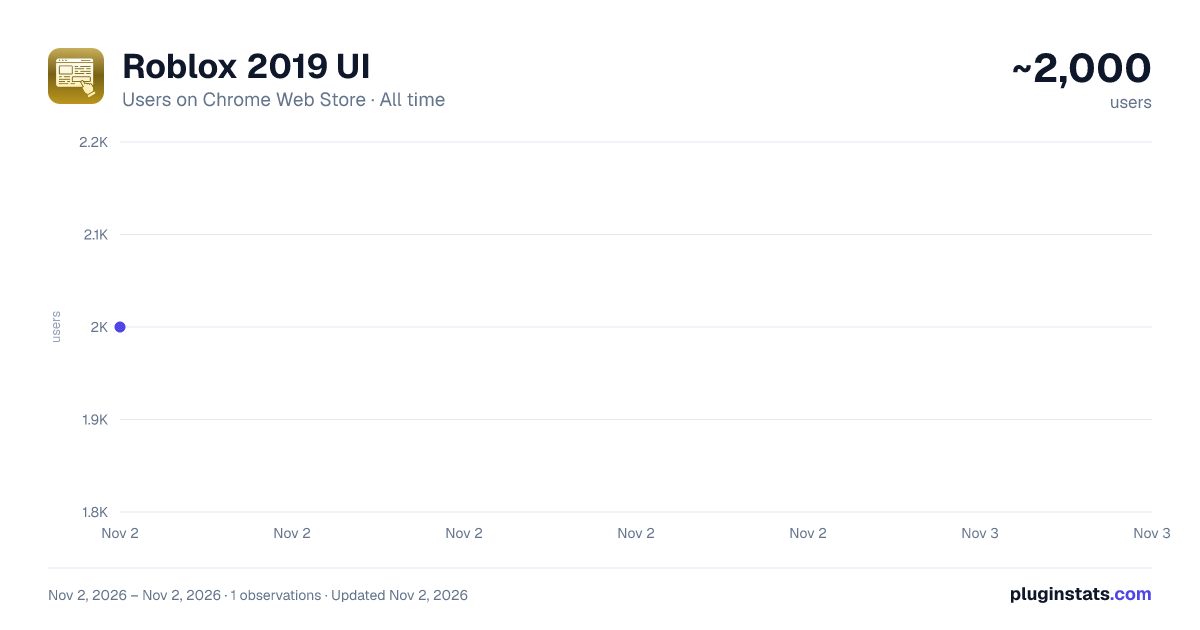
Roblox 2019 UI has approximately 2,000 recorded users on Chrome Web Store, ranking #1771 of 6,786 tracked listings.
Rating: 4.20 / 5 from 13 ratings
About Roblox 2019 UI
Use this Extension to Restore Roblox UI to its 2019 appearance
Miss the classic Roblox interface? With the Roblox UI 2019 chrome extension, you can effortlessly restore the 2019 layout of the Roblox website. Experience the familiar design and navigation you love, all with a single click.
No complicated settings just install and enjoy the nostalgic look of Roblox's 2019 era.
Key Features
Classic 2019 Layout: Reverts the Roblox website to its 2019 interface.
One-Click Activation: Easily restore the old UI with a single click.
Simple Installation: Quick and straightforward setup process.
No Technical Skills Required: Enjoy the classic look without any hassle.
How to Use in Simple Steps
Download the Extension – Install and add the Roblox UI 2019 extension from the Web Store.
Open Roblox Website - Navigate to Roblox.com in your browser.
Observe Default UI - Initially, the website background appears white, the chatbox background is white, and hovering over game thumbnails doesn't change their appearance.
Activate the Extension - Click the extension icon in your browser toolbar and refresh the page. The background will turn blue, the chatbox background will change to blue, and hovering over game thumbnails will display a hover effect.
Why It Is Useful
Roblox UI 2019 extension is ideal for the user who just loves the time-honored look and design of Roblox's 2019 interface. It provides nostalgia, enhancing navigation to the familiar and welcoming level. Irrespective of whether you've been playing Roblox for decades or are using the platform for the first time, this extension is a stress-free means by which to replay the vintage look of Roblox.
To Whom It Is Useful
This add-on is perfect for Roblox users who yearn for the 2019 interface. It's also helpful for users who experience the present layout as less intuitive and want to use the old design.
Description from the Chrome Web Store listing.
README badge
Show your rank in a README or on your website. The badge updates automatically.
Charts
Images: 30d · 1y · all time · 1600×900 dark
Adoption over time
7/30/90-day growth
Ranking history
Ratings over time
Listing placement
Listing placement
Filled points are observed values; hollow points come from Internet Archive snapshots of the listing page. Dashed segments span periods with no observations — values between points are not interpolated.
Each band is one page of 20. Users on a linear scale. Placement is projected from users, so it can differ from the marketplace's own sort order. Hover a dot to see the listing.
Recent observations
Full history (1)Similar Chrome Web Store Tools plugins
All 20 Roblox 2019 UI alternatives



Data source
Covers every Chrome Web Store extension with at least 100 users, found through the store's public sitemap. User counts are read from public listing pages. The 10% most-used extensions are refreshed daily, the next 40% weekly and the next 40% monthly; the least-used 10% are not refreshed. Google displays rounded user counts (and caps the display at 10,000,000+), so small changes may not be visible. Rating counts above 1,000 are rounded (e.g. 1.6K).
Listing: https://chromewebstore.google.com/detail/roblox-2019-ui/jlnklpcbojniadmbknlbbhmngemgkkig. First seen Nov 2, 2026; last successful collection Nov 2, 2026. See the methodology.