 PluginStats
YAML to JSON Converter users statistics
By gbartev · Chrome Web Store · Developer Tools
Use YAML to JSON converter to transform yaml data into json format. Convert YAML to JSON online and offline.
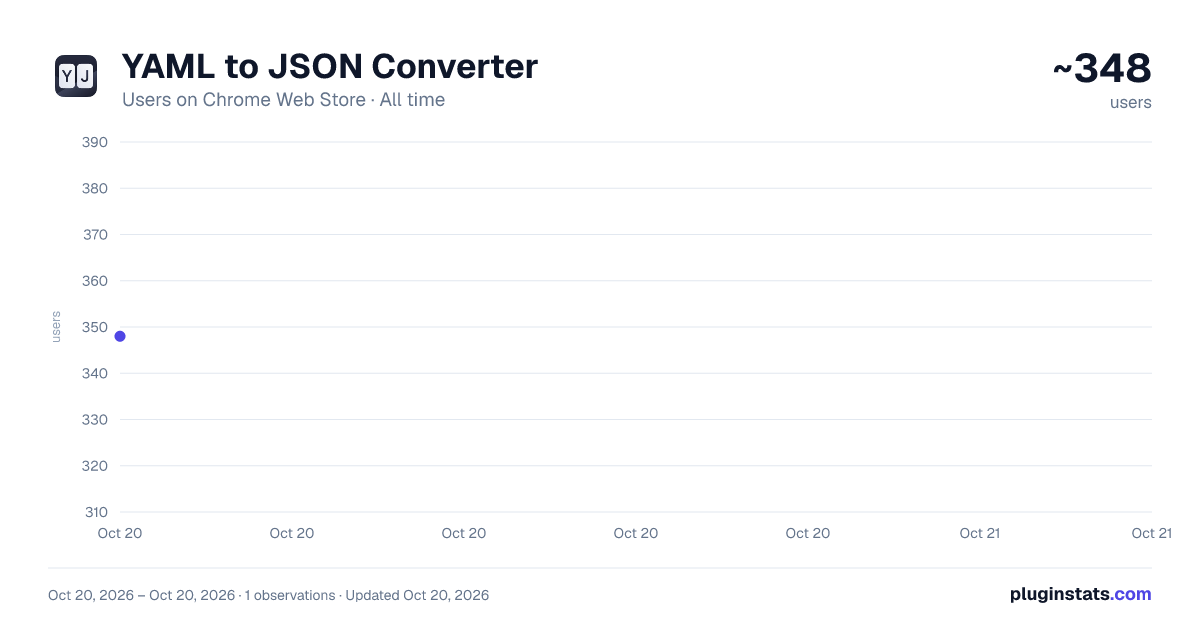
YAML to JSON Converter has approximately 348 recorded users on Chrome Web Store, ranking #2003 of 3,404 tracked listings.
Rating: 5.00 / 5 from 3 ratings
About YAML to JSON Converter
Use YAML to JSON converter to transform yaml data into json format. Convert YAML to JSON online and offline.
🔄 Maximize Efficiency with the Ultimate yaml to json converter Tool for Chrome.
🌐 In the fast-paced world of coding and data management, efficiency is key. Our cutting-edge Chrome extension is expertly crafted to deliver outstanding performance for professionals who demand speed and accuracy in data converter. Say goodbye to the tedium of manually transforming data formats and embrace the power of automation.
📌 Streamline Data Converter with Ease 💠 Converting between YAML and JSON can often interrupt workflow. Our extension is engineered to eliminate this problem by offering a rapid and reliable YAML to JSON converter directly within the browser.
▸ Experience one-click converters from yaml to json and json to yaml. ▸ Enjoy real-time validation to ensure data is correctly formatted. ▸ Benefit from immediate results without ever leaving the web page.
📍 Feature-Rich Environment for Seamless Converter • No waiting around — convert yaml to json or json to yaml in the blink of an eye. • Bulk Converter Capabilities: Handle large data sets with the same ease as small ones. • User-Friendly Design: Navigate the tool effortlessly regardless of your technical skill level.
💎 Witness a tool designed to assist you in every way as you convert JSON to YAML or vice versa.
📌 Accuracy at Its Finest 🔺 Accuracy should never be compromised. Advanced algorithms ensure that every conversion you make is precise, leaving no room for errors. Whether you need to YAML convert to JSON or require a trusted json schema to yaml converter, our extension has got your back.
📍 Stay Online and Stay Connected 🔹 Maintain your efficiency with a JSON online resource that's always accessible. 🔹 Keep conversions consistent, whether you're at your desk or on the go. 🔹 Enjoy continuous access to yaml to json and json to yaml functionalities from anywhere.
🔝 Deliver your best work without ever missing a beat with our powerful browser-based tool.
📌 Easy Installation, Immediate Results
- Visit the Chrome Web Store and locate our YAML to JSON Converter extension.
- Click 'Add to Chrome' to start the seamless installation process.
- Access the extension from your browser toolbar and instantly transform your data.
🚀 Dive into a world where converting yaml to json online is a matter of simplicity and joy.
📍 Organize Your Data with Confidence • Sort the converted JSON data alphabetically for better organization. • Collapse or expand sections of YAML files for a clearer view. • Customize the indentation level to match your team or project standards.
✨ Efficiently manage files with a aws cloudformation json to yaml converter that also values organization.
📌 A Tool Created for the Professional ① Make your workflow more productive with a reliable YAML to JSON converter. ② Take advantage of a conversion tool that integrates with daily tasks. ③ Confidently handle project requirements that involve yaml to json or json to yaml converter.
📍 Tailor to Your Project Needs 🔸 Choose whether to include root-level arrays or objects in your converted JSON. 🔸 Configure your YAML indentation spaces to align with project-specific rules. 🔸 Select JSON output options, such as including or excluding Unicode characters.
👥 Transform data with a YAML to JSON converter that's as flexible as your projects demand.
🔒 No More Data Loss Worries ➤ Enjoy converter that take place locally within your browser, ensuring your information remains secure. ➤ Trust in the built-in robustness of our extension that protects against data loss or corruption. ➤ Convert yaml to json or json to yaml without any risks of security.
🎉 Rest easy knowing data conversions are secure and privatized every single step of the way.
📍 Premium Support When You Need JSON Converter 🔺 Access comprehensive tutorials and FAQs within the extension. 🔺 Rely on friendly and knowledgeable customer support for personalized assistance. 🔺 Take advantage of regular updates and enhancements based on user feedback.
💡 Dive into the ultimate yaml to json converter experience armed with the support you deserve.
◆ Unleash your full potential as a professional with our premier Chrome extension. Take control of YAML to JSON and JSON to YAML conversions with a tool that offers power, precision, and a flawless user experience.
Description from the Chrome Web Store listing.
README badge
Show your rank in a README or on your website. The badge updates automatically.
Charts
Images: 30d · 1y · all time · 1600×900 dark
Adoption over time
7/30/90-day growth
Ranking history
Ratings over time
Listing placement
Listing placement
Filled points are observed values; hollow points come from Internet Archive snapshots of the listing page. Dashed segments span periods with no observations — values between points are not interpolated.
Each band is one page of 20. Users on a linear scale. Placement is projected from users, so it can differ from the marketplace's own sort order. Hover a dot to see the listing.
Recent observations
Full history (1)Similar Chrome Web Store Developer Tools plugins
All 20 YAML to JSON Converter alternatives



Data source
Covers every Chrome Web Store extension with at least 100 users, found through the store's public sitemap. User counts are read from public listing pages. The 10% most-used extensions are refreshed daily, the next 40% weekly and the next 40% monthly; the least-used 10% are not refreshed. Google displays rounded user counts (and caps the display at 10,000,000+), so small changes may not be visible. Rating counts above 1,000 are rounded (e.g. 1.6K).
Listing: https://chromewebstore.google.com/detail/yaml-to-json-converter/ljnpooaliebiknmmimdpdgahbeabjiln. First seen Oct 20, 2026; last successful collection Oct 20, 2026. See the methodology.