 PluginStats

KonvaJS Devtools users statistics
By maitrungduc1410 · Chrome Web Store · Developer Tools
Devtools for your Konva App
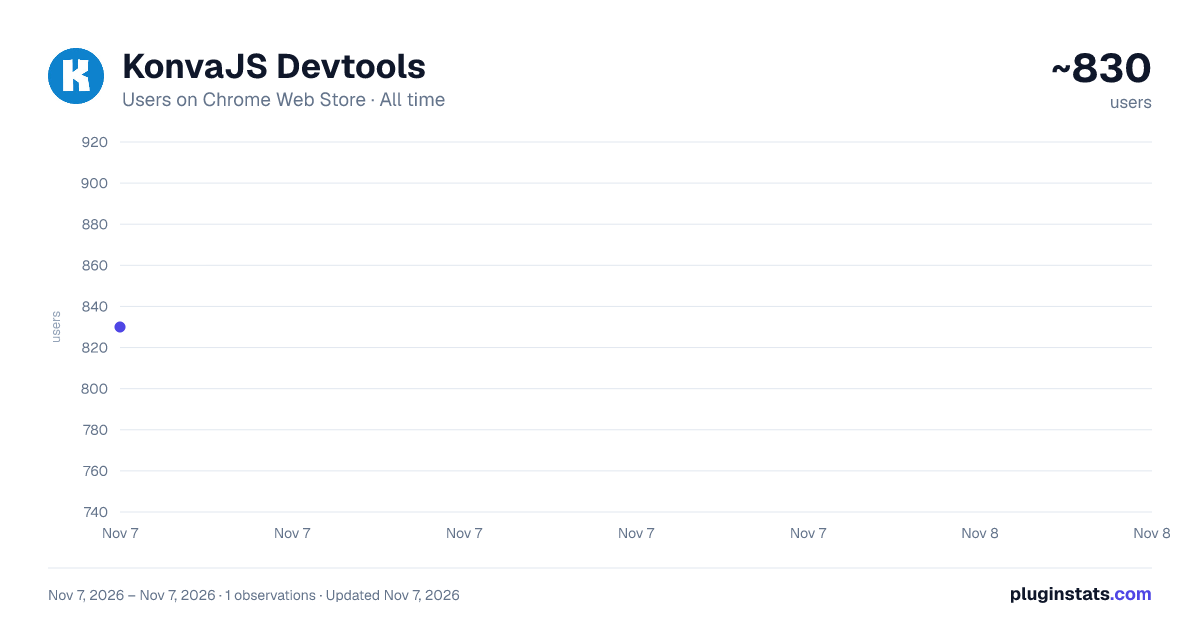
KonvaJS Devtools has approximately 830 recorded users on Chrome Web Store, ranking #3164 of 7,934 tracked listings.
Rating: 5.00 / 5 from 5 ratings
About KonvaJS Devtools
Devtools for your Konva App
KonvaJS Devtools adds a "Konva" panel to your browser DevTools for inspecting, debugging, and profiling any Konva.js canvas application — like React DevTools, but for Konva.
ELEMENTS
Browse the full scene graph — every Stage, Layer, Group, and Shape — in a fast, virtualized tree view that handles thousands of nodes.
• Select nodes by clicking directly on the canvas • Edit any attribute live with color pickers and drag-to-scrub number inputs • Add, remove, and configure Konva image filters (plus CSS filters on Konva v10) • Inspect event listeners and spot "listening: false" issues blocking pointer events • View cache status, dimensions, and memory usage; enable or clear cache in one click • Snapshot attributes and track changes in real time • Search by class name, /regex/, attr:value, or #id • Drag and drop nodes to reorder or reparent them • Export any stage as JSON and import it back • Copy a node as a new Konva.X({...}) constructor call • Toggle a hit-region overlay to visualize pointer event targets • Toggle a render heatmap to see which layers redraw most • Pin frequently inspected nodes for quick access across sessions • Resize, rotate, and move nodes with an interactive transform gizmo • Screenshot the full stage or a single node as a high-res PNG • Accessibility insights flag missing names, tiny hit areas, blocked listeners, and hidden interactive nodes • The selected node is available as $konva in the console
PROFILER
Record Layer.draw() calls and measure render performance per layer.
• Draw count, average time, max time, and total time for each layer • Visual bar charts for quick comparison • Timeline of recent draw events with timestamps
ANIMATIONS
Monitor every running Konva.Animation and Konva.Tween in real time.
• See target layers and animated properties at a glance • Stale entries from destroyed stages are filtered out automatically
KEYBOARD SHORTCUTS
• Arrow keys to navigate and expand/collapse the tree • Delete to remove nodes, H to toggle visibility, L to toggle listening • Cmd/Ctrl+F to search, Escape to deselect
Supports Konva v9 and v10. Multiple stages on the same page. Dark and light theme.
Description from the Chrome Web Store listing.
README badge
Show your rank in a README or on your website. The badge updates automatically.
Charts
Images: 30d · 1y · all time · 1600×900 dark
Adoption over time
7/30/90-day growth
Ranking history
Ratings over time
Listing placement
Listing placement
Filled points are observed values; hollow points come from Internet Archive snapshots of the listing page. Dashed segments span periods with no observations — values between points are not interpolated.
Each band is one page of 20. Users on a linear scale. Placement is projected from users, so it can differ from the marketplace's own sort order. Hover a dot to see the listing.
Recent observations
Full history (1)Similar Chrome Web Store Developer Tools plugins
All 20 KonvaJS Devtools alternatives



Data source
Covers every Chrome Web Store extension with at least 100 users, found through the store's public sitemap. User counts are read from public listing pages. The 10% most-used extensions are refreshed daily, the next 40% weekly and the next 40% monthly; the least-used 10% are not refreshed. Google displays rounded user counts (and caps the display at 10,000,000+), so small changes may not be visible. Rating counts above 1,000 are rounded (e.g. 1.6K).
Listing: https://chromewebstore.google.com/detail/konvajs-devtools/aleknfecbpmpnkfoaohgpffcjenmjjfi. First seen Nov 7, 2026; last successful collection Nov 7, 2026. See the methodology.