 PluginStats

Blender 3D creation suite users statistics
Create animated films, visual effects, motion graphics, interactive 3D applications, virtual reality & video games.
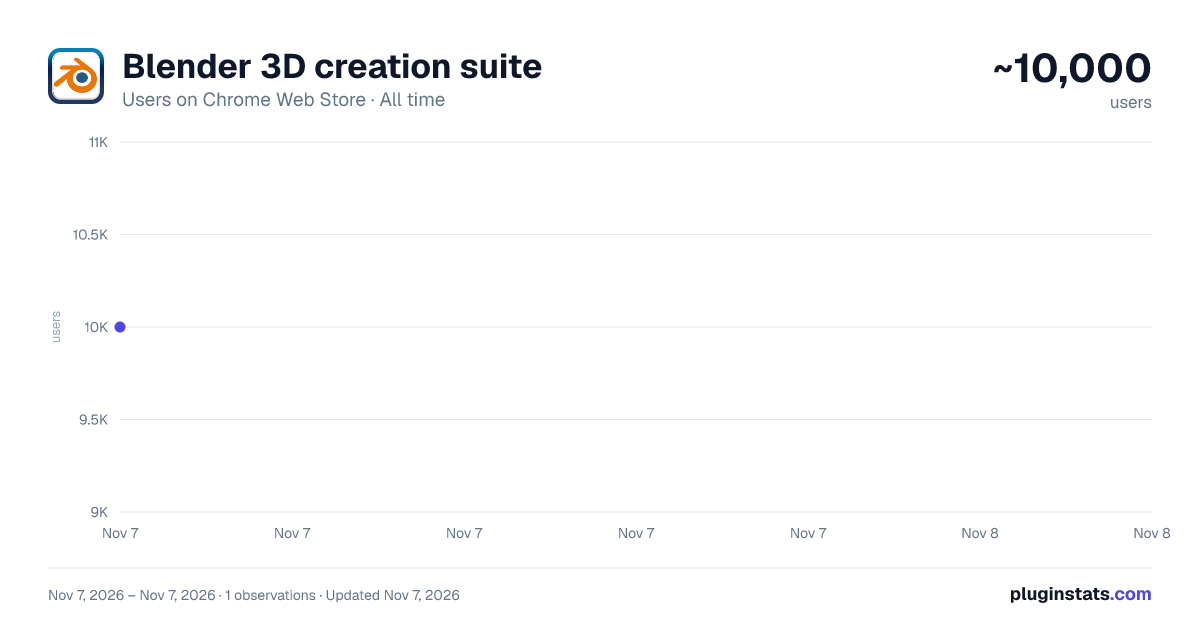
Blender 3D creation suite has approximately 10,000 recorded users on Chrome Web Store, ranking #929 of 7,934 tracked listings.
Rating: 2.60 / 5 from 19 ratings
About Blender 3D creation suite
Create animated films, visual effects, motion graphics, interactive 3D applications, virtual reality & video games.
This extension allows users to use the Blender software program. Blender is a program for 3D computer graphics to create animated films, visual effects, art, 3D-printed models, motion graphics, interactive 3D applications, virtual reality, and video games.
Blender is a fully integrated 3D content creation suite, offering a broad range of essential tools, including:
• Modeling - The creation of a 3D scene needs at least three key components: Models, materials and lights. In this part, the first of these is covered, that being modeling. Modeling is simply the art and science of creating a surface that either mimics the shape of a real-world object or expresses your imagination of abstract objects. • Rendering - Rendering is the process of turning a 3D scene into a 2D image. Blender includes three render engines with different strengths:
- EEVEE is a physically based realtime renderer.
- Cycles is a physically based path tracer.
- Workbench is designed for layout, modeling and previews.
• Animation & Rigging Animation is making an object move or change shape over time. • Video Editing - Blender can be used to edit videos. There are two possible methods for this, one being the Compositor and the other, described in this chapter, being the Video Sequencer. The Video Sequencer within Blender is a complete video editing system that allows you to combine multiple video channels and add effects to them. You can use these effects to create powerful video edits, especially when you combine it with the animation power of Blender! • VFX - Motion Tracking is used to track the motion of objects and/or a camera and, through the constraints, to apply this tracking data to 3D objects (or just one), which have either been created in Blender or imported into the application. • Compositing - Compositing Nodes allow you to assemble and enhance an image (or movie). Using composition nodes, you can glue two pieces of footage together and colorize the whole sequence all at once. • Texturing - Image textures are typically needed when the desired look is hard to achieve with procedural textures, or if the texture is not uniform. For example, a car would only have scratches in a few places where they make sense, not in random places all over its body. • Many types of Simulations. Blender’s physics system allows you to simulate a number of different real-world physical phenomena. You can use these systems to create a variety of static and dynamic effects such as: Hair, grass, and flocks, Rain, Smoke and dust, water.
This extension also includes access to a file manager to upload and download the files, animations and videos created.
This extension is the Blender online distribution so it is compliant with the Blender GPL
Description from the Chrome Web Store listing.
README badge
Show your rank in a README or on your website. The badge updates automatically.
Charts
Images: 30d · 1y · all time · 1600×900 dark
Adoption over time
7/30/90-day growth
Ranking history
Ratings over time
Listing placement
Listing placement
Filled points are observed values; hollow points come from Internet Archive snapshots of the listing page. Dashed segments span periods with no observations — values between points are not interpolated.
Each band is one page of 20. Users on a linear scale. Placement is projected from users, so it can differ from the marketplace's own sort order. Hover a dot to see the listing.
Recent observations
Full history (1)Similar Chrome Web Store Tools plugins
All 20 Blender 3D creation suite alternatives



Data source
Covers every Chrome Web Store extension with at least 100 users, found through the store's public sitemap. User counts are read from public listing pages. The 10% most-used extensions are refreshed daily, the next 40% weekly and the next 40% monthly; the least-used 10% are not refreshed. Google displays rounded user counts (and caps the display at 10,000,000+), so small changes may not be visible. Rating counts above 1,000 are rounded (e.g. 1.6K).
Listing: https://chromewebstore.google.com/detail/blender-3d-creation-suite/pfgfmegkbbeheopmgjfhpkjgflokcbbn. First seen Nov 7, 2026; last successful collection Nov 7, 2026. See the methodology.