 PluginStats
Discord Status users statistics
Chrome Web Store · Communication
Show supported browser activity as Discord Rich Presence using Discord Status Companion.
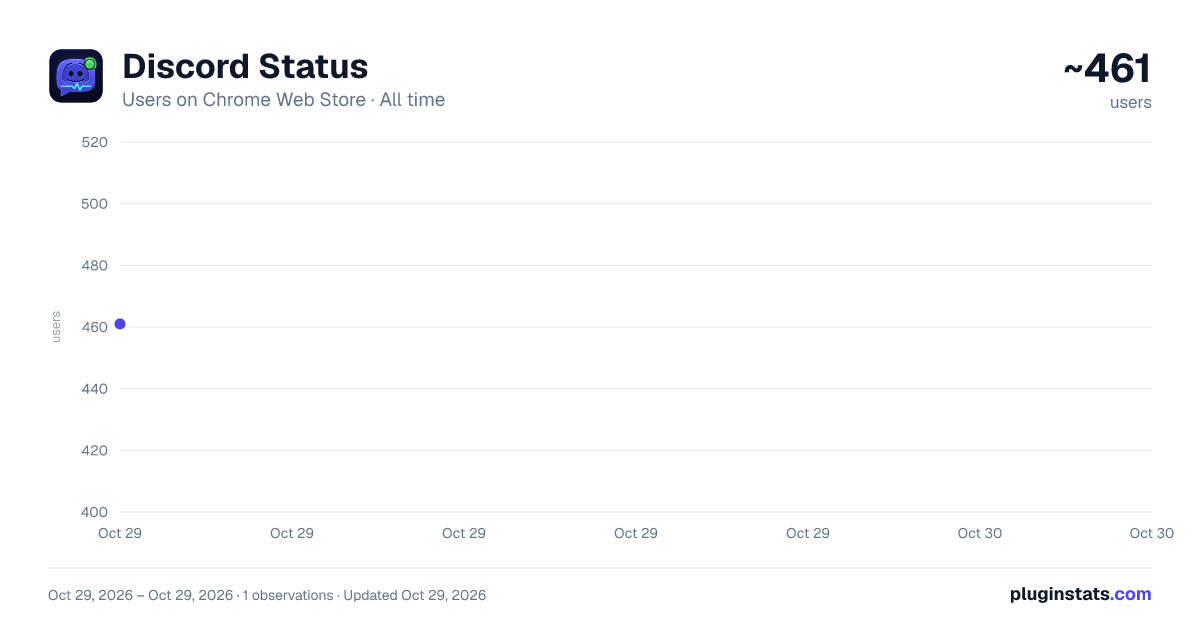
Discord Status has approximately 461 recorded users on Chrome Web Store, ranking #2730 of 5,223 tracked listings.
Rating: 5.00 / 5 from 1 ratings
About Discord Status
Show supported browser activity as Discord Rich Presence using Discord Status Companion.
Show your browser, media, desktop app, game, or custom activity as Discord Rich Presence.
Discord Status connects supported activity to Discord desktop through a small local companion app. It runs locally on your computer and does not require an account or remote activity service.
Install both parts
- Install the Chrome extension.
- Install the companion app for Windows, macOS, or Linux.
- Keep Discord desktop open.
- Open a supported website or desktop app.
- Choose the activity you want to display.
Chrome extension: https://chromewebstore.google.com/detail/discord-status/ekobpekegflobmheipgceigkldggkakd
Companion app downloads: https://github.com/GSUS2K/discord-status/releases/latest
Setup guide: https://gsus2k.github.io/discord-status/
What it supports
- 50+ websites
- Optional desktop app detection, including VLC, Spotify, Steam, and other approved apps
- Manual custom activities
Features
- Show media titles, episodes, songs, artists, playback state, and artwork when available
- Display VLC movie titles without unnecessary player text
- Use Smart Auto to choose the most relevant activity automatically
- Use Active Tab Only when you want to share only the current browser tab
- Pin a specific detected activity from the activity selector
- Create a custom Discord status manually
- Change selector and settings keyboard shortcuts
- Choose clean or detailed media status formatting
- Use platform-only mode to hide specific titles
- Use private mode to pause activity sharing
- Block specific domains from updating Discord
- Ignore activity from incognito tabs
- Require media to be playing before showing a status
- Pause activity during Google Meet calls
- Enable or disable individual supported websites
- Enable or disable desktop app detection
- Use a guided first-run walkthrough
- Open the setup website directly from the extension or companion app
Quick setup
Keep Discord desktop open and signed in. Install the companion app for your operating system, then install and pin Discord Status in Chrome. Open a supported website and select Auto Detect or Active Tab Only from the extension popup.
If Discord shows as disconnected, reopen Discord desktop and use Reconnect from the extension or companion app. If the title or artwork is outdated, refresh the page and check the selected activity mode.
Privacy
Discord Status is designed to run locally. Browser activity is sent from the extension to the companion through localhost. The companion uses that information to update Discord Rich Presence through Discord desktop.
Activity data is not sent to a hosted tracking service or stored in a remote account.
Support and feedback
Description from the Chrome Web Store listing.
README badge
Show your rank in a README or on your website. The badge updates automatically.
Charts
Images: 30d · 1y · all time · 1600×900 dark
Adoption over time
7/30/90-day growth
Ranking history
Ratings over time
Listing placement
Listing placement
Filled points are observed values; hollow points come from Internet Archive snapshots of the listing page. Dashed segments span periods with no observations — values between points are not interpolated.
Each band is one page of 20. Users on a linear scale. Placement is projected from users, so it can differ from the marketplace's own sort order. Hover a dot to see the listing.
Recent observations
Full history (1)Similar Chrome Web Store Communication plugins
All 20 Discord Status alternatives



Data source
Covers every Chrome Web Store extension with at least 100 users, found through the store's public sitemap. User counts are read from public listing pages. The 10% most-used extensions are refreshed daily, the next 40% weekly and the next 40% monthly; the least-used 10% are not refreshed. Google displays rounded user counts (and caps the display at 10,000,000+), so small changes may not be visible. Rating counts above 1,000 are rounded (e.g. 1.6K).
Listing: https://chromewebstore.google.com/detail/discord-status/ekobpekegflobmheipgceigkldggkakd. First seen Oct 29, 2026; last successful collection Oct 29, 2026. See the methodology.