 PluginStats
YouTube turn off autoplay users statistics
By eugene4dev · Chrome Web Store · Workflow & Planning
Stop unwanted YouTube autoplay without changing the page. Control videos, suggestions, Shorts, playlists, and previews.
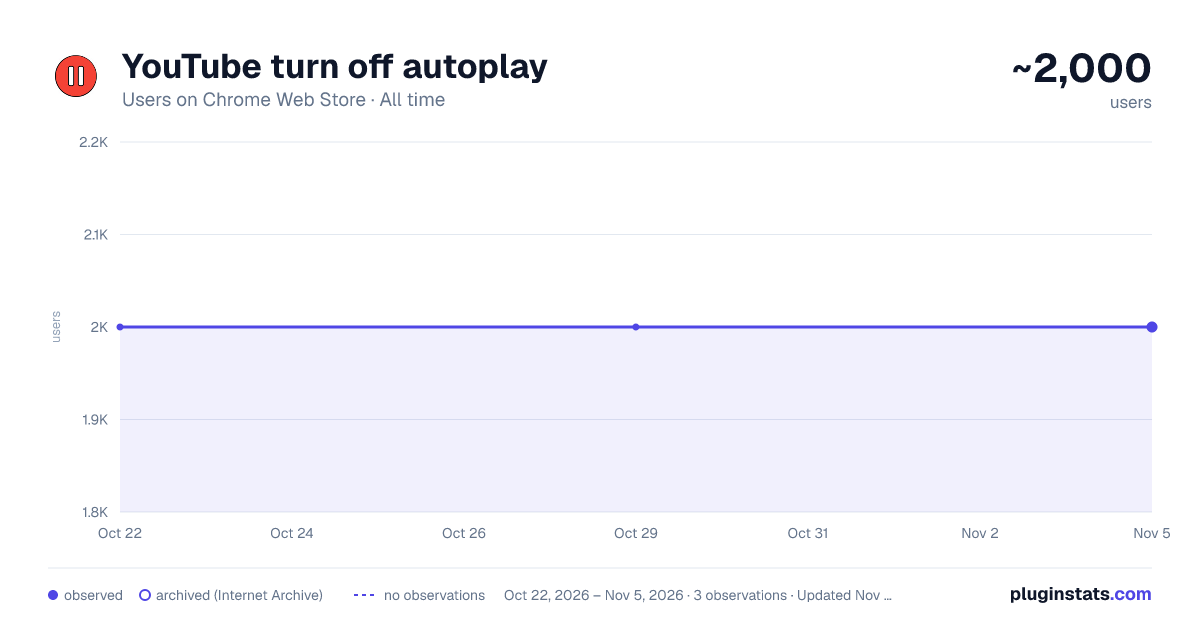
YouTube turn off autoplay has approximately 2,000 recorded users on Chrome Web Store, ranking #1032 of 3,853 tracked listings.
Rating: 3.70 / 5 from 40 ratings
About YouTube turn off autoplay
Stop unwanted YouTube autoplay without changing the page. Control videos, suggestions, Shorts, playlists, and previews.
Bid farewell to the frustration and regain control over your browsing experience with ease. Our user-friendly tool is designed how to remove autoplay on YouTube, putting you back in the driver's seat of your video consumption.
💻 Feature Highlights: 💡 Effortless Activation: With just a simple click, you can effortlessly switch off autoplay youtube feature. Say goodbye to unwanted video plays and take charge of your viewing preferences. 💡 Seamless Integration: Once installed, our extension seamlessly integrates into your browser interface, ensuring a hassle-free experience. You won't even notice it's there as it discreetly works in the background to enhance your browsing experience. 💡 Bandwidth Conservation: Say goodbye to unnecessary data consumption caused by autoplay videos. Stop youtube autoplay by our extension helps you save bandwidth and reduce your data usage, ultimately leading to cost savings. 💡 Enhanced Focus: YouTube turning off autoplay help focus on the content you're currently watching without the distraction of unrelated autoplay videos. Enjoy a more immersive viewing experience as you delve into your chosen videos without interruptions.
Instructions: 📌 Install turn off autoplay youtube extension directly from the Chrome Web Store with just a few clicks. It's quick, easy, and hassle-free. 📌 Installed once and question how to disable autoplay on youtube will be resolved by default. Take control of your video playback and enjoy videos at your own pace, without the unwanted interruptions.
Download our extension now and say hello to a more peaceful and focused browsing experience on YouTube. Take the first step towards reclaiming control over your video viewing habits and immerse yourself in a distraction-free YouTube experience today.
Description from the Chrome Web Store listing.
README badge
Show your rank in a README or on your website. The badge updates automatically.
Charts
Images: 30d · 1y · all time · 1600×900 dark
Adoption over time
7/30/90-day growth
Ranking history
Ratings over time
Listing placement
Listing placement
Filled points are observed values; hollow points come from Internet Archive snapshots of the listing page. Dashed segments span periods with no observations — values between points are not interpolated.
Each band is one page of 20. Users on a linear scale. Placement is projected from users, so it can differ from the marketplace's own sort order. Hover a dot to see the listing.
Recent observations
Full history (1)Similar Chrome Web Store Workflow & Planning plugins
All 20 YouTube turn off autoplay alternatives



Data source
Covers every Chrome Web Store extension with at least 100 users, found through the store's public sitemap. User counts are read from public listing pages. The 10% most-used extensions are refreshed daily, the next 40% weekly and the next 40% monthly; the least-used 10% are not refreshed. Google displays rounded user counts (and caps the display at 10,000,000+), so small changes may not be visible. Rating counts above 1,000 are rounded (e.g. 1.6K).
Listing: https://chromewebstore.google.com/detail/youtube-turn-off-autoplay/gbhlmgepjnacphoidbfnkobflgmehken. First seen Oct 22, 2026; last successful collection Oct 22, 2026. See the methodology.