 PluginStats

AidKit for Webflow users statistics
Chrome Web Store · Developer Tools
Unlock a suite of tools made for Webflow developers. Customize & automate your development process using industry best practices.
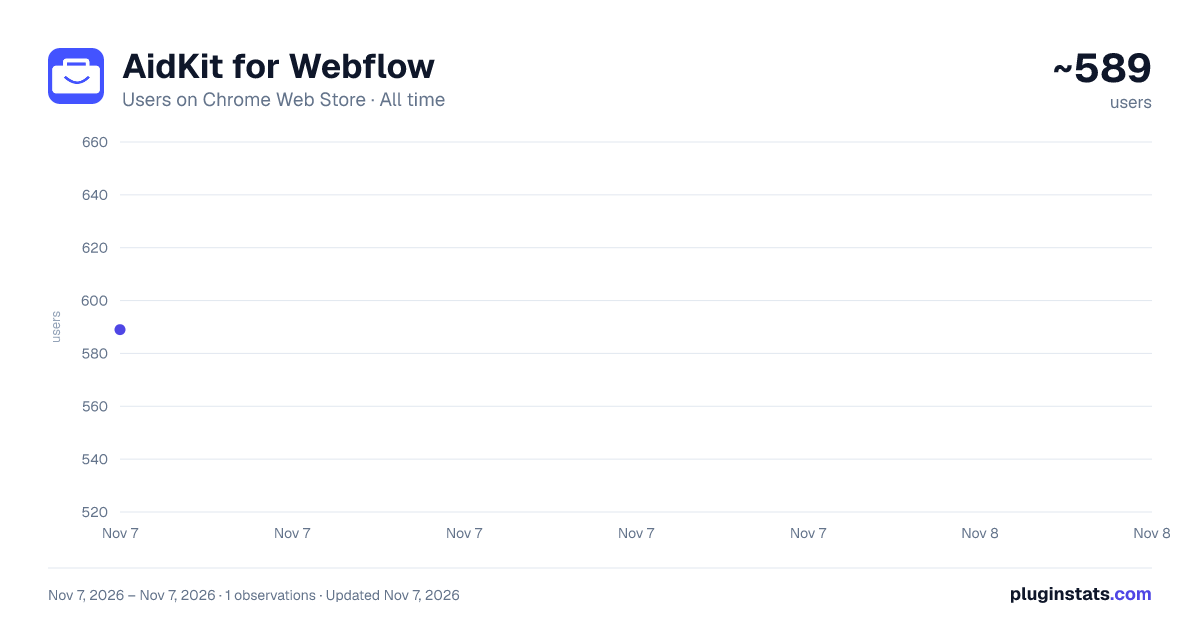
AidKit for Webflow has approximately 589 recorded users on Chrome Web Store, ranking #3697 of 7,934 tracked listings.
Rating: 5.00 / 5 from 26 ratings
About AidKit for Webflow
Unlock a suite of tools made for Webflow developers. Customize & automate your development process using industry best practices.
DESCRIPTION: Introducing AidKit for Webflow – the multi-functional toolkit every Webflow developer needs. Experience a seamless development workflow with a suite of practical features. AidKit for Webflow enhances your workflow, allowing you to focus on what truly matters: creating exceptional websites.
PAGE SETTINGS:
Feature 1 (Character Count Display): Real-time character counter for your text inputs for more precise content editing.
Feature 2 (SEO Text Length Indicator): Receive instant feedback on the length of your meta descriptions and titles. Know when content is too short, optimal, or too long.
Feature 3 (Title Tag Length Limit): Receive real-time character limitations for your title tags, ensuring they are optimized for search engine visibility.
Feature 4 (Meta Description Length Limit): Automatically restrict a 160 character count for your meta descriptions, ensuring they are optimized for search engine visibility.
Feature 5 (OG Image URL Enhancer): Easily paste the same link as the open graph image from your home page with a single checkbox.
Feature 6 (Expand page settings): Adds a expand button near the duplicate and trash button for page settings to be able to toggle your view between normal and full screen for easier page settings editing + using the code editor.
DESIGNER SETTINGS:
Feature 1 (Undo/Redo): Webflow's very useful undo and redo buttons were relocated. Reapply the original undo and redo buttons ensuring a smoother design process.
Feature 2 (Active Breakpoints): When designing in webflow, you can sometimes loose track that you have been working in a non base breakpoint for quite some time... that forgetfulness can cause alot of pain when you come to realize all the work you did needs to now be redone in the base breakpoint... with this new feature you have a peripheral visual when designing for that mental reminder.
Feature 3 (Change Webflow Designer Color Appearance): In Webflow's major rebranding, they introduced a much darker designer... some like it, some not as much... this feature brings back the original webflow designer appearance... but also introduces new colors for different moods... including a much wanted light mode.
Feature 4 (White Label the Webflow Designer): Change the webflow logo atop left of the designer to your brand logo for a professional look. Useful when screen recording videos or screenshots for clients.
Feature 5 (Sound for Alert Triggers - Notifications): Each time a webflow alert gets triggered, you will now get a ding along with the Alert.
CODE SETTINGS:
Feature 1 (Copy to Clipboard): This features adds a copy to clipboard button for the site code, so you can easily copy the entire sites code, for HTML, CSS, & JS
Feature 2 (Fullscreen Code Mode): Adds a button to enable viewing the page settings code on the entire screen
STYLE SETTINGS:
Feature 1 (Prevent Width & Height Confusion): This features dims widths in heights, and heights in widths, to remind you about misusing it.
Feature 2 (Change all sides button): This feature adds a button that simulates Shift + Click to change all padding or margin sides in one click
Feature 3 (Add Hidden CSS Units): This feature adds the following CSS Units: DVW, DVH, LVW, LVH, VMIN, VMAX
Feature 4 (Highlight Multi Elements Selected): This feature highlights whenever your element is being used more than once anywhere on the site.
Feature 5 (Lorem Ipsum Generator): This feature adds a button to generate Lorem Ipsum text according to the length you choose.
ARCHIVED FEATURES:
Feature 1 (CMS Shortcut): Streamline your workflow with quick access shortcut to the CMS, making it easier than ever to switch between the designer and the CMS with a simple click of "C" on your keyboard.
Feature 2 (Alert: Multiple Affected Elements): Receive an alert when you first change the styles of a class used by multiple elements.
Feature 3 (Top Bar Breadcrumb): Moves the breadcrumb bar in the webflow designer from the bottom, to the top.
Stay tuned for more new features to come! You can email support@aidkit.io for any questions, concerns, feedback, or any inquires.
Description from the Chrome Web Store listing.
README badge
Show your rank in a README or on your website. The badge updates automatically.
Charts
Images: 30d · 1y · all time · 1600×900 dark
Adoption over time
7/30/90-day growth
Ranking history
Ratings over time
Listing placement
Listing placement
Filled points are observed values; hollow points come from Internet Archive snapshots of the listing page. Dashed segments span periods with no observations — values between points are not interpolated.
Each band is one page of 20. Users on a linear scale. Placement is projected from users, so it can differ from the marketplace's own sort order. Hover a dot to see the listing.
Recent observations
Full history (1)Similar Chrome Web Store Developer Tools plugins
All 20 AidKit for Webflow alternatives



Data source
Covers every Chrome Web Store extension with at least 100 users, found through the store's public sitemap. User counts are read from public listing pages. The 10% most-used extensions are refreshed daily, the next 40% weekly and the next 40% monthly; the least-used 10% are not refreshed. Google displays rounded user counts (and caps the display at 10,000,000+), so small changes may not be visible. Rating counts above 1,000 are rounded (e.g. 1.6K).
Listing: https://chromewebstore.google.com/detail/aidkit-for-webflow/alcmokdbldmcokmlkngjlfoffjobjlhn. First seen Nov 7, 2026; last successful collection Nov 7, 2026. See the methodology.