 PluginStats

Panopto Custom Speed & Downloader - AI Notes, Flashcards & Translation users statistics
Chrome Web Store · Functionality & UI
Watch Panopto past the 2x cap, download lectures, and turn any lecture into AI notes, Anki flashcards, transcripts or translation.
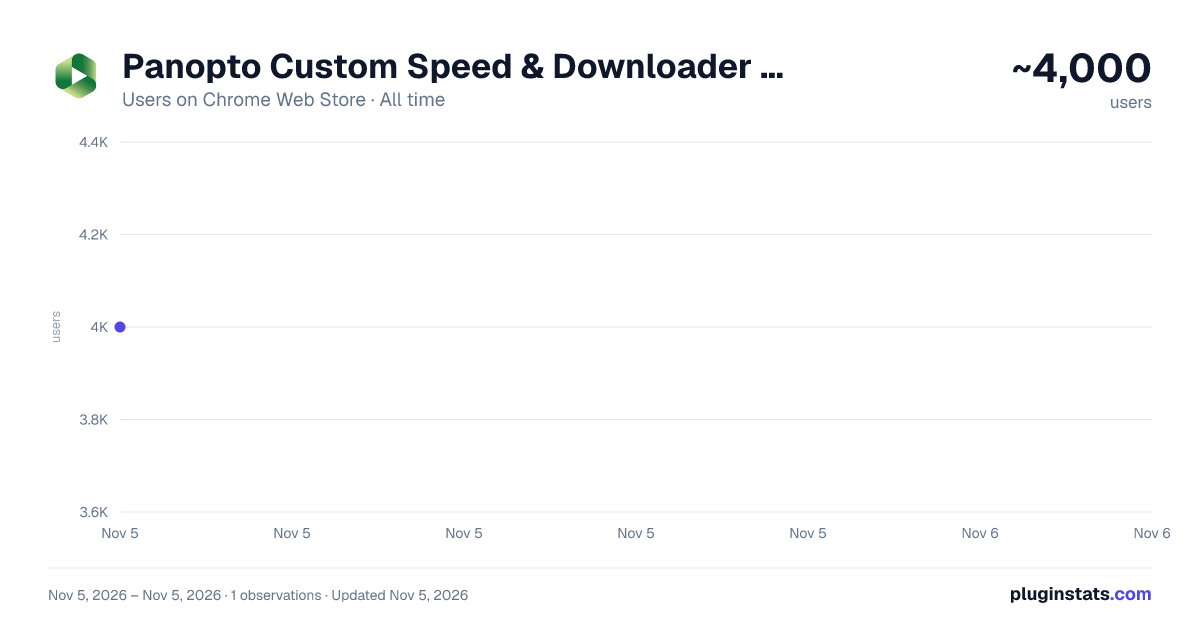
Panopto Custom Speed & Downloader - AI Notes, Flashcards & Translation has approximately 4,000 recorded users on Chrome Web Store, ranking #1373 of 7,342 tracked listings.
Rating: 4.70 / 5 from 30 ratings
About Panopto Custom Speed & Downloader - AI Notes, Flashcards & Translation
Watch Panopto past the 2x cap, download lectures, and turn any lecture into AI notes, Anki flashcards, transcripts or translation.
Panopto caps playback at 2x. This removes the cap, lets you download lectures to watch offline, and turns the lecture you just watched into notes you can actually revise from.
SPEED • Any speed from 0.25x to 4x on the slider, or type in anything up to 16x. Not just the presets. • Auto-Skip Silence cuts the dead air between sentences, so a rambling lecture finishes much sooner. • Your speed is remembered between lectures. • Picture-in-picture, so the lecture follows you to another tab.
DOWNLOAD • Save any lecture you can watch, with sound, up to 1080p, for offline revision on a train or a plane. • If the main download ever struggles on your university's Panopto, a built-in backup downloader takes a different route. • Transcripts download too.
AI STUDY TOOLS, WRITTEN BY CLAUDE OPUS • Lecture notes written by Claude Opus 5.5, Anthropic's high-end model, in about a minute, with screenshots of the slides pulled in at the right moments. • Flashcards exported straight to Anki as a .apkg file. Import and revise. • Ask questions about the lecture and get answers with timestamps, so you can jump back to the moment it was explained. • Live caption translation and dubbing, for lectures that aren't in your first language.
MADE FOR HEAVY LECTURE LOADS If your course records everything and you revise from Anki, the flashcard export is the whole reason this exists: lecture in, deck out, no retyping.
If lectures aren't in your first language, the translation and dubbing turn a second listen into a first one.
HOW TO START
- Install, then refresh your Panopto page.
- Open any recorded lecture.
- The speed control appears in the player's settings menu. Everything else, including downloads, is behind the extension icon in your toolbar.
FREE AND PAID Custom speed, picture-in-picture, dark mode and the time-saved leaderboard are free forever. The free plan also includes 3 lecture downloads, a free taster of Auto-Skip Silence, and limited AI notes, flashcards, chat and translation. Premium makes all of it unlimited: £3 every 2 months with a 7-day free trial, or £12 a year.
IF IT DOESN'T WORK ON YOUR UNIVERSITY'S PANOPTO, EMAIL ME AND I WILL FIX IT. I'm a student who built this for my own lectures and I reply the same day. It should work on hosted Panopto instances.
Privacy: lecture text is sent to the AI provider only when you ask for notes, flashcards, chat or translation. Nothing is recorded or sold. Full policy: https://harveychandler.dev/Panopto-Extension/panopto-privacy-policy.txt
Not affiliated with or endorsed by Panopto, Inc. Panopto is a trademark of its owner. Claude is a trademark of Anthropic.
Description from the Chrome Web Store listing.
README badge
Show your rank in a README or on your website. The badge updates automatically.
Charts
Images: 30d · 1y · all time · 1600×900 dark
Adoption over time
7/30/90-day growth
Ranking history
Ratings over time
Listing placement
Listing placement
Filled points are observed values; hollow points come from Internet Archive snapshots of the listing page. Dashed segments span periods with no observations — values between points are not interpolated.
Each band is one page of 20. Users on a linear scale. Placement is projected from users, so it can differ from the marketplace's own sort order. Hover a dot to see the listing.
Recent observations
Full history (1)Similar Chrome Web Store Functionality & UI plugins
All 20 Panopto Custom Speed & Downloader - AI Notes, Flashcards & Translation alternatives



Data source
Covers every Chrome Web Store extension with at least 100 users, found through the store's public sitemap. User counts are read from public listing pages. The 10% most-used extensions are refreshed daily, the next 40% weekly and the next 40% monthly; the least-used 10% are not refreshed. Google displays rounded user counts (and caps the display at 10,000,000+), so small changes may not be visible. Rating counts above 1,000 are rounded (e.g. 1.6K).
Listing: https://chromewebstore.google.com/detail/panopto-custom-speed-ai-n/fnoppdfnaklabgfllejlefomclegmnam. First seen Nov 5, 2026; last successful collection Nov 5, 2026. See the methodology.