 PluginStats

Webflow Input Enhancer users statistics
Chrome Web Store · Developer Tools
Transform the Way You Work with Component in Webflow!
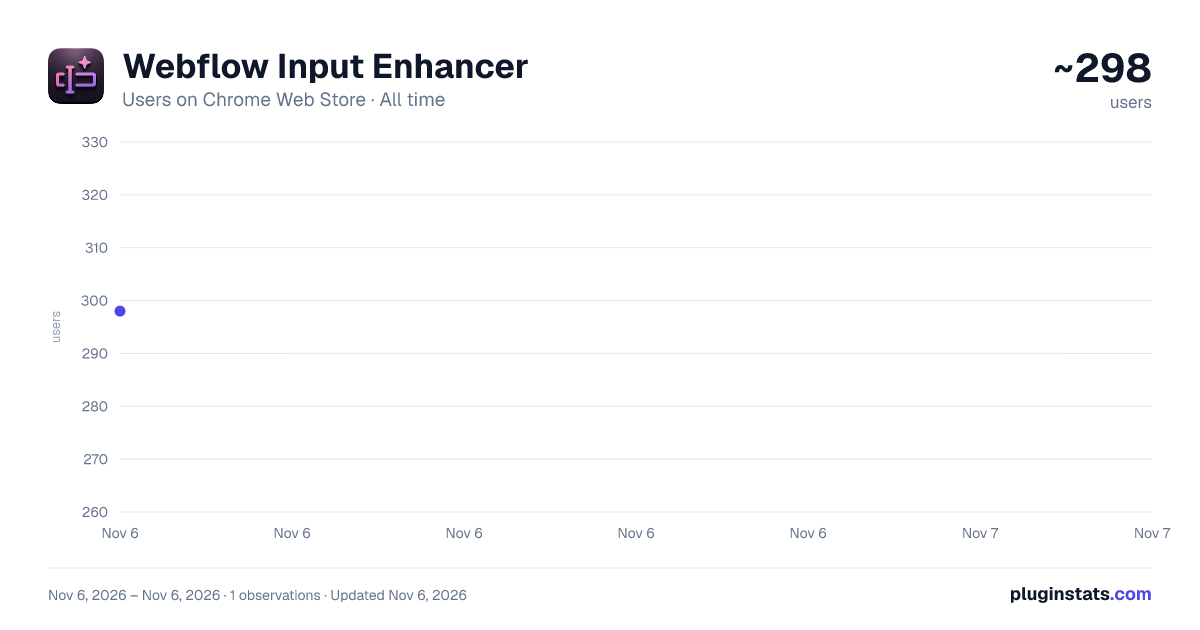
Webflow Input Enhancer has approximately 298 recorded users on Chrome Web Store, ranking #4825 of 7,624 tracked listings.
Rating: 5.00 / 5 from 8 ratings
About Webflow Input Enhancer
Transform the Way You Work with Component in Webflow!
Webflow Input Enhancer: Transform the Way You Work with Component Inputs in Webflow!
Transform your Webflow experience with the Webflow Input Enhancer extension! Designed to make working with inline CSS and class properties effortless, this tool streamlines your workflow by improving how values are displayed and edited in Webflow's input fields.
━━━━━━━━━━━━━━━━━━━━ KEY FEATURES ━━━━━━━━━━━━━━━━━━━━
🧩 Enhanced Input Fields Automatically format CSS properties into individual lines for easy editing, then reformat them seamlessly when you're done.
🔑 Dynamic Field Enhancements Use intuitive keywords to unlock enhanced functionality:
• [Style] → Optimize input fields for inline CSS editing. • [Class] → Enhance input fields to work with classes effortlessly. • [Dropdown=ID] → Display dropdown options by linking to a specific field. Check out our tutorial to learn how to create a config component! • [Email] → Restrict input to accept only valid email addresses. • [Url] → Restrict input to accept only valid URLs. • [Number] → Limit inputs to valid numbers, with optional min-max validation. Example: [Number]{1,10} ensures a range between 1 and 10.
━━━━━━━━━━━━━━━━━━━━ HOW IT WORKS ━━━━━━━━━━━━━━━━━━━━
Install the extension. Insert the appropriate keyword (e.g., [Style], [Class]) into the property name to enable enhancements. Edit fields directly, and the extension will automatically enhance the input for better visualization and control. ━━━━━━━━━━━━━━━━━━━━ SVG PASTE TRANSFORMER ━━━━━━━━━━━━━━━━━━━━
🖼️ Paste any SVG code into Webflow and it's cleaned up automatically:
• Fixed width/height are replaced with 100% for fluid, container-based sizing. • Hard-coded fill colors are swapped to currentColor, so icons inherit the CSS color of their parent — perfect for hover states, dark mode, and design systems. • Accessibility attributes (aria-hidden, role="img") are added when missing.
Works in the Add SVG modal, HTML Embed widget, custom attribute values, and any text field.
━━━━━━━━━━━━━━━━━━━━ VARIABLE AUTO-COMPLETE IN CUSTOM PROPERTIES ━━━━━━━━━━━━━━━━━━━━
💡 When editing Custom Properties in the Style panel, start typing a value and the extension suggests your project's variables — even mid-expression like calc(var(--…
Select one and it drops the full var(--name) reference right in.
━━━━━━━━━━━━━━━━━━━━ WHY CHOOSE WEBFLOW INPUT ENHANCER? ━━━━━━━━━━━━━━━━━━━━
• Streamline CSS Editing — simplify complex property management. • Save Time — effortlessly navigate and edit multiple CSS properties. • Improve Accuracy — ensure valid inputs with specialized field enhancements. • Smart Auto-Complete — intelligent suggestions for CSS properties, class names, and project variables. • Smarter SVG Pasting — drop in production-ready, themeable SVGs without manual clean-up.
🚀 Supercharge your component inputs and make your Webflow workflow smoother and more efficient with Webflow Input Enhancer!
Description from the Chrome Web Store listing.
README badge
Show your rank in a README or on your website. The badge updates automatically.
Charts
Images: 30d · 1y · all time · 1600×900 dark
Adoption over time
7/30/90-day growth
Ranking history
Ratings over time
Listing placement
Listing placement
Filled points are observed values; hollow points come from Internet Archive snapshots of the listing page. Dashed segments span periods with no observations — values between points are not interpolated.
Each band is one page of 20. Users on a linear scale. Placement is projected from users, so it can differ from the marketplace's own sort order. Hover a dot to see the listing.
Recent observations
Full history (1)Similar Chrome Web Store Developer Tools plugins
All 20 Webflow Input Enhancer alternatives



Data source
Covers every Chrome Web Store extension with at least 100 users, found through the store's public sitemap. User counts are read from public listing pages. The 10% most-used extensions are refreshed daily, the next 40% weekly and the next 40% monthly; the least-used 10% are not refreshed. Google displays rounded user counts (and caps the display at 10,000,000+), so small changes may not be visible. Rating counts above 1,000 are rounded (e.g. 1.6K).
Listing: https://chromewebstore.google.com/detail/webflow-input-enhancer/foehdblpemohfpbjemiihljeedlekidh. First seen Nov 6, 2026; last successful collection Nov 6, 2026. See the methodology.