 PluginStats
Ultra Video Downloader: HLS, DASH & MP4 users statistics
Chrome Web Store · Workflow & Planning
Detect and save public HLS, DASH, MP4, WebM, audio, subtitles, and live streams from supported sites.
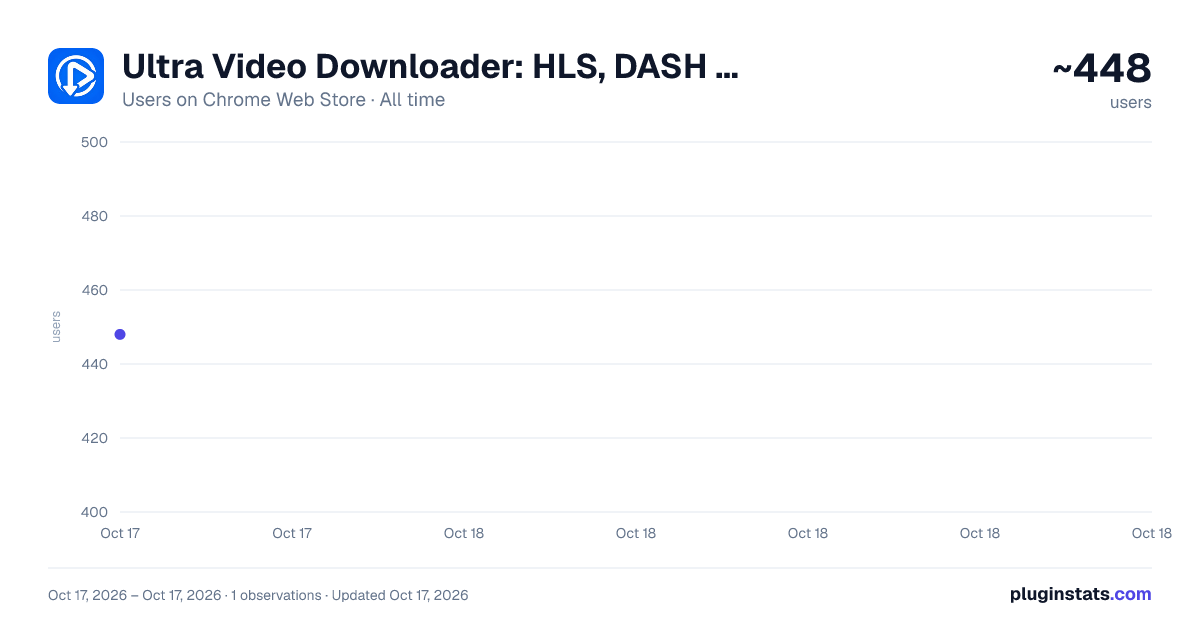
Ultra Video Downloader: HLS, DASH & MP4 has approximately 448 recorded users on Chrome Web Store, ranking #2027 of 3,853 tracked listings.
Rating: 5.00 / 5 from 6 ratings
About Ultra Video Downloader: HLS, DASH & MP4
Detect and save public HLS, DASH, MP4, WebM, audio, subtitles, and live streams from supported sites.
Ultra Video Downloader is a free video downloader for saving public or private video, audio, and streaming media from supported websites. It detects HLS/M3U8 streams, MPEG-DASH/MPD streams, MP4 and WebM files, audio tracks, subtitles, and live streams while you browse.
Play the video, open the extension, then choose the detected stream and quality you want to download. When available, Ultra Video Downloader can combine separate video and audio tracks, extract audio, save subtitles, or record a live stream.
Every download feature is free. There are no subscriptions, paywalls, download limits, or locked quality options.
KEY FEATURES • Download HLS and M3U8 video streams • Download MPEG-DASH and MPD streams • Detect direct MP4, WebM, and audio files • Choose from available video qualities • Merge separate video and audio tracks • Extract audio from supported media • Download available subtitle tracks • Record supported live streams • Create organized filenames with Smart Naming • View downloads in the popup or Chrome Side Panel • Keep download history stored locally on your device
HOW TO DOWNLOAD A VIDEO
- Open a supported webpage containing the video.
- Start playing the video so its media stream can be detected.
- Click Ultra Video Downloader in the Chrome toolbar.
- Select a detected video, stream, or quality.
- Click Download.
Ultra Video Downloader works with public media delivered through standard web formats. Availability depends on the website, player, and media source.
YT and DRM-protected media are not supported. Only download media that you own or have permission to save.
Description from the Chrome Web Store listing.
README badge
Show your rank in a README or on your website. The badge updates automatically.
Charts
Images: 30d · 1y · all time · 1600×900 dark
Adoption over time
7/30/90-day growth
Ranking history
Ratings over time
Listing placement
Listing placement
Filled points are observed values; hollow points come from Internet Archive snapshots of the listing page. Dashed segments span periods with no observations — values between points are not interpolated.
Each band is one page of 20. Users on a linear scale. Placement is projected from users, so it can differ from the marketplace's own sort order. Hover a dot to see the listing.
Recent observations
Full history (1)Similar Chrome Web Store Workflow & Planning plugins
All 20 Ultra Video Downloader: HLS, DASH & MP4 alternatives



Data source
Covers every Chrome Web Store extension with at least 100 users, found through the store's public sitemap. User counts are read from public listing pages. The 10% most-used extensions are refreshed daily, the next 40% weekly and the next 40% monthly; the least-used 10% are not refreshed. Google displays rounded user counts (and caps the display at 10,000,000+), so small changes may not be visible. Rating counts above 1,000 are rounded (e.g. 1.6K).
Listing: https://chromewebstore.google.com/detail/ultra-video-downloader-hl/mbhkngbnaickjnmcijcaifjfdllomoco. First seen Oct 17, 2026; last successful collection Oct 17, 2026. See the methodology.