 PluginStats

Twitch Rewind: Live Stream DVR users statistics
By Abhishek · Chrome Web Store · Tools
Rewind live Twitch streams to any moment. Includes a simple progress slider, keyboard shortcuts, and a smart catch-up mode.
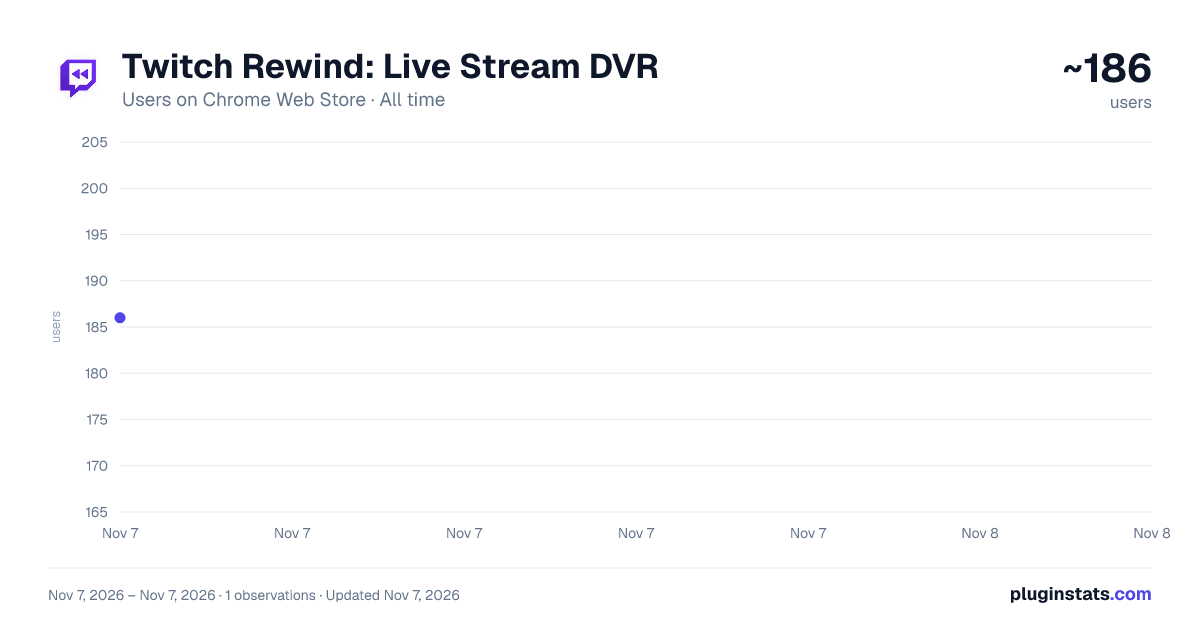
Twitch Rewind: Live Stream DVR has approximately 186 recorded users on Chrome Web Store, ranking #6141 of 7,934 tracked listings.
Rating: 5.00 / 5 from 2 ratings
About Twitch Rewind: Live Stream DVR
Rewind live Twitch streams to any moment. Includes a simple progress slider, keyboard shortcuts, and a smart catch-up mode.
Twitch Rewind: The Ultimate Live Stream DVR and Replay Tool
Have you ever looked away from your screen for just a second and missed an incredible gaming clutch, a hilarious streamer moment, or a crucial play in an esports tournament? Normally, you are forced to wait hours for the Past Broadcast (VOD) to be published just to see what happened.
Twitch Rewind solves this problem instantly. This extension transforms your Twitch video player into a fully functional DVR, allowing you to seamlessly pause, rewind, replay, and fast-forward live broadcasts in real-time. Never miss a hype moment again!
🔥 CORE FEATURES & BENEFITS:
⏪ Instant Live DVR & Replay A seamless progress slider is injected directly into the native Twitch player. Jump back 10 seconds to re-watch a funny clip, or scrub back 10 hours to see the beginning of the stream. Navigate live broadcasts exactly like a YouTube video.
⌨️ YouTube-Style Keyboard Shortcuts (Hotkeys) Take total control of the media player without ever touching your mouse. • Press 'J' to jump back 10 seconds • Press 'L' to jump forward 10 seconds • Press 'Spacebar' to Pause / Play • Press 'C' to toggle Smart Catch-Up Mode • Press '?' to view the on-screen hotkeys cheat sheet
⚡ Smart Catch-Up Mode Did you pause the stream to grab a snack and fall behind? Press 'C' to enable Smart Catch-Up. The video player will dynamically speed up the broadcast (adjusting between 1.25x and 2.0x speed based on how far behind you are) until you catch up to the live edge. Once you are caught up, it flawlessly drops you back to normal 1.0x speed.
🔴 Live Edge Snapping A custom "LIVE" button inside the player lets you instantly snap back to the real-time broadcast with a single click, skipping the buffer entirely.
🛡️ Zero Spoilers Replay missed plays instantly without having to refresh the page. This prevents you from jumping to the present moment and accidentally reading chat spoilers for esports matches or speedruns.
🎮 WHO IS THIS EXTENSION FOR? • Esports Fans: Replay incredible team fights, clutches, and headshots in competitive games like Valorant, CS:GO, League of Legends, and Apex Legends without waiting for the tournament to end. • Speedrun Enthusiasts: Scrutinize frame-perfect tricks and glitches by rewinding the live run. • Just Chatting Viewers: Pause the stream when you need to step away, and resume exactly where you left off without missing a single conversation or joke. • Multi-Taskers: Pause background streams while taking a phone call or watching a different video, then use Smart Catch-Up to naturally get back to the live edge.
❓ FREQUENTLY ASKED QUESTIONS (FAQ):
Does this work on past broadcasts / VODs? Twitch already allows you to scrub through VODs, but this extension brings that exact same functionality to LIVE streams! Furthermore, our YouTube-style hotkeys (J, L, Space) will work beautifully on both live streams AND past VODs.
Will this cause lag or buffering on my stream? No! Twitch Rewind is incredibly lightweight. It hooks directly into the native HTML5 video player and utilizes Twitch's existing stream buffer. It does not download external videos or cause excess network strain.
Is it safe to use? 100% Yes. Twitch Rewind respects your digital privacy. The extension collects absolutely ZERO user data, requires no account creation, contains no ads, and runs completely locally within your browser.
Does this work with other Twitch extensions like BTTV or 7TV? Yes, Twitch Rewind is designed to be highly compatible and works silently alongside popular chat and UI extensions like BetterTTV (BTTV), FrankerFaceZ (FFZ), and 7TV.
Disclaimer: This extension is an independent project and is not affiliated with, endorsed by, or sponsored by Twitch Interactive, Inc. or Amazon.com, Inc.
Description from the Chrome Web Store listing.
README badge
Show your rank in a README or on your website. The badge updates automatically.
Charts
Images: 30d · 1y · all time · 1600×900 dark
Adoption over time
7/30/90-day growth
Ranking history
Ratings over time
Listing placement
Listing placement
Filled points are observed values; hollow points come from Internet Archive snapshots of the listing page. Dashed segments span periods with no observations — values between points are not interpolated.
Each band is one page of 20. Users on a linear scale. Placement is projected from users, so it can differ from the marketplace's own sort order. Hover a dot to see the listing.
Recent observations
Full history (1)Similar Chrome Web Store Tools plugins
All 20 Twitch Rewind: Live Stream DVR alternatives



Data source
Covers every Chrome Web Store extension with at least 100 users, found through the store's public sitemap. User counts are read from public listing pages. The 10% most-used extensions are refreshed daily, the next 40% weekly and the next 40% monthly; the least-used 10% are not refreshed. Google displays rounded user counts (and caps the display at 10,000,000+), so small changes may not be visible. Rating counts above 1,000 are rounded (e.g. 1.6K).
Listing: https://chromewebstore.google.com/detail/twitch-rewind-live-stream/fnlecbndghcdfkjdgmpmhmfbiifckgne. First seen Nov 7, 2026; last successful collection Nov 7, 2026. See the methodology.