 PluginStats

Show Password users statistics
By Pic Mode Player · Chrome Web Store · Workflow & Planning
View password behind asterisks when hovering over password field.
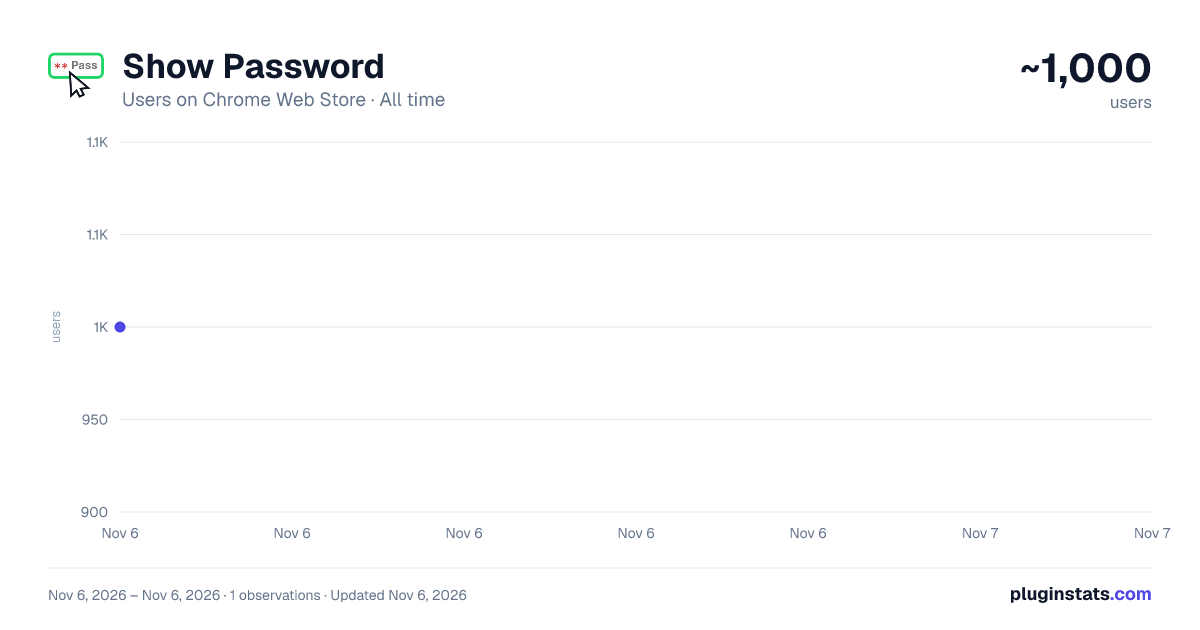
Show Password has approximately 1,000 recorded users on Chrome Web Store, ranking #2773 of 7,624 tracked listings.
Rating: 5.00 / 5 from 6 ratings
About Show Password
View password behind asterisks when hovering over password field.
Have you ever deleted an entire password just because you typed a single letter wrong?
Stop the frustration. With Show Password, you can instantly verify what you've typed without starting over. This lightweight tool gives you full control over how and when you see your passwords. No more hidden typos or re-entering long strings of characters.
Customizable Modes
Choose the trigger that fits your workflow in the options menu:
- Mouse Over: Show password when the cursor is over the field.
- Double Click: Show password only when you double-click the field.
- On Focus: Show password as soon as you click into the field.
- Ctrl Key: Show password only while holding down the Ctrl key.
Privacy Policy and Technical Transparency
We take your security seriously. Show Password is a local utility that does not collect, store, or transmit any personal data, passwords, or browsing history to any external servers or third parties. It operates strictly locally within your browser by temporarily modifying the HTML "input type" attribute from "password" to "text" in your local session to reveal the characters. Your data remains entirely on your machine, and the extension does not track your browsing history, interact with remote servers, or access any sensitive information. By installing this extension, you acknowledge that you are responsible for using it in a secure environment and agree to these terms; if you do not agree with this policy, you must uninstall the extension immediately.
Description from the Chrome Web Store listing.
README badge
Show your rank in a README or on your website. The badge updates automatically.
Charts
Images: 30d · 1y · all time · 1600×900 dark
Adoption over time
7/30/90-day growth
Ranking history
Ratings over time
Listing placement
Listing placement
Filled points are observed values; hollow points come from Internet Archive snapshots of the listing page. Dashed segments span periods with no observations — values between points are not interpolated.
Each band is one page of 20. Users on a linear scale. Placement is projected from users, so it can differ from the marketplace's own sort order. Hover a dot to see the listing.
Recent observations
Full history (1)Similar Chrome Web Store Workflow & Planning plugins
All 20 Show Password alternatives



Data source
Covers every Chrome Web Store extension with at least 100 users, found through the store's public sitemap. User counts are read from public listing pages. The 10% most-used extensions are refreshed daily, the next 40% weekly and the next 40% monthly; the least-used 10% are not refreshed. Google displays rounded user counts (and caps the display at 10,000,000+), so small changes may not be visible. Rating counts above 1,000 are rounded (e.g. 1.6K).
Listing: https://chromewebstore.google.com/detail/show-password/fodkkpajkkhliiocoomkebfojgpldphe. First seen Nov 6, 2026; last successful collection Nov 6, 2026. See the methodology.