 PluginStats
Export for Trello - Excel, CSV, PDF, JSON & Backup users statistics
By alpacaextensions · Chrome Web Store · Workflow & Planning
Backup & export any Trello board to Excel, CSV, PDF, JSON or Markdown in one click — comments, attachments & custom fields.
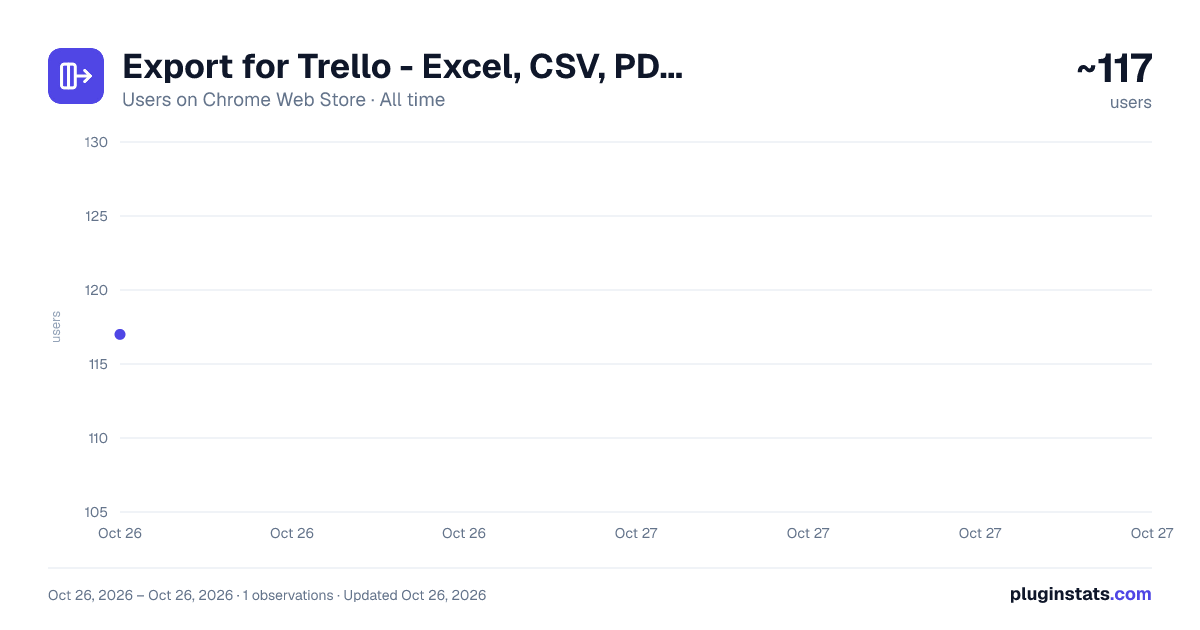
Export for Trello - Excel, CSV, PDF, JSON & Backup has approximately 117 recorded users on Chrome Web Store, ranking #4271 of 4,553 tracked listings.
About Export for Trello - Excel, CSV, PDF, JSON & Backup
Backup & export any Trello board to Excel, CSV, PDF, JSON or Markdown in one click — comments, attachments & custom fields.
Backup and export your Trello boards to Excel (.xlsx), CSV, PDF, JSON or Markdown in one click. A complete backup of any board — cards, lists, labels, due dates, checklists, custom fields, comments and attachments included. Built to stay fast and produce clean, valid files even on large boards, where other exporters freeze or generate broken spreadsheets.
Trello's native CSV export needs a paid Premium plan and leaves out comments entirely. This extension exports everything, runs entirely in your browser (your data never leaves your machine), and works on any Trello plan — including Free.
WHAT YOU CAN DO WITH IT • Backup a Trello board before archiving or closing it • Move your data into Excel or Google Sheets for reporting • Send a board to a client or manager as a clean PDF or Word document • Keep an offline archive of cards, comments and attachments • Migrate a board to another tool via CSV or JSON
FREE Export a single board to CSV and Excel with all core fields: lists, cards, descriptions, labels, due dates, members, checklists and archived cards.
PRO (one-time payment, lifetime — no subscription) • Multi-board and batch export • Comments and attachments — the data Trello's own CSV leaves out • Custom fields • Filter by label, member or due date before exporting • Extra formats: PDF, Word, JSON and Markdown • Advanced Excel: one sheet per list instead of one flat dump
Optionally, add an Export button straight to your Trello boards so you never have to leave the board to get your data out. It is off by default and asks for permission only when you turn it on.
One job, done well: get your Trello data out — cleanly, reliably, in the format you need. 100% client-side. No account, no servers, no data collection.
Description from the Chrome Web Store listing.
README badge
Show your rank in a README or on your website. The badge updates automatically.
Charts
Images: 30d · 1y · all time · 1600×900 dark
Adoption over time
7/30/90-day growth
Ranking history
Ratings over time
Listing placement
Listing placement
Filled points are observed values; hollow points come from Internet Archive snapshots of the listing page. Dashed segments span periods with no observations — values between points are not interpolated.
Each band is one page of 20. Users on a linear scale. Placement is projected from users, so it can differ from the marketplace's own sort order. Hover a dot to see the listing.
Recent observations
Full history (1)Similar Chrome Web Store Workflow & Planning plugins
All 20 Export for Trello - Excel, CSV, PDF, JSON & Backup alternatives



Data source
Covers every Chrome Web Store extension with at least 100 users, found through the store's public sitemap. User counts are read from public listing pages. The 10% most-used extensions are refreshed daily, the next 40% weekly and the next 40% monthly; the least-used 10% are not refreshed. Google displays rounded user counts (and caps the display at 10,000,000+), so small changes may not be visible. Rating counts above 1,000 are rounded (e.g. 1.6K).
Listing: https://chromewebstore.google.com/detail/export-for-trello-excel-c/cfhbhonjahbcddchfpfkneielecoklic. First seen Oct 26, 2026; last successful collection Oct 26, 2026. See the methodology.