 PluginStats

Meme? Yes users statistics
By Studio Coffee Blend · Chrome Web Store · Social Networking
Find and share the perfect meme instantly. Search, copy, save favorites, and access recents all in your chat.
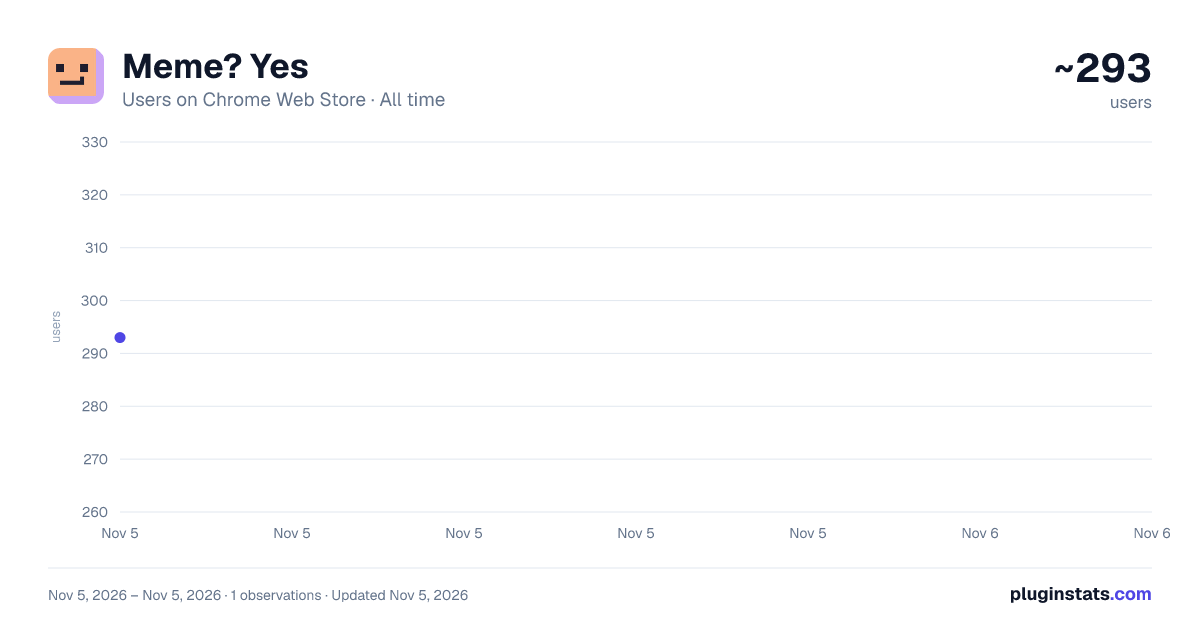
Meme? Yes has approximately 293 recorded users on Chrome Web Store, ranking #4676 of 7,342 tracked listings.
Rating: 5.00 / 5 from 1 ratings
About Meme? Yes
Find and share the perfect meme instantly. Search, copy, save favorites, and access recents all in your chat.
The joke is funny now. It won't be funny in 45 seconds after you've Googled "guy tapping head meme" and scrolled past five ads.
Meme? Yes saves the conversation. It lives in your browser toolbar so you never have to Alt-Tab or leave your current page. Open the popup, find the perfect reaction, and paste it before the moment passes.
How it works:
🔍 Search that actually gets it Type exactly what you're thinking, like "spiderman pointing," "confused math lady," or "drake no," and get the right image instantly. No generic stock photos, just the memes you know.
✍️ Caption It Yourself Found the perfect template but need a hyper-specific joke? Add your own custom text directly onto the image right inside the extension before you copy it.
📁 Bring Your Own Memes (Local Storage) Got a folder of niche inside jokes on your computer? Upload your own images directly into the extension so your personal stash is always one click away.
📋 One-Click Copy Stop doing the "Right Click > Save Image As > Upload" dance. Just click the meme to copy it. Paste (Ctrl+V) directly into Discord, Slack, Twitter/X, or Reddit.
☁️ Cloud-Synced Stash Heart a meme to add it to your Saved tab, and let the extension automatically track your Recent tab. Both tabs securely sync to your Chrome profile, so your go-to reactions travel with you to any computer.
💾 Total Data Control Moving to a new PC? Keep your locally uploaded memes safe by exporting them to a backup file, then easily import them anywhere. Zero data loss.
Keep the vibe going without getting distracted by slow searches. Add to Chrome and always have the perfect reply ready.
Description from the Chrome Web Store listing.
README badge
Show your rank in a README or on your website. The badge updates automatically.
Charts
Images: 30d · 1y · all time · 1600×900 dark
Adoption over time
7/30/90-day growth
Ranking history
Ratings over time
Listing placement
Listing placement
Filled points are observed values; hollow points come from Internet Archive snapshots of the listing page. Dashed segments span periods with no observations — values between points are not interpolated.
Each band is one page of 20. Users on a linear scale. Placement is projected from users, so it can differ from the marketplace's own sort order. Hover a dot to see the listing.
Recent observations
Full history (1)Similar Chrome Web Store Social Networking plugins
All 20 Meme? Yes alternatives



Data source
Covers every Chrome Web Store extension with at least 100 users, found through the store's public sitemap. User counts are read from public listing pages. The 10% most-used extensions are refreshed daily, the next 40% weekly and the next 40% monthly; the least-used 10% are not refreshed. Google displays rounded user counts (and caps the display at 10,000,000+), so small changes may not be visible. Rating counts above 1,000 are rounded (e.g. 1.6K).
Listing: https://chromewebstore.google.com/detail/meme-yes/fobkoahjldaainfncmdfbkgcfbamkmei. First seen Nov 5, 2026; last successful collection Nov 5, 2026. See the methodology.