 PluginStats

Disbug: capture bugs for your AI agent users statistics
Chrome Web Store · Developer Tools
Turn a bug into structured, reproducible context your AI coding agent can read. Session replay, console, network, DOM, env.
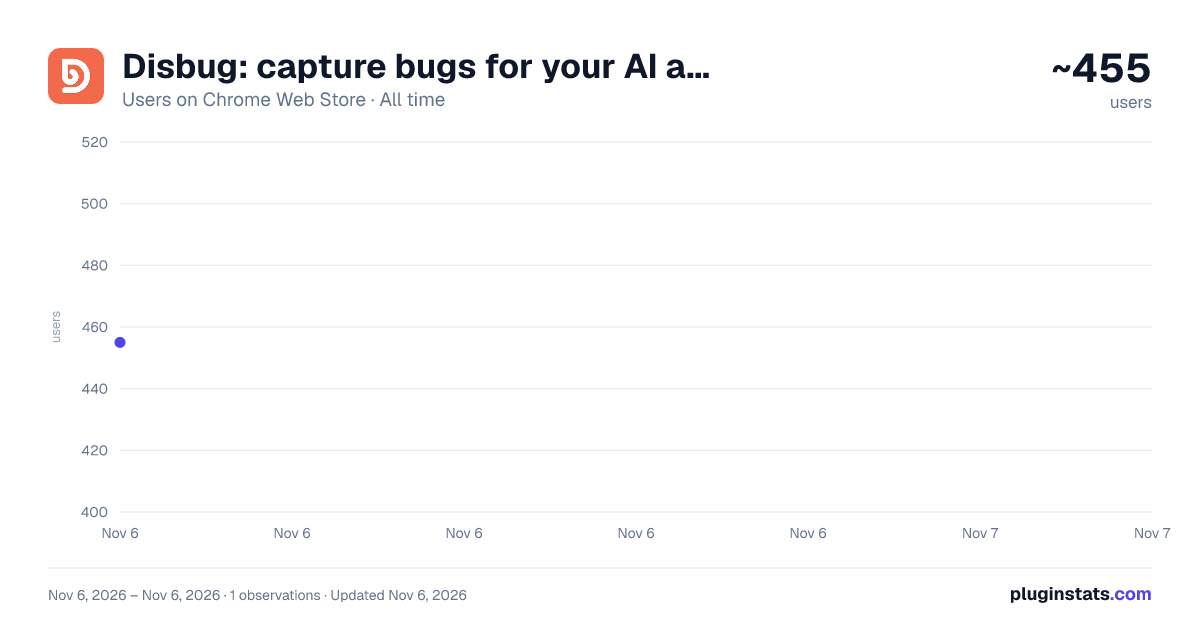
Disbug: capture bugs for your AI agent has approximately 455 recorded users on Chrome Web Store, ranking #3991 of 7,624 tracked listings.
Rating: 5.00 / 5 from 2 ratings
About Disbug: capture bugs for your AI agent
Turn a bug into structured, reproducible context your AI coding agent can read. Session replay, console, network, DOM, env.
Disbug turns a bug into context your AI coding agent can actually use.
You already fix bugs with an AI agent — Cursor, Claude Code, Copilot, Windsurf. The agent is only as good as the context you give it, and "it's broken on this page" gets you nowhere. Disbug is the eyes and ears of that loop: pin a bug in the browser and it captures a complete, reproducible session your agent can read.
🎯 Pin the bug, capture everything — one click ✔ Full session replay (every click, input, and DOM change leading up to the bug) ✔ Console logs and errors ✔ Network requests, with responses ✔ Screenshot of the exact moment ✔ DOM state ✔ Environment: browser, OS, viewport, locale, signed-in user
🤖 Hand it straight to your AI coding agent
Save the session and your agent picks it up with full context — or download it as local JSON and copy it as markdown to drop into any agent, PR, or issue. Structured and reproducible, not a vague screenshot and a paragraph of guessing.
🔁 Close the engineering loop
Bug found → structured context → your agent reproduces and fixes it. Disbug doesn't fix bugs; it makes them legible to the agent that will. Less Dev↔QA back-and-forth, faster fixes, reproducible every time.
🚀 Up and running in minutes
☝ Install and sign in at https://disbug.io ✌ Create a project 🤝 Capture your first bug and send it to your agent.
Questions or a demo: team@disbug.io
Description from the Chrome Web Store listing.
README badge
Show your rank in a README or on your website. The badge updates automatically.
Charts
Images: 30d · 1y · all time · 1600×900 dark
Adoption over time
7/30/90-day growth
Ranking history
Ratings over time
Listing placement
Listing placement
Filled points are observed values; hollow points come from Internet Archive snapshots of the listing page. Dashed segments span periods with no observations — values between points are not interpolated.
Each band is one page of 20. Users on a linear scale. Placement is projected from users, so it can differ from the marketplace's own sort order. Hover a dot to see the listing.
Recent observations
Full history (1)Similar Chrome Web Store Developer Tools plugins
All 20 Disbug: capture bugs for your AI agent alternatives



Data source
Covers every Chrome Web Store extension with at least 100 users, found through the store's public sitemap. User counts are read from public listing pages. The 10% most-used extensions are refreshed daily, the next 40% weekly and the next 40% monthly; the least-used 10% are not refreshed. Google displays rounded user counts (and caps the display at 10,000,000+), so small changes may not be visible. Rating counts above 1,000 are rounded (e.g. 1.6K).
Listing: https://chromewebstore.google.com/detail/disbug-capture-bugs-for-y/ikogehheclkeaipcngkhdpnmfhjhpdio. First seen Nov 6, 2026; last successful collection Nov 6, 2026. See the methodology.