 PluginStats
Google Chat Exporter users statistics
By Vishwas R · Chrome Web Store · Communication
Export Google Chat conversations to TXT or HTML with media. 100% private — no data leaves your browser.
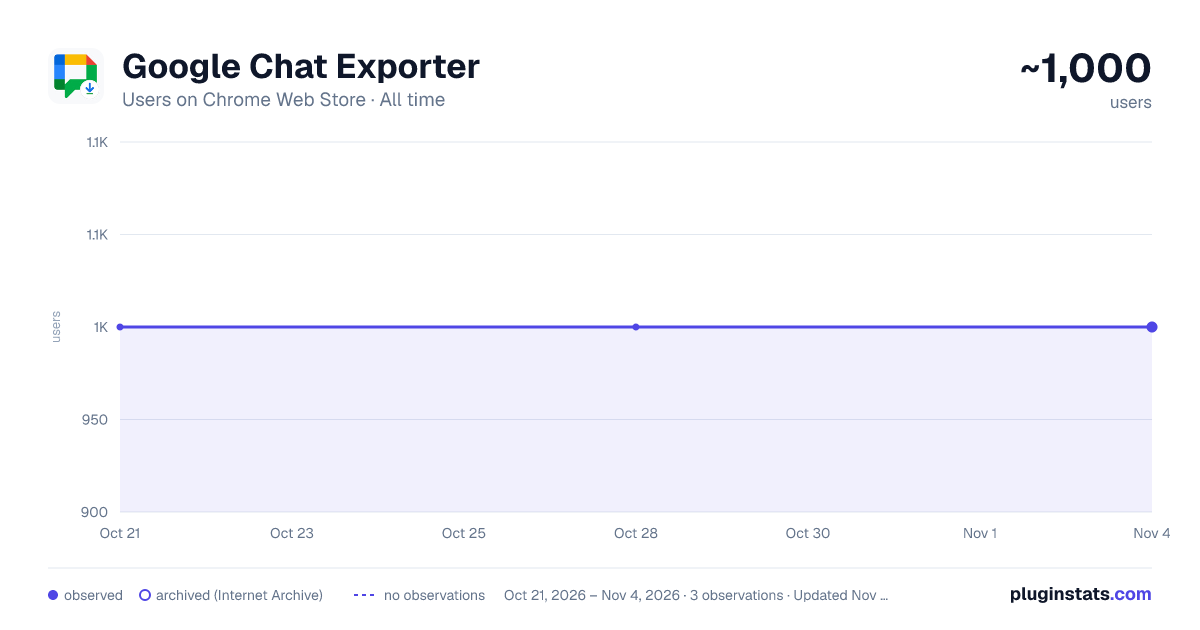
Google Chat Exporter has approximately 1,000 recorded users on Chrome Web Store, ranking #1068 of 2,952 tracked listings.
Rating: 3.00 / 5 from 5 ratings
About Google Chat Exporter
Export Google Chat conversations to TXT or HTML with media. 100% private — no data leaves your browser.
🚀 Google Chat Exporter – The Ultimate Backup & Archiving Tool for Google Chat!
Export your Google Chat conversations, spaces, and media effortlessly. Whether you need a clean, readable Plain Text (.txt) transcript or a rich, interactive HTML archive (.html + .zip) complete with photos, files, and video clips, Google Chat Exporter does it all in seconds — 100% locally and privately in your browser.
Works seamlessly on Google Chrome, Brave, Microsoft Edge, and across standalone chat.google.com, Gmail-embedded Chat, and standalone PWA desktop app windows!
━━━━━━━━━━━━━━━━━━━━━━━━━━━━ 🆕 WHAT’S NEW IN V2.2 ━━━━━━━━━━━━━━━━━━━━━━━━━━━━ 🔁 Auto-Export on Open: Multi-channel archiving made simple! Toggle "Auto-Export on Open" in the popup, then open each channel you want to save—each conversation auto-exports as soon as it renders. ⚡ 4× Faster Media Downloads: Parallel download engine fetches images, clips, and attachments rapidly. ⏱️ Smart Incremental Backups: Option to export only new messages since your last backup with one click. 🛑 Responsive Cancel Button: Abort or stop exports anytime directly from the floating HUD without freezing your page. 🚀 70% Faster History Scanning: Intelligent virtual DOM extraction cache ensures silky-smooth scrolling on huge chat histories.
━━━━━━━━━━━━━━━━━━━━━━━━━━━━ 🔑 KEY FEATURES ━━━━━━━━━━━━━━━━━━━━━━━━━━━━ 📄 Dual Export Formats: • Interactive HTML (.html + .zip): An exact, beautiful replica of your chat with speech bubbles, profile pictures, embedded images, audio voice notes, video previews, and downloadable files. • Clean Plain Text (.txt): A clean, chronological log with sender names, timestamps, and message formatting preserved.
⏱️ Smart Incremental Export: • Remembers your last export checkpoint per conversation so you only back up new messages. • One-click toggle between incremental and full complete history re-scan.
🖼️ Full Media & Attachment Extraction: • Parallel download engine automatically fetches photos, GIFs, audio recordings, video clips, and document attachments (PDFs, docs, spreadsheets, zip archives) into an organized media folder. • Captures Google Meet call links and interactive bot card messages (alerts, webhooks).
⚡ Auto-Scroll Full History: • Automatically scrolls up through the conversation to load older history so you never miss past messages.
🌐 Universal Browser & App Support: • Works in regular browser tabs (chat.google.com and mail.google.com). • Works in Google Chat installed as a Progressive Web App (PWA) / standalone desktop window. • Fully compatible with Brave, Chrome, Edge, and other Chromium browsers.
🖱️ Two Convenient Ways to Export: • Toolbar Popup: Click the extension icon to view conversation status, choose TXT or HTML, toggle incremental backup, toggle media download, and export with 1 click. • Context Menu: Right-click anywhere within a chat to export directly from the right-click menu.
━━━━━━━━━━━━━━━━━━━━━━━━━━━━ 🔒 100% PRIVATE & SECURE ━━━━━━━━━━━━━━━━━━━━━━━━━━━━ Your privacy is our highest priority: • Zero External Servers: All message parsing, media downloading, and ZIP generation happen strictly on your machine. • No Tracking or Telemetry: No analytics, cookies, or tracking scripts. • No Account Needed: Operates directly in your browser session using standard local browser APIs. • Your data never leaves your computer.
━━━━━━━━━━━━━━━━━━━━━━━━━━━━ 🛠️ HOW TO USE ━━━━━━━━━━━━━━━━━━━━━━━━━━━━
- Open Google Chat (chat.google.com), Gmail Chat, or your Google Chat PWA desktop window.
- Navigate to any direct message or space.
- Export using your preferred method: • Option A (Popup): Click the Google Chat Exporter icon in your toolbar, select HTML or TXT, choose whether to do an incremental or full export, and click "Export Current Conversation". • Option B (Right-Click): Right-click anywhere inside the chat message area and select "📄 Export Chat as TXT" or "🌐 Export Chat as HTML (with media)".
- Watch the animated progress card as it scrolls and bundles your chat (you can click "Cancel" at any time if needed).
- Your file (.txt or .zip) downloads automatically to your Downloads folder!
━━━━━━━━━━━━━━━━━━━━━━━━━━━━ 💡 PERFECT FOR ━━━━━━━━━━━━━━━━━━━━━━━━━━━━ • Teams & Businesses: Archive project discussions, client agreements, and handover notes. • Compliance & Legal: Create verifiable offline records of work conversations. • Students & Researchers: Save group study sessions, resources, and shared links. • Personal Backup: Keep permanent offline copies of memorable chats with family and colleagues.
━━━━━━━━━━━━━━━━━━━━━━━━━━━━ 📦 LIGHTWEIGHT, FAST & RELIABLE ━━━━━━━━━━━━━━━━━━━━━━━━━━━━ Built with modern Manifest V3 standards. No bloat, no background battery drain, just a blazing-fast, secure tool built for daily productivity.
Download Google Chat Exporter today and keep your conversations safe! 🗃️💬
Description from the Chrome Web Store listing.
README badge
Show your rank in a README or on your website. The badge updates automatically.
Charts
Images: 30d · 1y · all time · 1600×900 dark
Adoption over time
7/30/90-day growth
Ranking history
Ratings over time
Listing placement
Listing placement
Filled points are observed values; hollow points come from Internet Archive snapshots of the listing page. Dashed segments span periods with no observations — values between points are not interpolated.
Each band is one page of 20. Users on a linear scale. Placement is projected from users, so it can differ from the marketplace's own sort order. Hover a dot to see the listing.
Recent observations
Full history (1)Similar Chrome Web Store Communication plugins
All 20 Google Chat Exporter alternatives



Data source
Covers every Chrome Web Store extension with at least 100 users, found through the store's public sitemap. User counts are read from public listing pages. The 10% most-used extensions are refreshed daily, the next 40% weekly and the next 40% monthly; the least-used 10% are not refreshed. Google displays rounded user counts (and caps the display at 10,000,000+), so small changes may not be visible. Rating counts above 1,000 are rounded (e.g. 1.6K).
Listing: https://chromewebstore.google.com/detail/google-chat-exporter/epemodmmmilflmhgojgonhfcjfjnflgc. First seen Oct 21, 2026; last successful collection Oct 21, 2026. See the methodology.