 PluginStats

PencilKit — Native-Feel Web Sketching & Annotation users statistics
Chrome Web Store · Workflow & Planning
High-performance sketching and annotation tool. Explain ideas, give feedback, and take notes on any webpage with a native-feel.
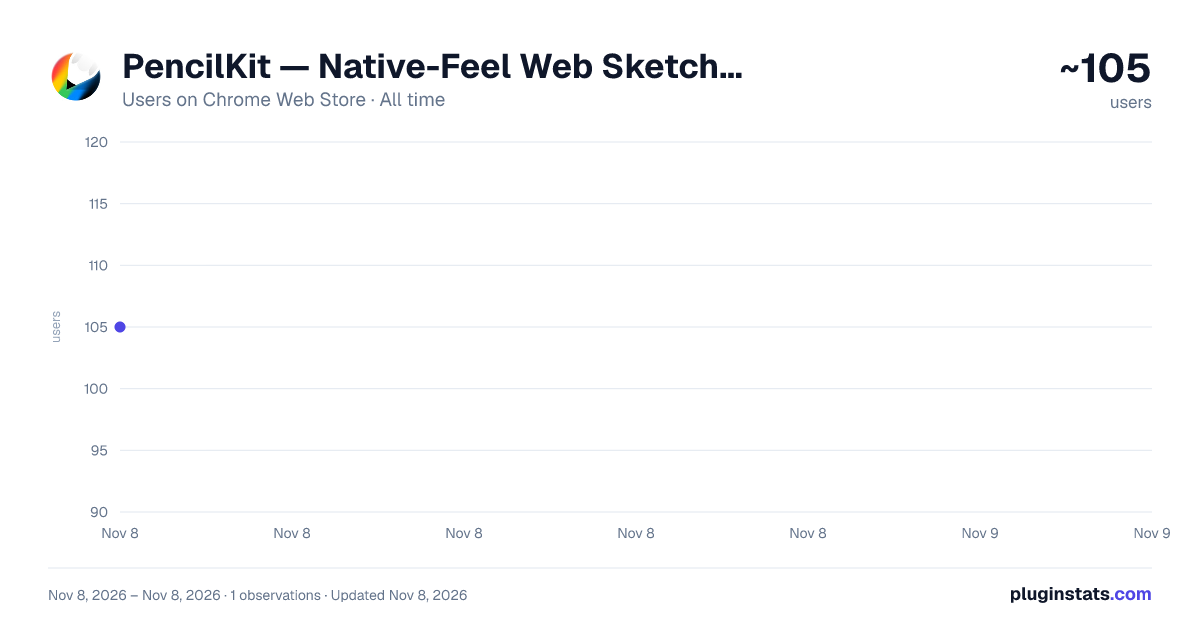
PencilKit — Native-Feel Web Sketching & Annotation has approximately 105 recorded users on Chrome Web Store, ranking #8022 of 8,189 tracked listings.
Rating: 5.00 / 5 from 3 ratings
About PencilKit — Native-Feel Web Sketching & Annotation
High-performance sketching and annotation tool. Explain ideas, give feedback, and take notes on any webpage with a native-feel.
PencilKit is a fast, native-feel web sketching and annotation tool. Turn any web page into a high‑performance canvas so you can draw, highlight, and take notes on websites in seconds.
Built by a designer, PencilKit feels like part of your browser: clean UI, no lag, and no clunky menus. Use it to explain ideas, review designs, leave visual feedback, or sketch UI flows directly on top of pages like LinkedIn, Figma, or Google Docs.
PencilKit is fully scroll‑aware, so you can draw while scrolling long web pages without things freezing or losing your place. Lines stay smooth and responsive even on complex sites.
Switch tools instantly with simple keyboard shortcuts:
- P = Pen (draw and sketch on web pages)
- H = Highlighter (emphasize text and elements)
- B = Blur (hide sensitive information in screenshots or demos)
- E = Eraser (quick clean‑up)
💰 Simple, Honest Pricing
PencilKit is pay‑what‑you‑want. You can get your key for any amount you choose — including free ($0). There are no minimums, no subscriptions, and no hidden costs.
You can try PencilKit free for 5 days. After that, you’ll see a gentle reminder to support the creator, but you can always continue using it for free ($0) or contribute any amount you like.
🛡️ Privacy & Security
PencilKit is built to be safe and private. It’s a browser drawing and annotation extension that runs locally:
- No Accounts: You never need to sign up or provide an email.
- No Tracking: I don’t collect your data or track your browsing. Your drawings stay on your computer.
- Trusted Platform: Activation keys are handled securely via Polar.sh, a verified open‑source platform.
📈 Whether you choose to support the project or use it for free, you get the full professional experience. Thank you for supporting independent creators!
Description from the Chrome Web Store listing.
README badge
Show your rank in a README or on your website. The badge updates automatically.
Charts
Images: 30d · 1y · all time · 1600×900 dark
Adoption over time
7/30/90-day growth
Ranking history
Ratings over time
Listing placement
Listing placement
Filled points are observed values; hollow points come from Internet Archive snapshots of the listing page. Dashed segments span periods with no observations — values between points are not interpolated.
Each band is one page of 20. Users on a linear scale. Placement is projected from users, so it can differ from the marketplace's own sort order. Hover a dot to see the listing.
Recent observations
Full history (1)Similar Chrome Web Store Workflow & Planning plugins
All 20 PencilKit — Native-Feel Web Sketching & Annotation alternatives



Data source
Covers every Chrome Web Store extension with at least 100 users, found through the store's public sitemap. User counts are read from public listing pages. The 10% most-used extensions are refreshed daily, the next 40% weekly and the next 40% monthly; the least-used 10% are not refreshed. Google displays rounded user counts (and caps the display at 10,000,000+), so small changes may not be visible. Rating counts above 1,000 are rounded (e.g. 1.6K).
Listing: https://chromewebstore.google.com/detail/pencilkit-—-native-feel-w/anniilfanmjjcphmfoomhdbabefgkebj. First seen Nov 8, 2026; last successful collection Nov 8, 2026. See the methodology.