 PluginStats
Multiple Copy & Clipboard History users statistics
By bogovs · Chrome Web Store · Workflow & Planning
Make multiple copies and save to your clipborad history
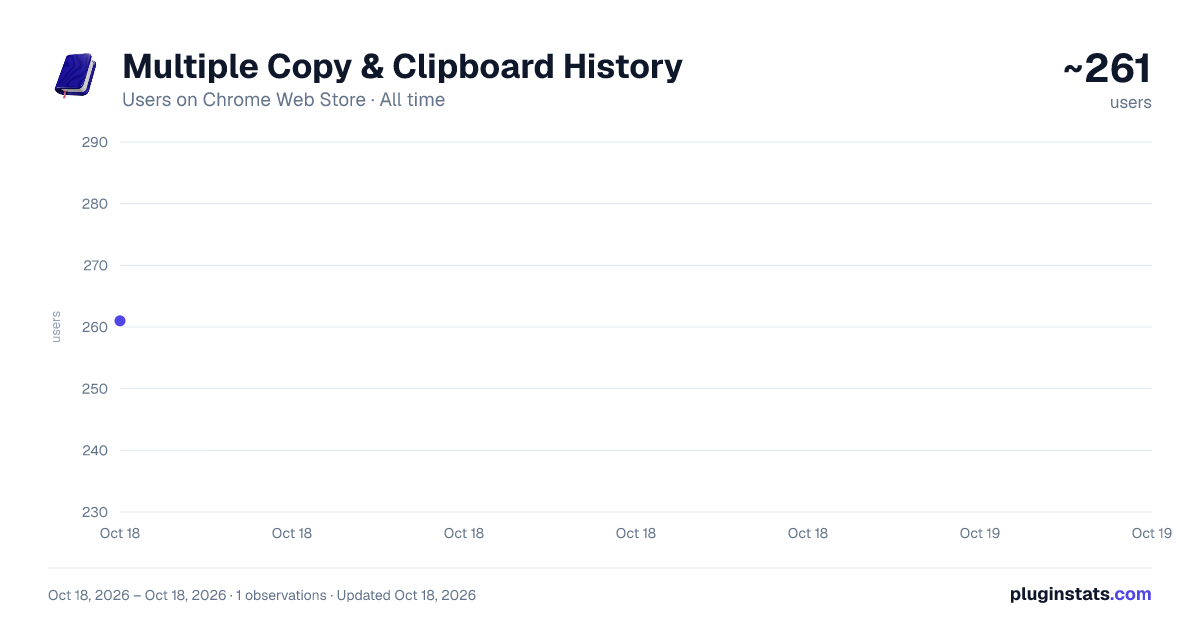
Multiple Copy & Clipboard History has approximately 261 recorded users on Chrome Web Store.
It ranks #1369 of 2,033 tracked Chrome Web Store listings by users.
It is rated 5.0 out of 5 from 4 ratings.
PluginStats has 1 daily observations since Oct 18, 2026; the latest is from Oct 18, 2026.
Rating: 5.00 / 5 from 4 ratings
About Multiple Copy & Clipboard History
Make multiple copies and save to your clipborad history
Copy Multiple Items Effortlessly with Multiple Copy & Clipboard History. Make multiple copies and save to your clipboard history. No subscriptions or payments!
Using Multiple Copy & Clipboard History is as simple as 1-2-3: 1. Select your text. 2. Right-click and choose "Save to Clipboard History". 3. That's it! The text is stored safely in the extension.
With Multiple Copy & Clipboard History, you can copy multiple items effortlessly and save them in your clipboard history for instant access whenever you need them. Whether you're working on a complex project, drafting multiple emails, or quickly gathering information, Multiple Copy & Clipboard History has you covered.
Multiple Copy & Clipboard History stands out with its straightforward and efficient design. You can easily collect and manage multiple snippets of text without breaking your workflow. The extension is fully optimized for Chromebooks and fits perfectly into the ChromeOS ecosystem, providing an efficient way to manage your clipboard history directly in your browser.
It ensures that all your copied items are organized and easily accessible, making it perfect for managing extensive research, assembling detailed reports, or handling everyday copy-paste tasks. Embrace the ease of multitasking and enhance your productivity with Multiple Copy & Clipboard History on Chrome and ChromeOS.
Frequently Asked Questions (FAQ): Q: How do I view my clipboard history in Chrome or ChromeOS? A: Click the extension icon to open the popup. Your saved items will appear instantly. If nothing is saved yet, you’ll see a friendly empty screen.
Q: Does this work as a clipboard history manager for ChromeOS / Chromebook? A: Yes, absolutely! It is fully compatible with ChromeOS. If you are looking for an easy way how to save copy history on ChromeOS within your browser, this extension provides a seamless, lightweight solution.
Q: Can I copy multiple items at once? A: Yes! Each time you right-click and choose “Save to Clipboard History” the item is added to your history without overwriting previous entries.
Q: Can I delete items from my clipboard history? A: Absolutely. Just click the trash icon next to any saved item in the popup.
Q: Is there a shortcut to copy and save? A: Currently, the extension uses the context menu. Keyboard shortcuts may be added in future updates.
Q: Is it safe to use for sensitive information? A: Yes. All data stays on your device. We never transmit or store your clipboard content externally.
User Safety: Developer is dedicated to safeguarding your privacy and ensuring the security of your data. Your information stored in our clipboard extension (Multiple Copy & Clipboard History) remains confidential and secure within your device. We do not store, share, or access your data with any third-party entities.
Description from the Chrome Web Store listing.
Charts
Images: 30d · 1y · all time · 1600×900 dark
Adoption over time
7/30/90-day growth
Ranking history
Ratings over time
Listing placement
Filled points are observed values; hollow points come from Internet Archive snapshots of the listing page. Dashed segments span periods with no observations — values between points are not interpolated.
Each band is one page of 20. Users on a log scale. Placement is projected from users, so it can differ from the marketplace's own sort order. Hover a dot to see the listing.
Recent observations
Full history (1)Similar Chrome Web Store Workflow & Planning plugins
All 20 Multiple Copy & Clipboard History alternatives




Data source
Covers every Chrome Web Store extension with at least 100 users, found through the store's public sitemap. User counts are read from public listing pages. The 10% most-used extensions are refreshed daily, the next 40% weekly and the next 40% monthly; the least-used 10% are not refreshed. Google displays rounded user counts (and caps the display at 10,000,000+), so small changes may not be visible. Rating counts above 1,000 are rounded (e.g. 1.6K).
Listing: https://chromewebstore.google.com/detail/multiple-copy-clipboard-h/oagfikbmdegohmkjgakbgelehcaninea. First seen Oct 18, 2026; last successful collection Oct 18, 2026. See the methodology.