 PluginStats

Flow Automation - Auto Flow on Google Flow users statistics
Chrome Web Store · Workflow & Planning
Auto Flow your prompts at scale. Batch generate and auto-download videos and images on Google Flow.
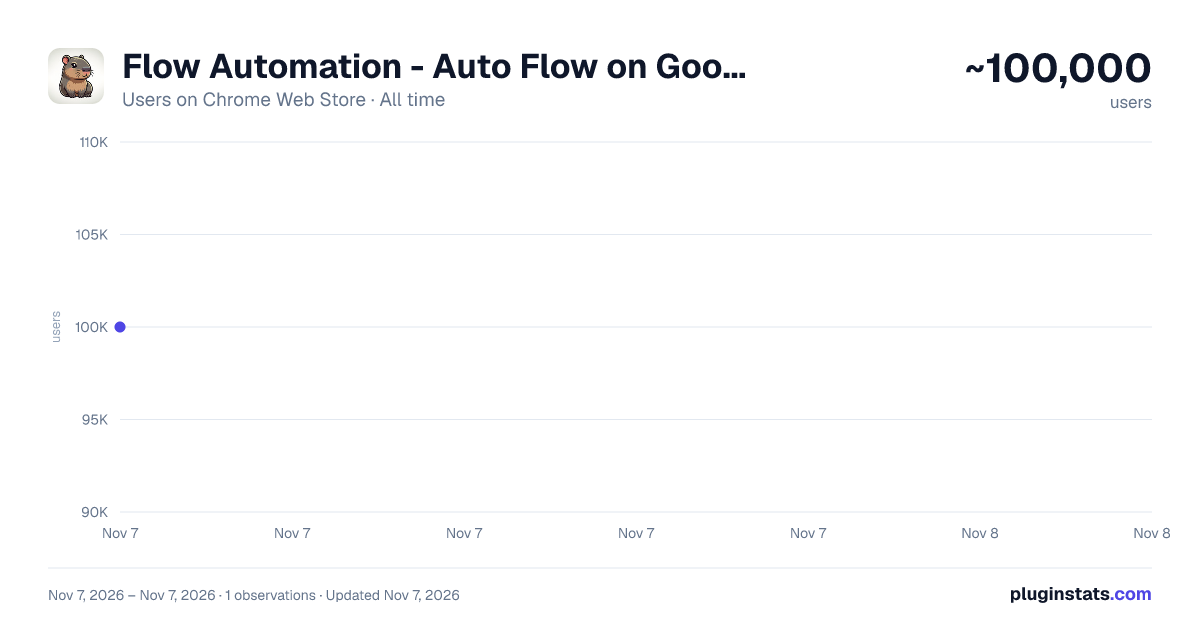
Flow Automation - Auto Flow on Google Flow has approximately 100,000 recorded users on Chrome Web Store, ranking #236 of 7,934 tracked listings.
Rating: 4.00 / 5 from 240 ratings
About Flow Automation - Auto Flow on Google Flow
Auto Flow your prompts at scale. Batch generate and auto-download videos and images on Google Flow.
Flow Automation is an Auto Veo, Auto Flow tool built to fully automate your workflow on Google Flow (flow.google.com). No more manually creating projects or filling prompts one by one — let Flow run automatically.
This extension turns Google Flow into a batch-processing engine, allowing you to auto-submit prompts, auto-generate videos and images, and auto-download results at scale.
🔥 What Flow Automation does Auto Flow prompts continuously without manual interaction Batch generate AI videos and images in parallel Automatically download videos and images in multiple resolutions Handle long prompt queues safely with concurrent processing
🚀 Key Features
🤖 Auto Video Batch Processing Queue dozens or hundreds of prompts and let VEO Automation automatically: Create new projects Fill prompts and configurations Submit generation jobs Track generation progress Move to the next prompt
No clicks. No babysitting.
🎬 Auto Video Generation Automatically generate videos using: Text to Video Image to Video Components to Video Supports generating multiple videos per prompt and parallel execution Supports video downloads in 720p, 1080p, 2K, and 4K
🖼️ Auto Image Generation (Banana Pro) Automatically generate images using: Text to Image Image to Image Edit images before generating new images to keep character consistency Automatically download images in 1K, 2K, and 4K Upload and save images directly into the project folder
⚙️ Professional Automation Controls Concurrent prompt processing Smart handling for large image uploads Automatically chain the final image from the previous video into the next prompt
📊 Real-time Queue Monitoring Visual progress tracking Live prompt status inside the Side Panel
🎛 Advanced Customization Aspect ratios: 16:9, 1:1, 9:16 Model selection: Omni 1.1 Flash Veo 3.1 Fast Veo 3.1 Quality Veo 2 Fast Veo 2 Quality Number of videos per prompt Parallel prompt processing
🌐 Multi-language Support English Vietnamese Chinese Korean (한국어) Japanese (日本語) Spanish (Español)
✅ Perfect for Content creators AI video producers Automation & productivity users Anyone who wants to Auto Flow at scale
Description from the Chrome Web Store listing.
README badge
Show your rank in a README or on your website. The badge updates automatically.
Charts
Images: 30d · 1y · all time · 1600×900 dark
Adoption over time
7/30/90-day growth
Ranking history
Ratings over time
Listing placement
Listing placement
Filled points are observed values; hollow points come from Internet Archive snapshots of the listing page. Dashed segments span periods with no observations — values between points are not interpolated.
Each band is one page of 20. Users on a linear scale. Placement is projected from users, so it can differ from the marketplace's own sort order. Hover a dot to see the listing.
Recent observations
Full history (1)Similar Chrome Web Store Workflow & Planning plugins
All 20 Flow Automation - Auto Flow on Google Flow alternatives



Data source
Covers every Chrome Web Store extension with at least 100 users, found through the store's public sitemap. User counts are read from public listing pages. The 10% most-used extensions are refreshed daily, the next 40% weekly and the next 40% monthly; the least-used 10% are not refreshed. Google displays rounded user counts (and caps the display at 10,000,000+), so small changes may not be visible. Rating counts above 1,000 are rounded (e.g. 1.6K).
Listing: https://chromewebstore.google.com/detail/flow-automation-auto-flow/fnmijgmnjpealnnadjpjilaanhhambeb. First seen Nov 7, 2026; last successful collection Nov 7, 2026. See the methodology.