 PluginStats
Gmail Taskbar Unread Badge users statistics
By Ocfinity (Jared) · Chrome Web Store · Workflow & Planning
Add an unread email count badge to Gmail's PWA icon on supported OS's taskbar's or dock's
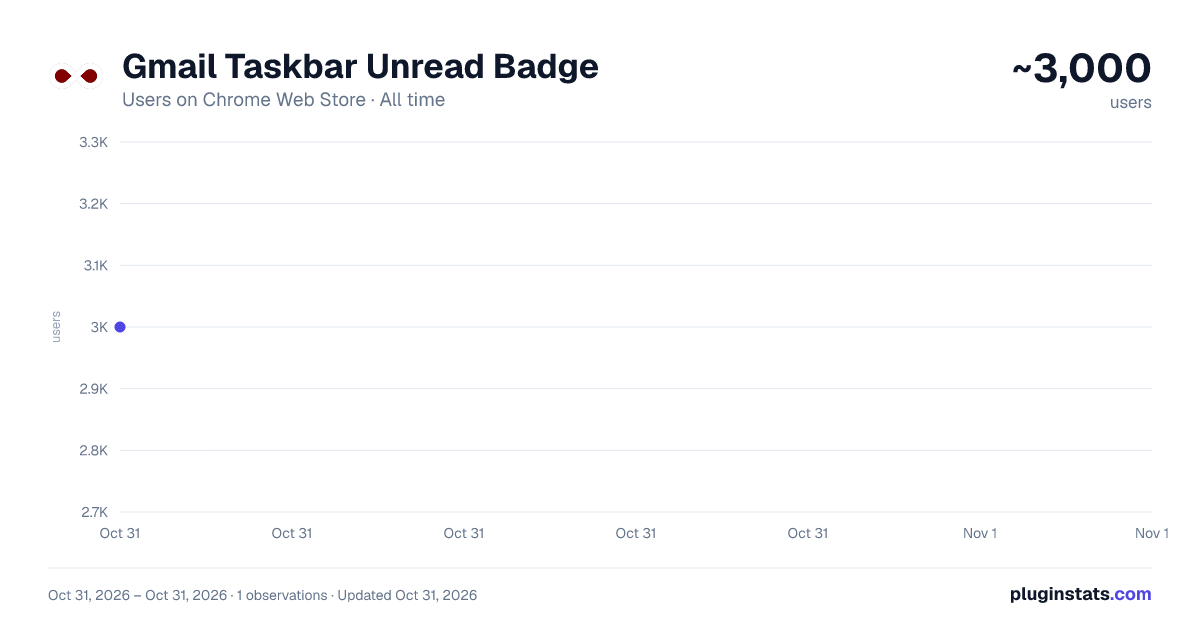
Gmail Taskbar Unread Badge has approximately 3,000 recorded users on Chrome Web Store, ranking #1362 of 6,300 tracked listings.
Rating: 4.80 / 5 from 16 ratings
About Gmail Taskbar Unread Badge
Add an unread email count badge to Gmail's PWA icon on supported OS's taskbar's or dock's
Note: I have added a new extension that merges the first 2 together, the Gmail and Outlook unread counts all in one extension. Please view my other extensions or you can find it at https://chrome.google.com/webstore/detail/multi-emailapp-taskbardoc/ipeimmibpbandhbpndfdbjpdodcjdbdo
Disclaimer: The developer of this extension in no way claims to be associated with Google/Gmail. I acknowlegde that I do not own their respective trademarks. This extension was developed for personal use and shared for others to use, if they wish to.
This extension adds an unread count badge to the taskbar/dock icon of a PWA* Gmail app. The app supports multiple Gmail PWA accounts. Multiple account badges only work when each PWA is installed using a unique Google Chrome browser profile that is setup with the unique Google Account that you wish to access Gmail emails with.
Please note: this extension does not work, as intended, with multiple Gmail accounts within the same Google Chrome browser profile, if each PWA is installed using the same Chrome Profile, it will show the unread count of each account on the same PWA taskbar icon by cycling through each account dependant on when you opened the PWA account on your device.
(Windows) How to install a PWA in Google Chrome:
- Navigate to the Gmail URL, i.e. go to your Gmail Inbox.
- Click on the Google Chrome browser settings button, ⋮ .
- Click on menu option, "More tools".
- Click on sub-menu option, "Create shortcut..."
- Name the shortcut, e.g. GMail.
- (NB!) Ensure that you check/tick the checkbox labelled, "Open as window".
- Once the new GMail window opens, remember to pin the PWA to your taskbar to ensure that the extension adds the unread count to the pinned icon on the taskbar.
- Windows 10 and 11, ensure that the Taskbar setting, "Show badges on taskbar buttons", is toggled on (i.e. enabled) to allow the unread count badge to be shown on the Windows Taskbar.
Once you have successfully made use of the extension, could you please rate it, and if you have any feedback, it will be appreciated too. This will give me an indication on whether or not I should enhance this extension further.
I hope that this small extension helps you in some way, enjoy.
*PWA, Progressive Web Application.
Updates: 2022-01-09 (0.2.3)
- Changed the package name to remove references to Windows 10. As this extension uses JavaScript and runs on many compatible browsers, with different flavours of operating systems, the extension is compatible with many system configurations. However, it has only been tested on Windows 10 and 11 by the developer.
Bug Fixes: 2022-02-10 (0.3.0)
- The previous bug fix broke the extension for many users, apologies for this. This new bug fix changes the approach to make use of GMail's Atom Feed. This should be more reliable for all scenarios. 2022-02-08 (0.2.4)
- When the Inbox had zero unread messages, the badge would display the unread count of the next label available, e.g. the Spam folder if it had unread messages. This fix will ensure that the Inbox label count is only used. (Thank you to Kevin for pointing this one out, this is appreciated.) 2021-10-28 (0.2.2)
- Badge would not be triggered if the PWA started with a hashtag anchor in the URL, e.g. #inbox
Description from the Chrome Web Store listing.
README badge
Show your rank in a README or on your website. The badge updates automatically.
Charts
Images: 30d · 1y · all time · 1600×900 dark
Adoption over time
7/30/90-day growth
Ranking history
Ratings over time
Listing placement
Listing placement
Filled points are observed values; hollow points come from Internet Archive snapshots of the listing page. Dashed segments span periods with no observations — values between points are not interpolated.
Each band is one page of 20. Users on a linear scale. Placement is projected from users, so it can differ from the marketplace's own sort order. Hover a dot to see the listing.
Recent observations
Full history (1)Similar Chrome Web Store Workflow & Planning plugins
All 20 Gmail Taskbar Unread Badge alternatives



Data source
Covers every Chrome Web Store extension with at least 100 users, found through the store's public sitemap. User counts are read from public listing pages. The 10% most-used extensions are refreshed daily, the next 40% weekly and the next 40% monthly; the least-used 10% are not refreshed. Google displays rounded user counts (and caps the display at 10,000,000+), so small changes may not be visible. Rating counts above 1,000 are rounded (e.g. 1.6K).
Listing: https://chromewebstore.google.com/detail/gmail-taskbar-unread-badg/kmnilibailnabapaolahfacmnapamkhg. First seen Oct 31, 2026; last successful collection Oct 31, 2026. See the methodology.