 PluginStats
Grayscale users statistics
By RH · Chrome Web Store · Workflow & Planning
Toggle a grayscale color scheme — globally or per site, with a single click
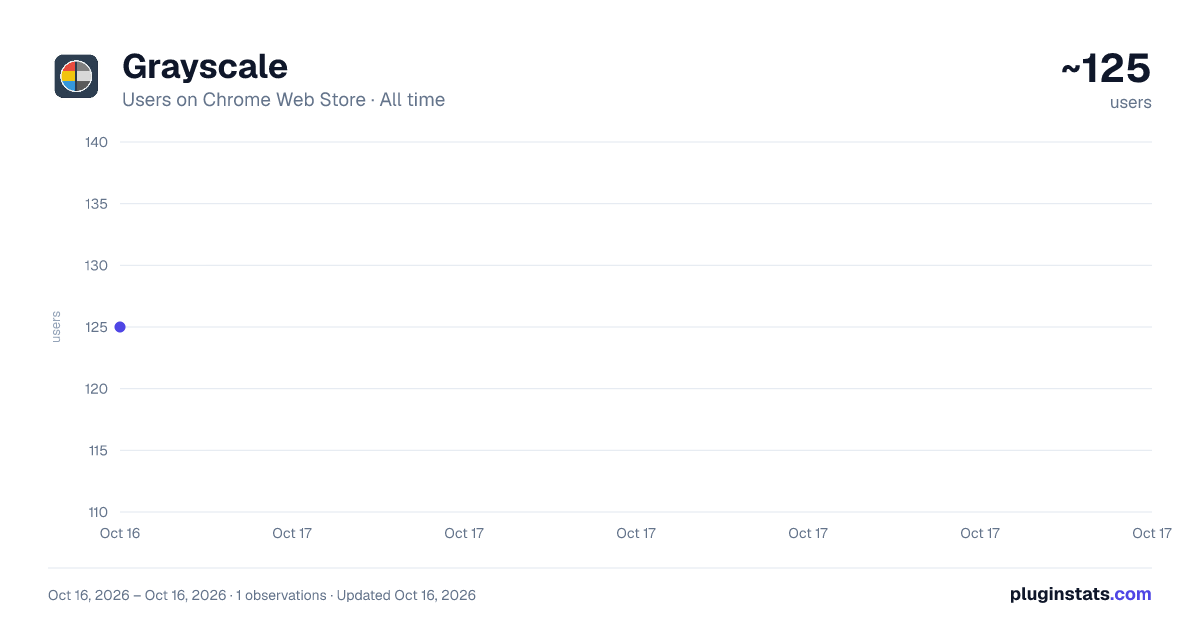
Grayscale has approximately 125 recorded users on Chrome Web Store.
It ranks #1868 of 2,033 tracked Chrome Web Store listings by users.
PluginStats has 1 daily observations since Oct 16, 2026; the latest is from Oct 16, 2026.
About Grayscale
Toggle a grayscale color scheme — globally or per site, with a single click
Grayscale strips color from any website with one click — useful for reducing visual noise, improving focus, lowering screen-time appeal, simulating accessibility scenarios, or just because you prefer it.
Extremely light-weight. No data collection. No ads. Free for life.
FEATURES • One-click toggle from the toolbar icon • Two modes: – Apply to all sites: every page goes grayscale at once (default) – Apply per site: each domain remembers its own setting • Lightweight — a single CSS filter rule, no scripts injected into the page • Works on every site, including dynamic single-page apps • ON badge shows the current state at a glance • No accounts, no telemetry, no network requests
HOW IT WORKS The extension applies CSS filter: grayscale(100%) to the page's <html> element. That's it. No images are altered, no content is read, nothing is sent anywhere. Toggle off and the page returns to color instantly.
SETTINGS Right-click the toolbar icon → Options (or open chrome://extensions → Grayscale → Details → Extension options) to switch between "Apply to all sites" and "Apply per site" modes, or to clear saved per-site settings.
PRIVACY This extension does not collect, transmit, or share any data. All settings are stored locally on your device via Chrome's storage API. No analytics, no tracking, no network calls.
Description from the Chrome Web Store listing.
Charts
Images: 30d · 1y · all time · 1600×900 dark
Adoption over time
7/30/90-day growth
Listing placement
Filled points are observed values; hollow points come from Internet Archive snapshots of the listing page. Dashed segments span periods with no observations — values between points are not interpolated.
Each band is one page of 20. Users on a log scale. Placement is projected from users, so it can differ from the marketplace's own sort order. Hover a dot to see the listing.
Recent observations
Full history (1)Similar Chrome Web Store Workflow & Planning plugins
All 20 Grayscale alternatives




Data source
Covers every Chrome Web Store extension with at least 100 users, found through the store's public sitemap. User counts are read from public listing pages. The 10% most-used extensions are refreshed daily, the next 40% weekly and the next 40% monthly; the least-used 10% are not refreshed. Google displays rounded user counts (and caps the display at 10,000,000+), so small changes may not be visible. Rating counts above 1,000 are rounded (e.g. 1.6K).
Listing: https://chromewebstore.google.com/detail/grayscale/kjnpjlhdoieaipoodpeldfpjacmlmclm. First seen Oct 16, 2026; last successful collection Oct 16, 2026. See the methodology.