 PluginStats
IP Flager users statistics
Chrome Web Store · Workflow & Planning
Shows country flag for the website in the toolbar.
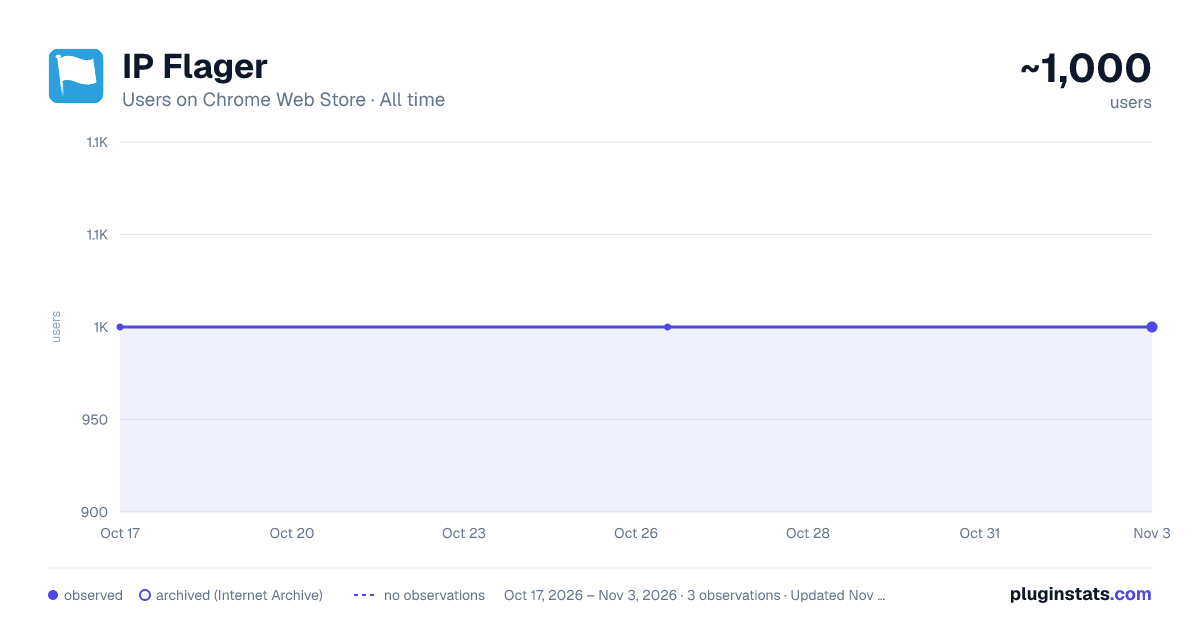
IP Flager has approximately 1,000 recorded users on Chrome Web Store, ranking #637 of 2,033 tracked listings.
Rating: 3.60 / 5 from 58 ratings
About IP Flager
Shows country flag for the website in the toolbar.
Know where any website really lives — without leaving the page.
IP Flager puts a small country flag on your toolbar showing where the site you're viewing is hosted. One glance tells you the server's country; one click reveals the full picture — IP address, city, region, postal code, timezone and coordinates.
What it does
- 🏴 Country flag in the toolbar — automatically shows the flag of the country hosting the current site's server, updated as you browse.
- 🖱️ Hover for the essentials — domain, serving IP and country right in the icon tooltip, instantly.
- 📍 Click for the full report — a clean card with country, city, region, postal code, timezone and GPS coordinates.
- ⚡ Instant & offline — country detection runs against a built-in IP database, so the flag appears immediately with no network call.
- 🏠 Knows local & private addresses — clearly marks localhost and LAN / private (RFC1918) IPs instead of guessing.
- 🌗 Polished, modern UI with automatic dark mode.
- 🔗 One click to the full IP report on MyIPLocation.org.
Private by design
The toolbar flag is detected entirely on your device from a bundled IP database — no network request, no tracking, no account. Only when you open the details popup is the website's server IP sent to MyIPLocation.org to fetch city-level information. Your browsing history is never collected, stored remotely, or sold. See our privacy policy for the full breakdown.
Great for
Developers and sysadmins checking where a host or CDN sits, security-minded users spotting where a page is served from, SEO and marketing researchers, and anyone simply curious about the geography of the web.
Just install it and browse — the flag does the rest.
version 2.0.0
- New UI
version 1.1.3
- Bug fixed
version 1.1.2
- Bug fixed
version 1.1.1
- Bug fixed
version 1.1.0
- Support for multiple languages
- Bug fixed
Description from the Chrome Web Store listing.
README badge
Show your rank in a README or on your website. The badge updates automatically.
Charts
Images: 30d · 1y · all time · 1600×900 dark
Adoption over time
7/30/90-day growth
Ranking history
Ratings over time
Listing placement
Listing placement
Filled points are observed values; hollow points come from Internet Archive snapshots of the listing page. Dashed segments span periods with no observations — values between points are not interpolated.
Each band is one page of 20. Users on a linear scale. Placement is projected from users, so it can differ from the marketplace's own sort order. Hover a dot to see the listing.
Recent observations
Full history (1)Similar Chrome Web Store Workflow & Planning plugins
All 20 IP Flager alternatives



Data source
Covers every Chrome Web Store extension with at least 100 users, found through the store's public sitemap. User counts are read from public listing pages. The 10% most-used extensions are refreshed daily, the next 40% weekly and the next 40% monthly; the least-used 10% are not refreshed. Google displays rounded user counts (and caps the display at 10,000,000+), so small changes may not be visible. Rating counts above 1,000 are rounded (e.g. 1.6K).
Listing: https://chromewebstore.google.com/detail/ip-flager/ahbkagdfnimnpalcoanpgiaojgeaklae. First seen Oct 17, 2026; last successful collection Oct 17, 2026. See the methodology.