 PluginStats

Screencast users statistics
Chrome Web Store · Workflow & Planning
Powerful screencast recorder for Chrome: record screen with audio, mic & camera. Easy screen recording software and video recorder.
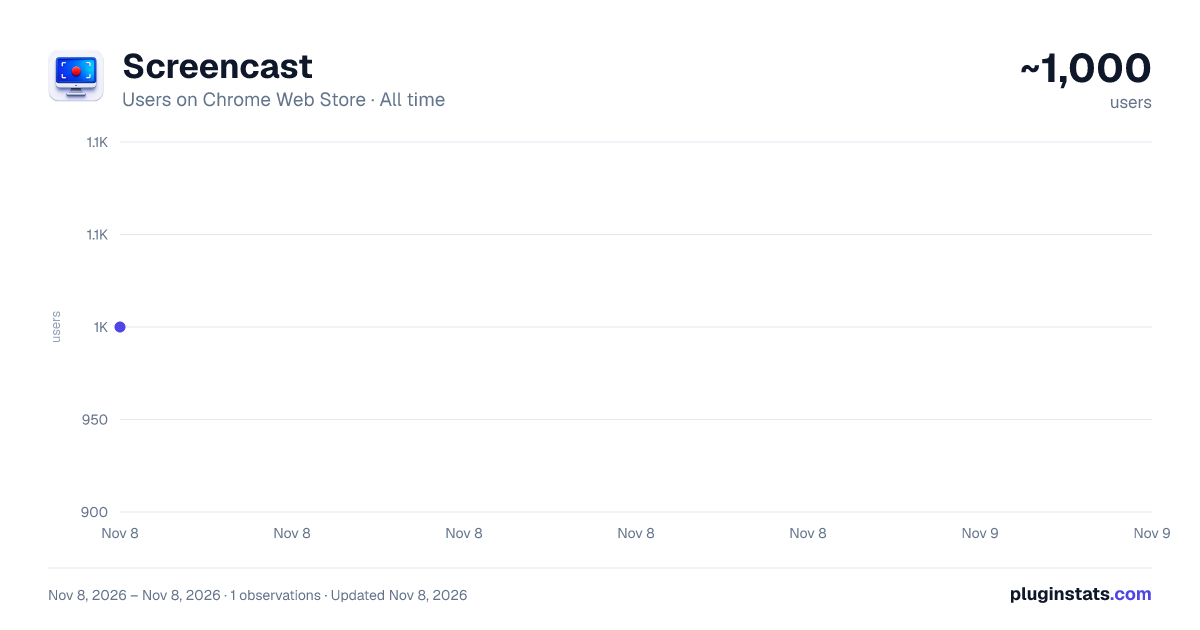
Screencast has approximately 1,000 recorded users on Chrome Web Store, ranking #2962 of 8,189 tracked listings.
Rating: 4.30 / 5 from 3 ratings
About Screencast
Powerful screencast recorder for Chrome: record screen with audio, mic & camera. Easy screen recording software and video recorder.
🚀 Powerful screencast solution for Chrome that simplifies screen recording software workflows. This application helps beginners understand how to record your screen with audio, microphone and camera.
💡 This screencast software is designed for simple screencasting tasks without overload. You can create screencasts, explain ideas and share results quickly using a clean interface.
The tool works as a lightweight screen recorder and video recorder directly in the browser, combining essential features of modern recording software screen tools.
📌 Core features: ▪️ screencast chrome workflow with simple controls and clear preparation steps before starting any action ▪️ capture video with audio, microphone and optional camera overlay for better communication and explanation ▪️ fast export of video recording video files ready for sharing across platforms and teams ▪️ stable performance similar to other screencast programs but focused on simplicity
🎯 Why users choose it: 1️⃣ simple screencast app 2️⃣ fast screen recorder 3️⃣ clean interface 4️⃣ stable performance 5️⃣ easy screencasting
💻 Common use cases: ➤ how to make a video screen for tutorials, lessons and onboarding materials with clear step-by-step explanations ➤ create screencast chromebook videos or screencast on a mac for sharing ideas across devices and platforms ➤ record screen presentations, demos and product walkthroughs without installing heavy screencast software ➤ use this a google tool for communication, support and remote collaboration tasks
⚙️ How it works:
- click the extension icon in Chrome toolbar
- choose audio, microphone or camera options
- press the round button to prepare
- select capture source: entire display, window or browser tab
- press the button again to start
🔧 Settings and controls: ○ toggle audio and microphone ○ enable or disable camera ○ select camera and microphone devices ○ enable scheduled recording ○ minimize on start ○ prompt for capture source
🌍 Platform compatibility: ➥ mac os ➥ windows os ➥ linux os
🔒 Simple experience:
- no complex screencast programs
- fast screen recording start
- intuitive screencaster controls
- lightweight screen recording software
- efficient video recording video workflow
✨ Use this screencast tool to create videos, simplify communication and replace complex screen recording software with a focused and easy solution. It is suitable for everyday tasks where traditional screen recording software feels too heavy or overloaded with features.
👥 You can use it to quickly capture workflows, demonstrate processes, and share visual instructions without unnecessary setup or distractions. This approach makes it easier to adopt screen recording as a regular communication method, especially for beginners who need a clear and reliable tool without advanced configuration.
⏳ It also helps reduce the time spent explaining tasks in text by allowing you to visually show each step, improving clarity and saving effort for both you and your audience. Works well for screencast on a mac, integrates smoothly as a google screencast tool, and provides a consistent screencast chrome experience when you need to screen record or video record video quickly.
💻 It stands out among screencast programs by focusing on simplicity and everyday usability. This tool also fits naturally into macos screencast workflows and can be used as a lightweight screencast mac solution for quick tasks.
🎥 It works as a flexible screen cast option for users who need simple browser-based video creation. It also supports screencast mac os x environments with stable and predictable performance.
❓ Frequently asked questions: 📌 how to make a screencast 💡 open the extension, configure options and follow the simple steps
📌 what is program 💡 screen recording is a way to create screencasts with audio and visuals
📌 can I use it as screen recorder 💡 yes, it works as screen recorder and video recorder
📌 does it support different devices 💡 yes, including chromebook and macos
📌 is it good for beginners 💡 interface is focused on simple screencasting
Description from the Chrome Web Store listing.
README badge
Show your rank in a README or on your website. The badge updates automatically.
Charts
Images: 30d · 1y · all time · 1600×900 dark
Adoption over time
7/30/90-day growth
Ranking history
Ratings over time
Listing placement
Listing placement
Filled points are observed values; hollow points come from Internet Archive snapshots of the listing page. Dashed segments span periods with no observations — values between points are not interpolated.
Each band is one page of 20. Users on a linear scale. Placement is projected from users, so it can differ from the marketplace's own sort order. Hover a dot to see the listing.
Recent observations
Full history (1)Similar Chrome Web Store Workflow & Planning plugins
All 20 Screencast alternatives



Data source
Covers every Chrome Web Store extension with at least 100 users, found through the store's public sitemap. User counts are read from public listing pages. The 10% most-used extensions are refreshed daily, the next 40% weekly and the next 40% monthly; the least-used 10% are not refreshed. Google displays rounded user counts (and caps the display at 10,000,000+), so small changes may not be visible. Rating counts above 1,000 are rounded (e.g. 1.6K).
Listing: https://chromewebstore.google.com/detail/screencast/hoekdbcneendacbojcdlikflikpagdfn. First seen Nov 8, 2026; last successful collection Nov 8, 2026. See the methodology.