 PluginStats
Bookmarks Explorer users statistics
By Skrabek Design · Chrome Web Store · Workflow & Planning
A file-manager-style extension for browsing, sorting, editing, moving, copying, and organizing bookmarks.
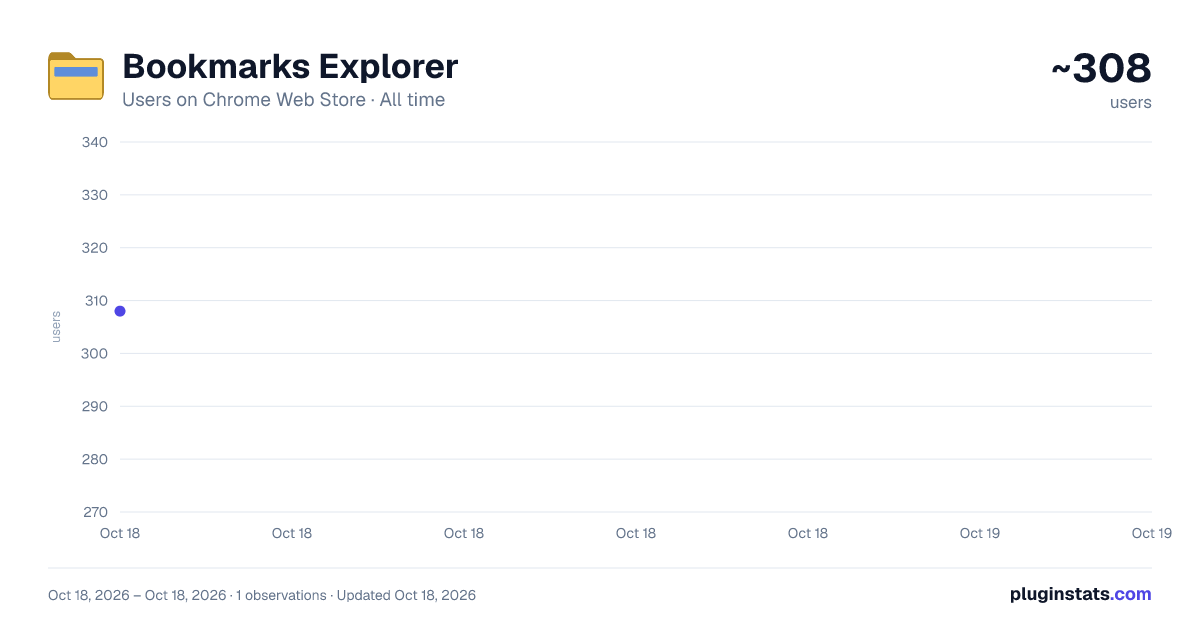
Bookmarks Explorer has approximately 308 recorded users on Chrome Web Store, ranking #1268 of 2,033 tracked listings.
Rating: 5.00 / 5 from 2 ratings
About Bookmarks Explorer
A file-manager-style extension for browsing, sorting, editing, moving, copying, and organizing bookmarks.
Bookmarks Explorer is a clean, file-manager-style bookmark manager for Chrome.
Browse your bookmarks in a familiar folder-tree layout, search across every folder, edit names and URLs inline, move things with drag and drop, and undo mistakes — with an optional AI-assisted workflow for organizing large collections.
NEW IN 2.0 • Rebuilt from the ground up: smoother, faster, no flicker • Multi-level undo — step back through deletes, moves, renames, sorts and more • Back, Forward and Up buttons, plus a clickable folder path • Paste a URL or drag in a link from a web page to bookmark it instantly • Dark mode that follows your system setting
FEATURES • Folder tree and bookmark list side by side, with resizable panels • Search titles and URLs across every folder, with highlighted matches • Double-click any bookmark name, URL or folder name to edit it in place • Drag and drop bookmarks and folders into folders, or drop between items to reorder • Select like a desktop: Shift-click, Ctrl/⌘-click, or drag a box • Copy, cut, paste and duplicate bookmarks or entire folders, including everything inside • Create a new folder from selected bookmarks • Sort the current folder by name, URL, domain, date added, folders first or bookmarks first • Open bookmarks in new tabs, a new window or an incognito window — or open a whole folder at once • Keyboard shortcuts on Windows, Linux and macOS, plus mouse back and forward buttons • Optional preview panel for a quick look at a bookmark (many websites don't allow embedded previews; "Open in new tab" always works)
AI ORGANIZE — OPTIONAL AND YOU'RE IN CONTROL Copy a ready-made prompt into the AI assistant of your choice (like ChatGPT or Claude), paste its reply back, preview the proposed folders and moves, approve changes with checkboxes, and apply only what you select. One undo reverts it all. Bookmarks Explorer never sends bookmark data to any AI service by itself. You choose what to copy and where to paste it.
PRIVATE BY DESIGN Everything runs locally in your browser. No account, no ads, no analytics, no tracking.
FREE Every feature is free. An optional "Support the project" link, and a one-time message after a few minutes of use, let you leave a tip for the developer via Stripe. Tips are entirely optional and don't unlock anything.
Bookmarks Explorer is for people who want a faster, more visual, more controllable way to manage large bookmark collections.
Description from the Chrome Web Store listing.
README badge
Show your rank in a README or on your website. The badge updates automatically.
Charts
Images: 30d · 1y · all time · 1600×900 dark
Adoption over time
7/30/90-day growth
Ranking history
Ratings over time
Listing placement
Listing placement
Filled points are observed values; hollow points come from Internet Archive snapshots of the listing page. Dashed segments span periods with no observations — values between points are not interpolated.
Each band is one page of 20. Users on a linear scale. Placement is projected from users, so it can differ from the marketplace's own sort order. Hover a dot to see the listing.
Recent observations
Full history (1)Similar Chrome Web Store Workflow & Planning plugins
All 20 Bookmarks Explorer alternatives



Data source
Covers every Chrome Web Store extension with at least 100 users, found through the store's public sitemap. User counts are read from public listing pages. The 10% most-used extensions are refreshed daily, the next 40% weekly and the next 40% monthly; the least-used 10% are not refreshed. Google displays rounded user counts (and caps the display at 10,000,000+), so small changes may not be visible. Rating counts above 1,000 are rounded (e.g. 1.6K).
Listing: https://chromewebstore.google.com/detail/bookmarks-explorer/bfjogedkckcnhiodamhckllnmcmlmaee. First seen Oct 18, 2026; last successful collection Oct 18, 2026. See the methodology.