 PluginStats
Focus to Notion users statistics
Chrome Web Store · Workflow & Planning
Stay focused while browsing and save everything to Notion
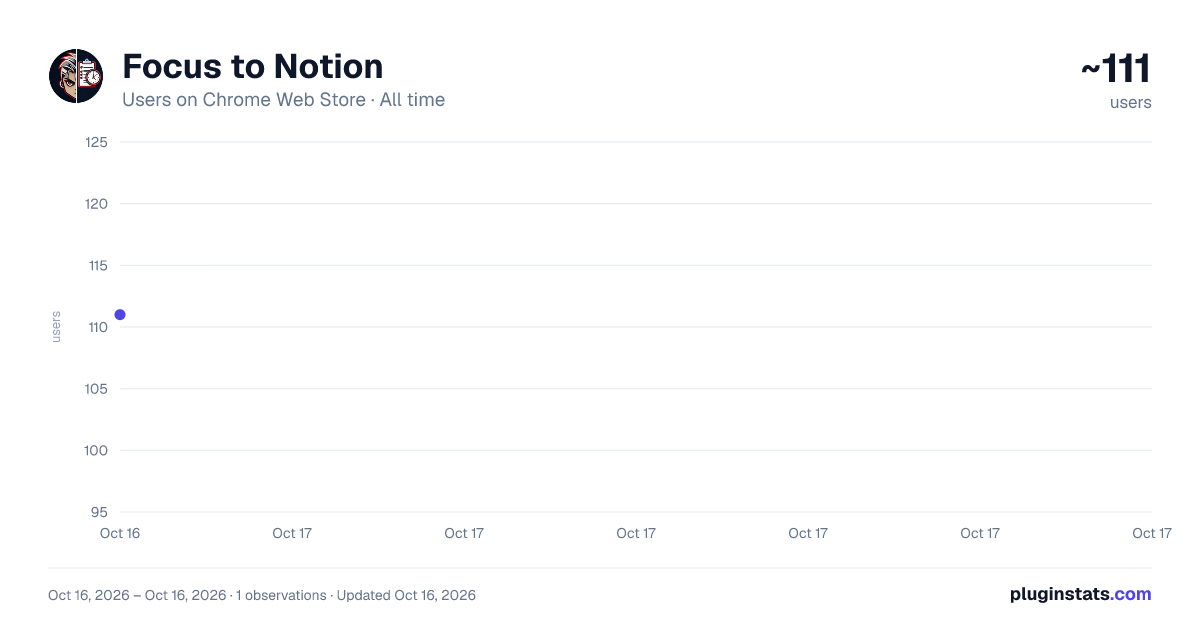
Focus to Notion has approximately 111 recorded users on Chrome Web Store, ranking #1959 of 2,033 tracked listings.
Rating: 5.00 / 5 from 1 ratings
About Focus to Notion
Stay focused while browsing and save everything to Notion
English: Manage tasks, bookmarks, and notes with Notion sync. Offline-first sidebar keeps you productive while browsing.
Vietnamese: Quản lý công việc, bookmark, ghi chú với đồng bộ Notion. Sidebar offline giúp bạn làm việc hiệu quả khi duyệt web.
ENGLISH
Focus to Notion turns your browser into a productivity hub. Manage tasks, save bookmarks, and capture ideas without leaving your current page. Everything syncs with your Notion workspace while working offline-first for uninterrupted productivity.
KEY FEATURES
- Task Management: Track work with priority levels (High/Medium/Low) and deadlines. Mark complete with one click. • Smart Bookmarks: Save pages with categories and tags. Drag-drop URLs for quick capture. • Quick Notes: Capture thoughts instantly with markdown support. • AI Prompts Library: Store and organize AI prompts with Notion database sync. • Two-Way Notion Sync: Changes in the extension update Notion, and vice versa. Syncs automatically every 5 minutes or manually on demand. • Offline-First Architecture: All data stored locally in IndexedDB. Works without internet, syncs when connected. • Bilingual Interface: Switch between English and Vietnamese.
COMMON USE CASES
Research & Learning: Save articles, take notes, and track follow-up tasks while reading documentation or research papers.
Content Creation: Bookmark references, draft ideas in notes, and manage deadlines for writing projects.
Project Management: Track action items from meetings, organize resources by tags, and sync tasks with your Notion project databases.
AI Workflow: Build a personal prompt library for ChatGPT, Claude, or other AI tools. Sync to Notion for team sharing.
PERMISSIONS EXPLAINED
- sidePanel: Opens the sidebar interface where you manage tasks, bookmarks, and notes. • storage: Saves your data locally so you can work offline. • alarms: Schedules automatic Notion sync every 5 minutes in the background. • activeTab: Allows quick bookmark creation from your current page URL. • https://api.notion.com/*: Connects to Notion API for database synchronization.
No data is collected or shared with third parties. All information stays local or syncs directly to your Notion workspace.
SETUP REQUIREMENTS
To enable Notion sync:
- A Notion account (free tier works)
- Create an integration at notion.so/my-integrations
- Create a database and share it with your integration
- Add integration token and database ID in extension settings
DEVELOPER
Created by Binh Vuong AI Marketing.
VIETNAMESE
Focus to Notion biến trình duyệt của bạn thành trung tâm làm việc hiệu quả. Quản lý công việc, lưu bookmark và ghi chú nhanh mà không cần rời khỏi trang web đang xem. Mọi thứ đồng bộ với Notion workspace trong khi vẫn hoạt động offline để làm việc liên tục không bị gián đoạn.
TÍNH NĂNG CHÍNH
- Quản Lý Công Việc: Theo dõi việc cần làm với độ ưu tiên (Cao/Trung bình/Thấp) và hạn chót. Đánh dấu hoàn thành chỉ một cú click. • Bookmark Thông Minh: Lưu trang web với danh mục và nhãn. Kéo thả URL để lưu nhanh. • Ghi Chú Nhanh: Ghi lại ý tưởng ngay lập tức với hỗ trợ markdown. • Thư Viện AI Prompts: Lưu trữ và tổ chức prompt AI với đồng bộ Notion database. • Đồng Bộ 2 Chiều Notion: Thay đổi trong extension cập nhật lên Notion và ngược lại. Tự động đồng bộ 5 phút một lần hoặc thủ công khi cần. • Kiến Trúc Offline-First: Toàn bộ dữ liệu lưu local trong IndexedDB. Hoạt động không cần internet, đồng bộ khi có mạng. • Giao Diện Song Ngữ: Chuyển đổi giữa tiếng Anh và tiếng Việt.
TRƯỜNG HỢP SỬ DỤNG Nghiên cứu & Học tập: Lưu bài viết, ghi chú và theo dõi các nhiệm vụ cần thực hiện khi đọc tài liệu hoặc bài nghiên cứu.
Sáng tạo nội dung: Đánh dấu tài liệu tham khảo, phác thảo ý tưởng và quản lý thời hạn cho các dự án viết.
Quản lý dự án: Theo dõi các mục hành động từ các cuộc họp, sắp xếp tài nguyên theo thẻ và đồng bộ hóa nhiệm vụ với cơ sở dữ liệu dự án Notion của bạn.
Quy trình làm việc AI: Xây dựng thư viện gợi ý cá nhân cho ChatGPT, Claude hoặc các công cụ AI khác. Đồng bộ hóa với Notion để chia sẻ trong nhóm.
Quy Trình AI: Xây dựng thư viện prompt cá nhân cho ChatGPT, Claude hoặc AI tool khác. Đồng bộ lên Notion để chia sẻ với team.
GIẢI THÍCH VỀ QUYỀN TRUY CẬP
- sidePanel: Mở giao diện sidebar để bạn quản lý công việc, bookmark và ghi chú. • storage: Lưu dữ liệu local để bạn làm việc offline. • alarms: Lên lịch tự động đồng bộ Notion mỗi 5 phút ở background. • activeTab: Cho phép tạo bookmark nhanh từ URL trang hiện tại. • https://api.notion.com/*: Kết nối Notion API để đồng bộ database.
Không thu thập hoặc chia sẻ dữ liệu với bên thứ ba. Mọi thông tin chỉ lưu local hoặc đồng bộ trực tiếp với Notion workspace của bạn.
YÊU CẦU THIẾT LẬP
Để bật đồng bộ Notion:
- Tài khoản Notion (dùng free tier được)
- Tạo integration tại notion.so/my-integrations
- Tạo database và chia sẻ với integration
- Thêm integration token và database ID trong cài đặt extension
NHÀ PHÁT TRIỂN
Được tạo bởi Bình Vương AI Marketing.
Description from the Chrome Web Store listing.
README badge
Show your rank in a README or on your website. The badge updates automatically.
Charts
Images: 30d · 1y · all time · 1600×900 dark
Adoption over time
7/30/90-day growth
Ranking history
Ratings over time
Listing placement
Listing placement
Filled points are observed values; hollow points come from Internet Archive snapshots of the listing page. Dashed segments span periods with no observations — values between points are not interpolated.
Each band is one page of 20. Users on a linear scale. Placement is projected from users, so it can differ from the marketplace's own sort order. Hover a dot to see the listing.
Recent observations
Full history (1)Similar Chrome Web Store Workflow & Planning plugins
All 20 Focus to Notion alternatives



Data source
Covers every Chrome Web Store extension with at least 100 users, found through the store's public sitemap. User counts are read from public listing pages. The 10% most-used extensions are refreshed daily, the next 40% weekly and the next 40% monthly; the least-used 10% are not refreshed. Google displays rounded user counts (and caps the display at 10,000,000+), so small changes may not be visible. Rating counts above 1,000 are rounded (e.g. 1.6K).
Listing: https://chromewebstore.google.com/detail/focus-to-notion/jcijafnmhjpgnfpcnnfefhcjmmlhofea. First seen Oct 16, 2026; last successful collection Oct 16, 2026. See the methodology.