 PluginStats
Split PDF Document users statistics
By Split PDF Document · Chrome Web Store · Workflow & Planning
Use Split PDF Document to extract pages from file. Split or unmerge PDF documents with ease. Separate pages and break up PDF files.
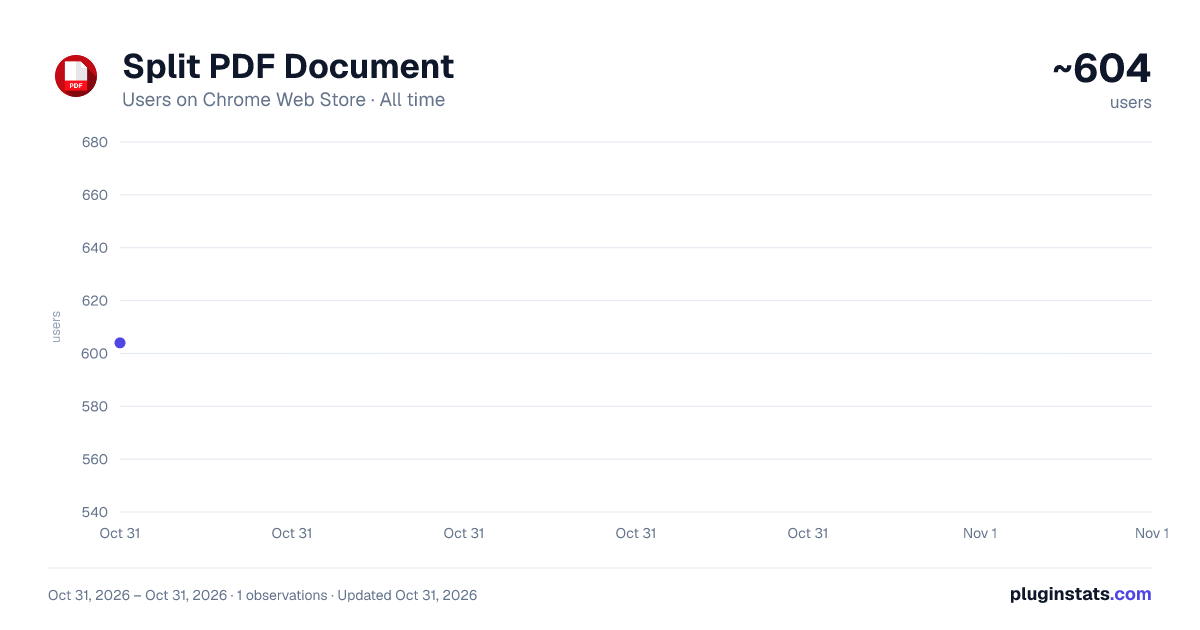
Split PDF Document has approximately 604 recorded users on Chrome Web Store, ranking #2722 of 5,946 tracked listings.
Rating: 5.00 / 5 from 3 ratings
About Split PDF Document
Use Split PDF Document to extract pages from file. Split or unmerge PDF documents with ease. Separate pages and break up PDF files.
📌 Split PDF Document Chrome Extension: an effective and user-friendly tool to manage your files.
🚀 This Split PDF Document into multiple pages online solution may be used as a page extractor online to divide books into sections, or unmerge PDF pages with just a few clicks. Forget about complicated tools and embrace a simple powerful extension to splitpdf!
✅ Essential Features of the Split PDF Document Online
-
Effortless chapters division No need to wrestle with cumbersome software. This split tool simplifies the task, letting you extract sections or pages in just seconds.
-
File-by-File Processing Handle one document at a time for optimal productivity. Split pdf document helps prevent confusion when working on multiple files.
📋 Types of split pdf document
💪 Separator Perfect for contracts, research, or e-books, this feature enables quick and efficient organization. The tool makes it easy to focus on the data you actually need, skipping unnecessary steps to split pdf document fast.
💪 Extract pages from anywhere Unlike desktop programs, you can divide text into 2 parts by page ranges using this extension that works on any internet-enabled device. Manage and edit your files directly in Chrome—no installations required.
💪 How to split pdf document Quickly divide your files, whether you're preparing a report or organizing a presentation. The extension ensures a seamless experience.
💪 How to separate pages With this tool, separating sections is intuitive. Simply drag, drop, and select the desired pages, and the rest is automated.
Options to do pdfsplit ① Save each page as a separate chapter ② Split PDF document ③ Split doc parts from the document ④ Use multiple book split modes ⑤ Customize splitting to splitpdf
🗂️ Reasons to crop a book into pages online
☞ Accessible Anytime Online No need for downloads or installations—everything works via your Chrome browser. Simply upload your doc and start splitting.
☞ User-Friendly Design The interface ensures anyone can figure out how to divide chapter into 2 parts. No advanced skills required—just follow the prompts and split pdf document with ease.
☞ Fast and Reliable Processing Upload your book, and the extension takes over. The speed of splitting ensures minimal wait times. All you need is a browser and no internet connection needed.
📖 Steps: How to Splitpdf Using This Chrome Tool
- Open the extension in Chrome.
- Upload your item.
- Choose the option you need.
- Press Splitpdf.
- Divide into custom ranges.
- Check selected sections.
- Split pdf document.
- Download the results.
This streamlined method makes it easy to manage large documents, unmerge specific parts, or extract pdf pages as needed.
🥇 Key Benefits of the Split PDF Document Tool 💎 No software installation required 💎 Manage files online, anywhere 💎 Customizable page selection 💎 Secure and fast file handling
🤓 Frequently Asked Questions
❗️ How do I separate pages in a PDF? This tool offers several options, from extracting individual pages to setting custom ranges. Select your preferred mode and complete the process in seconds.
❗️ Is the Split PDF Document secure? Yes, files are handled locally during the process and deleted afterward, ensuring complete privacy. No server uploads. Nobody can see your documents.
❗️ How do you splitpdf? Upload the file, select the pages to separate, and download the result. The process is optimized for efficiency. User-friendly interface provides you a step by step guide.
❗️ How to split and save a document by pages? Split PDF document, it is an online-only tool designed for seamless integration with Chrome. But if you have already installed the application you can splitpdf offline.
❗️ Can I split pages for large books? Yes, this tool works effectively with large files, allowing you to manage even extensive documents effortlessly. You can choose all the files you want to divide pdf.
❗️ Does anybody check the extension before publishing? Yes, the review team of Google Chrome Web store checked the split pdf document and submitted that it is safe and secure for the end customer. You can splitpdf with ease.
Boost Your Workflow with the pdf split Tool!
Save time and improve organization with this easy-to-use solution. Whether you're dividing content into smaller sections or extracting essential pages, this pdf splitter is your go-to option.
Split PDF document efficiency with this powerful tool for handling books!
Description from the Chrome Web Store listing.
README badge
Show your rank in a README or on your website. The badge updates automatically.
Charts
Images: 30d · 1y · all time · 1600×900 dark
Adoption over time
7/30/90-day growth
Ranking history
Ratings over time
Listing placement
Listing placement
Filled points are observed values; hollow points come from Internet Archive snapshots of the listing page. Dashed segments span periods with no observations — values between points are not interpolated.
Each band is one page of 20. Users on a linear scale. Placement is projected from users, so it can differ from the marketplace's own sort order. Hover a dot to see the listing.
Recent observations
Full history (1)Similar Chrome Web Store Workflow & Planning plugins
All 20 Split PDF Document alternatives



Data source
Covers every Chrome Web Store extension with at least 100 users, found through the store's public sitemap. User counts are read from public listing pages. The 10% most-used extensions are refreshed daily, the next 40% weekly and the next 40% monthly; the least-used 10% are not refreshed. Google displays rounded user counts (and caps the display at 10,000,000+), so small changes may not be visible. Rating counts above 1,000 are rounded (e.g. 1.6K).
Listing: https://chromewebstore.google.com/detail/split-pdf-document/kmmaoonggabpgpklenggnmcndngaogao. First seen Oct 31, 2026; last successful collection Oct 31, 2026. See the methodology.