 PluginStats
PDF Mail Merge users statistics
By myredsoftvibe · Chrome Web Store · Workflow & Planning
Quickly use PDF Mail Merge to fill in pdfs from spreadsheets. Create bulk pdf files efficiently for daily business needs.
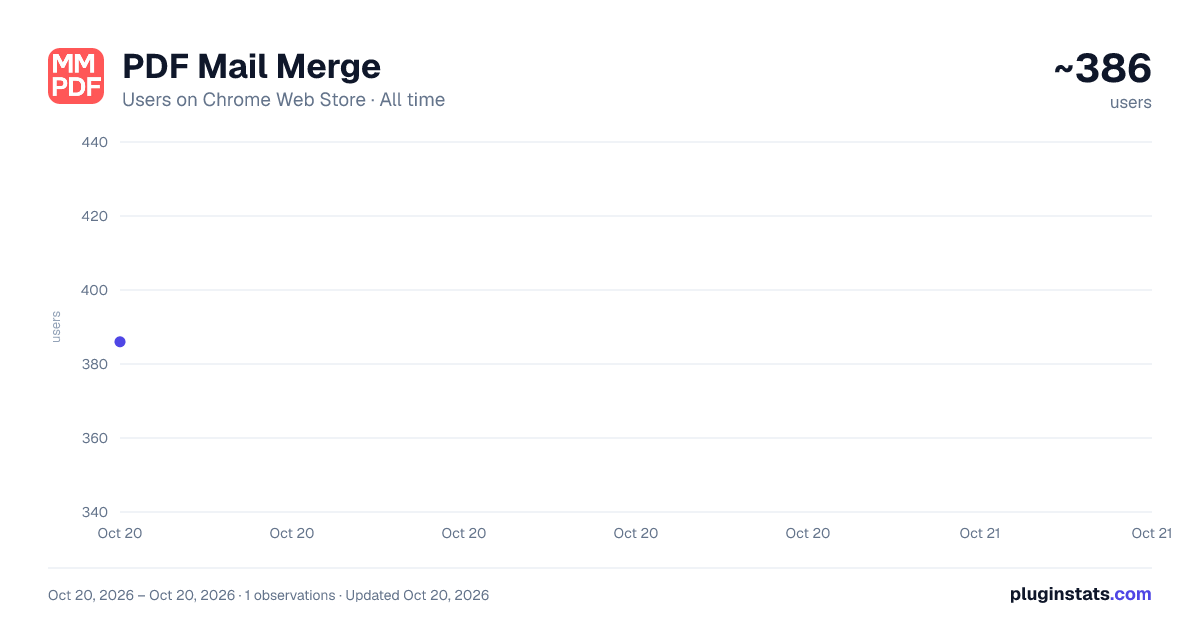
PDF Mail Merge has approximately 386 recorded users on Chrome Web Store, ranking #1653 of 2,952 tracked listings.
Rating: 4.90 / 5 from 16 ratings
About PDF Mail Merge
Quickly use PDF Mail Merge to fill in pdfs from spreadsheets. Create bulk pdf files efficiently for daily business needs.
🚀 Welcome to PDF Mail Merge, the ultimate extension for automating your document workflow. If you are tired of manual data entry, our tool is designed to simplify how you handle forms. By using a robust pdf mail merge, you can save hours of tedious work every week.
😩 Many professionals struggle when they need to fill in pdfs manually. Copying and pasting data from spreadsheets to individual documents is not only slow but also prone to human error. A reliable mail merge pdf solution allows you to bypass these issues completely and focus on more important tasks.
⚙️ With our advanced pdf mail merge software, you can easily connect your data sources to your templates. Whether you are handling a few forms or need to process a bulk pdf batch, this extension ensures that your information is mapped correctly every single time without formatting errors.
🔝What makes our extension stand out in your daily workflow? ➤ Using PDF Mail Merge saves you countless hours of repetitive copy-pasting. ➤ You can seamlessly create pdf from data without leaving your browser window. ➤ It acts as a powerful pdf auto filler that automatically matches spreadsheet columns to fields. ➤ You can perform a mail merge excel to pdf without complex coding or technical skills.
📂 Handling paperwork should not be a roadblock. By implementing mail merge using pdf workflows, your business can scale its document generation instantly. You maintain full control over the final output while the extension does the heavy lifting.
🌟 Here are some of the most popular ways our users utilize this extension: 1️⃣ Real estate agents use it to fill pdf from excel quickly. 2️⃣ HR departments securely populate pdf form with excel data. 3️⃣ Schools rely on it as a certificate generator from excel.
🤝 Collaborating with your team becomes significantly more efficient when everyone uses the same standardized process. Instead of passing around messy spreadsheets, you can rely on a shared mail merge from excel to pdf system. This ensures that every team member produces consistent, high-quality documents.
🛠️ How exactly do you get started with this workflow? The setup process is intuitive and requires zero technical background.
- First, upload your base template document into the secure system.
- Next, initiate the pdf mail merge from excel by uploading your spreadsheet.
- Finally, map your columns perfectly to finalize the document creation.
✨ Once your mapping is complete, generating your files takes only a few clicks. The final documents look professional and retain their original formatting.
⚡ Additionally, if you work with complex forms containing dozens of fields, you will appreciate how quickly you can autofill pdf from excel. The extension is smart enough to recognize field names, making the mapping process almost instantaneous. You can rely on pdf mail merge for large datasets.
🏆 Key advantages of integrating this tool into your routine: ✅ It is an incredibly fast bulk pdf generator handling hundreds of pages in minutes. ✅ You get automatic pdf creation from source files, minimizing review. ✅ It is a powerful pdf generation tool bypassing expensive software. ✅ The extension supports mail merge pdf document workflows with advanced text formatting.
🔒 We also prioritize the security of your information. All data processed during the mail merge with pdf document operations remains secure. Your sensitive spreadsheet details are handled carefully, ensuring strict privacy compliance.
👥 Who can benefit the most from a dedicated pdfmailmerger extension? Almost anyone who deals with repetitive document generation. It adapts to various industries, from corporate law to education and modern ecommerce.
Typical user profiles include: ▸ Administrative assistants looking for a solid pdf mail merger to handle daily letters. ▸ Event organizers who need to process bulkpdf tickets for event attendees. ▸ Sales teams performing an excel mail merge to pdf for personalized client proposals.
⏱️ Stop wasting valuable time on repetitive data entry. Using our secure solution unlocks a new level of productivity. It has never been simpler to generate your files accurately and quickly.
📈 Every feature is designed to reduce friction in your daily tasks. A PDF Mail Merge ensures you spend less time formatting and more time focusing on what actually matters for your business growth.
📥 Install the extension today to optimize your workflow. This tool has everything you need. Start automating today and efficiently process your bulk pdf documents in seconds!
Description from the Chrome Web Store listing.
README badge
Show your rank in a README or on your website. The badge updates automatically.
Charts
Images: 30d · 1y · all time · 1600×900 dark
Adoption over time
7/30/90-day growth
Ranking history
Ratings over time
Listing placement
Listing placement
Filled points are observed values; hollow points come from Internet Archive snapshots of the listing page. Dashed segments span periods with no observations — values between points are not interpolated.
Each band is one page of 20. Users on a linear scale. Placement is projected from users, so it can differ from the marketplace's own sort order. Hover a dot to see the listing.
Recent observations
Full history (1)Similar Chrome Web Store Workflow & Planning plugins
All 20 PDF Mail Merge alternatives



Data source
Covers every Chrome Web Store extension with at least 100 users, found through the store's public sitemap. User counts are read from public listing pages. The 10% most-used extensions are refreshed daily, the next 40% weekly and the next 40% monthly; the least-used 10% are not refreshed. Google displays rounded user counts (and caps the display at 10,000,000+), so small changes may not be visible. Rating counts above 1,000 are rounded (e.g. 1.6K).
Listing: https://chromewebstore.google.com/detail/pdf-mail-merge/hjhihbfojhmelecgnpecgkaepjmekbfi. First seen Oct 20, 2026; last successful collection Oct 20, 2026. See the methodology.