 PluginStats

Folders, Search & Export for ChatGPT & Claude — Pin, Backup & Organize users statistics
Chrome Web Store · Workflow & Planning
Folders & search for ChatGPT & Claude. Find any chat on both platforms. Pin, export & back up. Chats never leave your browser.
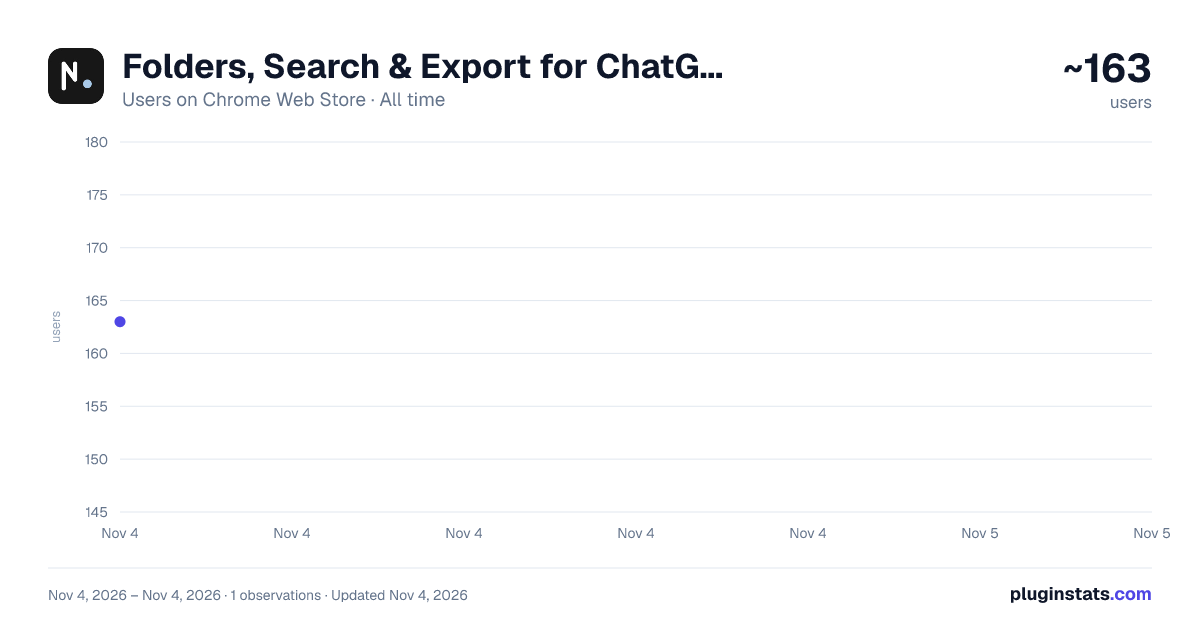
Folders, Search & Export for ChatGPT & Claude — Pin, Backup & Organize has approximately 163 recorded users on Chrome Web Store, ranking #5760 of 7,072 tracked listings.
Rating: 4.00 / 5 from 5 ratings
About Folders, Search & Export for ChatGPT & Claude — Pin, Backup & Organize
Folders & search for ChatGPT & Claude. Find any chat on both platforms. Pin, export & back up. Chats never leave your browser.
Your ChatGPT and Claude chats pile up in one endless list. The conversation you need is always 200 chats down — and ChatGPT's search can't see your Claude chats, or the other way around.
NorthLab Folders fixes both. Folders, pins, one search box for BOTH platforms, and one-click export — built right into the sidebar you already use. File a chat once, and it's always one click away. Or don't file it at all: type a few letters of its name and jump straight to it.
Hunt for an old chat a handful of times a day? That's minutes each time, hours a month. Folders and search give that time back.
━━ ONE SEARCH BOX. BOTH PLATFORMS. ━━ • Press Cmd/Ctrl+Shift+K (or click 🔍) — a Spotlight-style search bar opens • Type a few letters of a chat's name — matches from ChatGPT AND Claude, ranked, with the match highlighted • Open a result on the other platform and it opens in a new tab, signed in as you • Free for everyone — no other extension searches both platforms in one box
━━ ORGANIZE WHERE YOU WORK ━━ • Color-coded folders and subfolders, right inside the native sidebar • Pin important chats to the top — always one glance away • File any chat with a one-click assign menu • Date stamps on every chat — relative ("2h ago") or exact, your choice • Pick your sidebar text size (small / medium / large) • Matches each platform's light or dark theme automatically
━━ YOUR ORGANIZATION CAN'T BE LOST ━━ Other organizers have one infamous failure mode: their sync breaks and years of folders vanish. Ours can't do that — there is no server to lose your data. And for belt-and-suspenders: save your entire folder setup to a local file in one click, and restore it any time, on any machine. Free.
━━ EXPORT IN ONE CLICK ━━ • Save any chat as Markdown or JSON — free • Copy any chat as Markdown straight to your clipboard — free • Export a whole folder as a .zip of Markdown files — Pro • Files are generated on your device, in under a second
━━ PRIVATE BY DESIGN (this is the part most tools get wrong) ━━ Most "AI chat organizers" pipe your conversations through their servers. We built it the opposite way. Your chat text is read locally — only to draw the sidebar, power search, and create your exports. We store folder names, chat titles, and conversation IDs on your device. Nothing is transmitted. We run no servers that ever see your chats.
━━ FREE VS PRO ━━ Free — 3 folders · cross-platform search · single-chat Markdown/JSON export · copy-as-Markdown · backup & restore · local, forever Pro — unlimited folders + subfolders · bulk folder export (.zip) · priority support Upgrade is optional, handled by Lemon Squeezy — we never see your card. 14-day money-back guarantee, no questions asked.
━━ PERMISSIONS, PLAINLY ━━ • chatgpt.com / claude.ai — to draw the sidebar and read your chat list from each site's own API, inside your logged-in session • api.lemonsqueezy.com — only to check your license key • alarms — a once-a-day timer that re-checks your license key in the background. That's it. It never touches your chats. No tracking scripts. We never sell data.
Install free, make your first folder in about ten seconds, and never scroll for a chat again. Questions? Email support@northlabapps.com — the founder answers.
━━ WHAT'S NEW ━━ • Fixed: works with Claude's redesigned sidebar • New: floating-button mode with automatic fallback • Fixed: accurate chat dates on ChatGPT • Improved: refreshed native-style icons, no longer appears on login pages
Description from the Chrome Web Store listing.
README badge
Show your rank in a README or on your website. The badge updates automatically.
Charts
Images: 30d · 1y · all time · 1600×900 dark
Adoption over time
7/30/90-day growth
Ranking history
Ratings over time
Listing placement
Listing placement
Filled points are observed values; hollow points come from Internet Archive snapshots of the listing page. Dashed segments span periods with no observations — values between points are not interpolated.
Each band is one page of 20. Users on a linear scale. Placement is projected from users, so it can differ from the marketplace's own sort order. Hover a dot to see the listing.
Recent observations
Full history (1)Similar Chrome Web Store Workflow & Planning plugins
All 20 Folders, Search & Export for ChatGPT & Claude — Pin, Backup & Organize alternatives



Data source
Covers every Chrome Web Store extension with at least 100 users, found through the store's public sitemap. User counts are read from public listing pages. The 10% most-used extensions are refreshed daily, the next 40% weekly and the next 40% monthly; the least-used 10% are not refreshed. Google displays rounded user counts (and caps the display at 10,000,000+), so small changes may not be visible. Rating counts above 1,000 are rounded (e.g. 1.6K).
Listing: https://chromewebstore.google.com/detail/folders-search-export-for/dampacngiienmgjldeiljaojdanoekem. First seen Nov 4, 2026; last successful collection Nov 4, 2026. See the methodology.