 PluginStats
PanDev Metrics users statistics
Chrome Web Store · Workflow & Planning
PanDev Metrics: Plugin for analyze browser activity
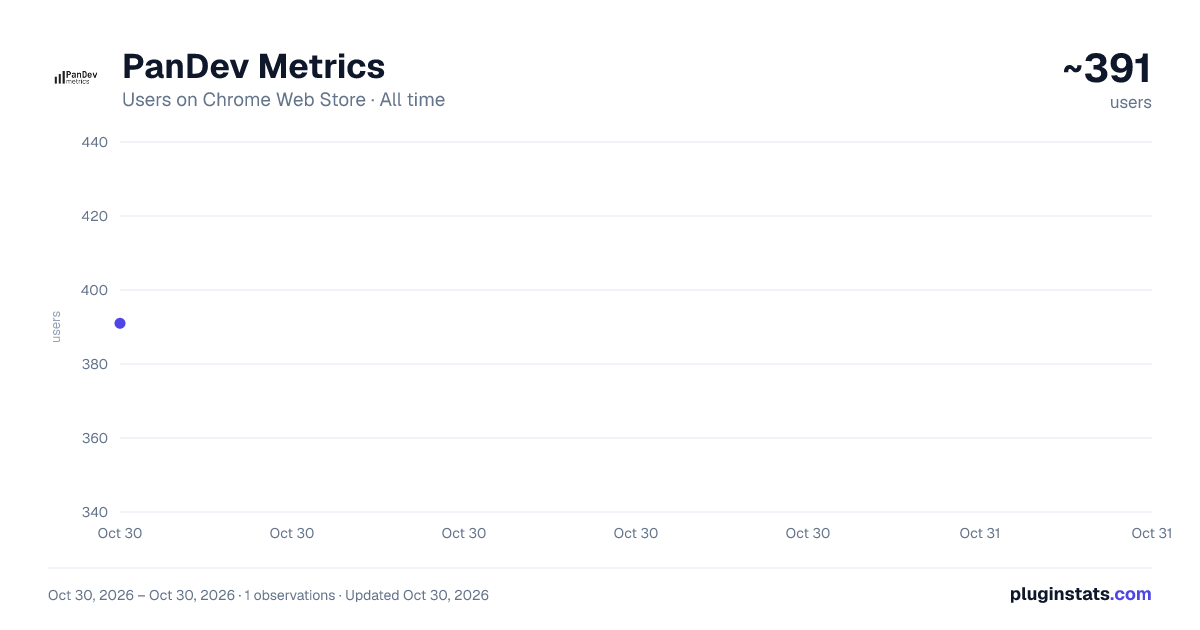
PanDev Metrics has approximately 391 recorded users on Chrome Web Store, ranking #3095 of 5,550 tracked listings.
Rating: 5.00 / 5 from 2 ratings
About PanDev Metrics
PanDev Metrics: Plugin for analyze browser activity
PanDev Metrics, Browser Extension connects your browser to PanDev and helps you build a complete picture of your work across web tools.
The extension automatically captures your activity in browser tabs and relevant events in supported services (for example: task trackers, repositories, documentation, design tools). It then sends this data to your PanDev account, where you get a clear work profile: what you worked on, in which tools, and for how long.
What you get:
- A single activity profile across tools and projects
- A day and week timeline of your work
- Context summaries: repositories, tasks, documents, pages
- Fewer manual updates and “what did I do yesterday” reporting
- Team analytics (if you’re part of a team in PanDev)
Who it’s for
- Developers, QA, DevOps, designers, product managers
- Team leads and CTOs who want visibility without micromanagement
- Teams that want to measure contribution and spot process bottlenecks
How to get started:
- Install the extension
- Sign in to PanDev and confirm the connection
- Use your usual web services as you normally do
- View your analytics in PanDev
Privacy and control:
- The extension is designed for work-related data.
- You control what is sent to PanDev through the settings.
- We do not collect passwords or payment data.
- We do not record form input contents.
Description from the Chrome Web Store listing.
README badge
Show your rank in a README or on your website. The badge updates automatically.
Charts
Images: 30d · 1y · all time · 1600×900 dark
Adoption over time
7/30/90-day growth
Ranking history
Ratings over time
Listing placement
Listing placement
Filled points are observed values; hollow points come from Internet Archive snapshots of the listing page. Dashed segments span periods with no observations — values between points are not interpolated.
Each band is one page of 20. Users on a linear scale. Placement is projected from users, so it can differ from the marketplace's own sort order. Hover a dot to see the listing.
Recent observations
Full history (1)Similar Chrome Web Store Workflow & Planning plugins
All 20 PanDev Metrics alternatives



Data source
Covers every Chrome Web Store extension with at least 100 users, found through the store's public sitemap. User counts are read from public listing pages. The 10% most-used extensions are refreshed daily, the next 40% weekly and the next 40% monthly; the least-used 10% are not refreshed. Google displays rounded user counts (and caps the display at 10,000,000+), so small changes may not be visible. Rating counts above 1,000 are rounded (e.g. 1.6K).
Listing: https://chromewebstore.google.com/detail/pandev-metrics/cpecnlannccfbahifgommohpfoefhigl. First seen Oct 30, 2026; last successful collection Oct 30, 2026. See the methodology.