 PluginStats

QuizSolver AI users statistics
By software.dev.ai · Chrome Web Store · Workflow & Planning
Solve online quizzes with AI.Capture multiple-choice questions and get correct answers
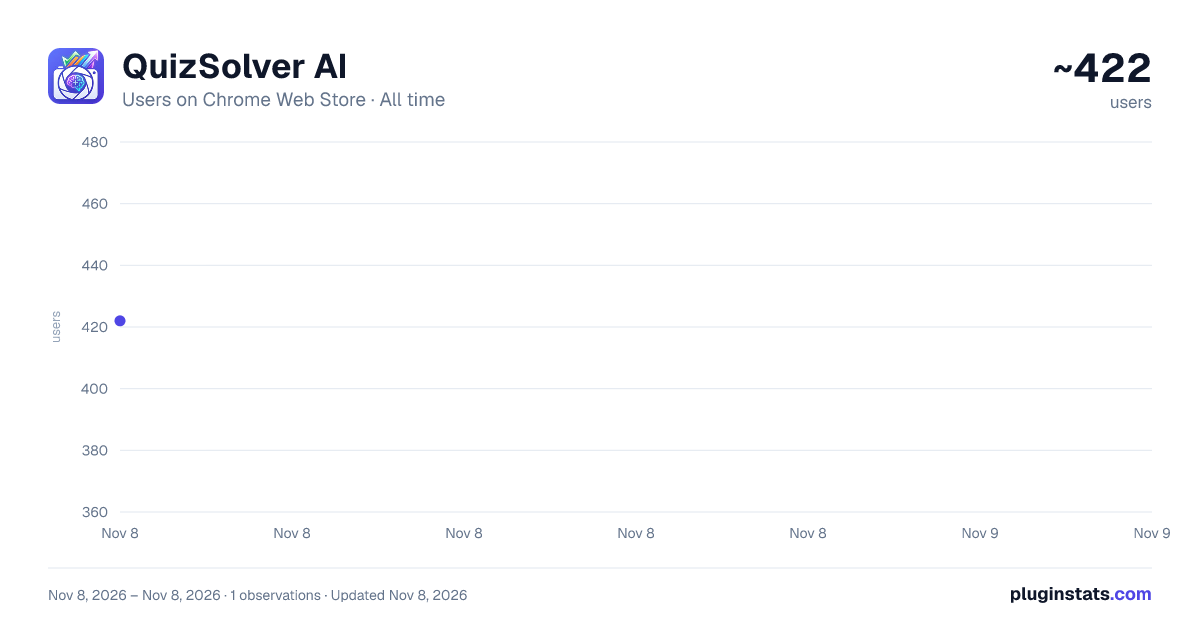
QuizSolver AI has approximately 422 recorded users on Chrome Web Store, ranking #4433 of 8,189 tracked listings.
Rating: 4.50 / 5 from 15 ratings
About QuizSolver AI
Solve online quizzes with AI.Capture multiple-choice questions and get correct answers
━━━━━━━━━━━━━━━━━━━━━━━━━━━━━━━━━━━━━━━━━━━━━━━━━━━━━━━━━━━━━━━━━━━━━━━━━━━━━━ 📌 WHAT IS QUIZSOLVER AI? ━━━━━━━━━━━━━━━━━━━━━━━━━━━━━━━━━━━━━━━━━━━━━━━━━━━━━━━━━━━━━━━━━━━━━━━━━━━━━━
QuizSolver AI is a Google Chrome extension (Manifest V3) designed to help you solve online quizzes and exams using artificial intelligence. It works by visually capturing any multiple-choice question on your screen and sending it to an AI provider of your choice to get the correct answer in seconds.
━━━━━━━━━━━━━━━━━━━━━━━━━━━━━━━━━━━━━━━━━━━━━━━━━━━━━━━━━━━━━━━━━━━━━━━━━━━━━━ 🌟 KEY FEATURES ━━━━━━━━━━━━━━━━━━━━━━━━━━━━━━━━━━━━━━━━━━━━━━━━━━━━━━━━━━━━━━━━━━━━━━━━━━━━━━
📸 SMART QUESTION CAPTURE ────────────────────────── • Activate capture mode with one click and drag to select exactly the area containing the question (crosshair drag). • The cursor changes to a crosshair while selecting. • The selection is automatically sent to the configured AI provider. • The answer appears in a floating popup directly over the page. • Option to directly download the capture as a PNG image.
🧠 MULTI-AI PROVIDER ───────────────────── Supports four artificial intelligence providers, each with selectable models:
┌─────────────────────────────────────────────────────────────────────────┐ │ 🔵 Google Gemini │ │ Models: gemini-2.5-flash · gemini-2.5-flash-lite · gemini-2.5-pro │ │ gemini-3-flash-preview · gemini-3.1-pro-preview │ │ gemini-3.1-flash-lite-preview │ │ │ │ 🟢 OpenAI ChatGPT │ │ Models: gpt-4.1-nano · gpt-4.1-mini · gpt-4.1 · gpt-4o-mini │ │ gpt-4o · gpt-5.4-nano · gpt-5.4-mini · gpt-5-mini · o4-mini│ │ │ │ 🟣 Venice AI │ │ Models: qwen3-vl-235b-a22b · mistral-small-3-2-24b-instruct │ │ google-gemma-3-27b-it · google.gemma-4-26b-a4b-it │ │ google.gemma-4-31b-it │ │ │ │ 🟠 Anthropic Claude │ │ Models: claude-sonnet-4-6 · claude-opus-4-6 · claude-haiku-4-5 │ └─────────────────────────────────────────────────────────────────────────┘
Each provider has its own API Key field and selectable model. Direct links to each provider's console to obtain the key and add credits.
🎯 CUSTOM PROMPTS ────────────────── • Create your own prompts with a title and content for quick reuse. • Full CRUD system: create, edit, duplicate and delete prompts. • Select any saved prompt to send it along with the capture. • Default prompts per provider: configure a different prompt for Gemini, ChatGPT, Venice and Claude independently.
🕵️ BYPASS SYSTEM (Anti-Detection) ─────────────────────────────────── Scripts that neutralize the most common detection and restriction mechanisms on online exam platforms:
🔓 Anti-Focus (Canvas LMS): Neutralizes tab-change or focus-loss detection. • Blocks focus, blur and visibilitychange events. • Spoofs document.visibilityState = 'visible' and document.hidden = false. • Ideal for Canvas LMS that pauses the exam when you leave the tab.
🖱️ Anti-Context Menu (Right Click): Restores the right-click context menu on sites that block it. • Intercepts events in the capturing phase. • Neutralizes preventDefault() for contextmenu, copy, cut, paste, dragstart. • Allows text selection and copying on sites that disable it.
🔧 Anti-DevTools (Developer Console): Neutralizes all DevTools detection methods. • Function.prototype.toString spoofing to hide proxies. • Fakes outerWidth/outerHeight dimensions to conceal the panel. • Smooths timing of Date.now() and performance.now() during debugger pauses. • Removes debugger statements in eval(), Function(), setTimeout, setInterval. • Neutralizes external detection libraries (devtools-detect, Firebug).
🖱️ Anti-MouseLeave (Cursor Always Present): Makes the site believe the cursor never leaves the window. • Blocks mouseleave, mouseout, pointerleave, pointerout events only when the cursor leaves the viewport (does not break menus or tooltips). • document.hasFocus() always returns true. • Compatible with MutationObserver for dynamically added elements.
📋 PDF GENERATOR (Canvas LMS) ────────────────────────────── On Canvas LMS quiz pages (/courses//quizzes/*) a script is automatically activated that generates a complete PDF of the exam with all questions and options for offline review.
📁 CAPTURE HISTORY ─────────────────── • Stores all captures with date and time. • Thumbnails of each capture with preview. • Button to view the full capture in a new tab (dedicated viewer). • Download any individual capture as PNG. • Delete captures individually or clear the entire history. • Unlimited storage using chrome.storage with IndexedDB.
💾 EXPORT / IMPORT CONFIGURATION ────────────────────────────────── • Export all your settings (API keys, prompts, preferences) to a downloadable JSON file as a backup. • Import settings from a JSON file to restore or share configuration between devices.
🌐 BROWSER CONTEXT MENU ──────────────────────── Options accessible by right-clicking on any page to activate extension functions without opening the popup.
🌍 MULTI-LANGUAGE SUPPORT ────────────────────────── The extension is available in 10 languages: Spanish 🇪🇸 · English 🇬🇧 · Portuguese (Brazil) 🇧🇷 · Portuguese (Portugal) 🇵🇹 German 🇩🇪 · French 🇫🇷 · Italian 🇮🇹 · Japanese 🇯🇵 · Norwegian 🇳🇴 · Swedish 🇸🇪
━━━━━━━━━━━━━━━━━━━━━━━━━━━━━━━━━━━━━━━━━━━━━━━━━━━━━━━━━━━━━━━━━━━━━━━━━━━━━━ 🗂️ POPUP SECTION DESCRIPTION ━━━━━━━━━━━━━━━━━━━━━━━━━━━━━━━━━━━━━━━━━━━━━━━━━━━━━━━━━━━━━━━━━━━━━━━━━━━━━━
🏠 Main Panel (main) ───────────────────── The popup home screen. From here you can: • Enable/disable each of the 4 bypasses with switches. • Select the active AI provider (Gemini / ChatGPT / Venice / Claude). • Expand each provider panel to enter the API Key, select the desired model and write the session prompt. • Click "Capture Question" to start area selection. • Access all other panels from the header buttons.…
Description from the Chrome Web Store listing.
README badge
Show your rank in a README or on your website. The badge updates automatically.
Charts
Images: 30d · 1y · all time · 1600×900 dark
Adoption over time
7/30/90-day growth
Ranking history
Ratings over time
Listing placement
Listing placement
Filled points are observed values; hollow points come from Internet Archive snapshots of the listing page. Dashed segments span periods with no observations — values between points are not interpolated.
Each band is one page of 20. Users on a linear scale. Placement is projected from users, so it can differ from the marketplace's own sort order. Hover a dot to see the listing.
Recent observations
Full history (1)Similar Chrome Web Store Workflow & Planning plugins
All 20 QuizSolver AI alternatives



Data source
Covers every Chrome Web Store extension with at least 100 users, found through the store's public sitemap. User counts are read from public listing pages. The 10% most-used extensions are refreshed daily, the next 40% weekly and the next 40% monthly; the least-used 10% are not refreshed. Google displays rounded user counts (and caps the display at 10,000,000+), so small changes may not be visible. Rating counts above 1,000 are rounded (e.g. 1.6K).
Listing: https://chromewebstore.google.com/detail/quizsolver-ai/pfdpcogjjmpknmhafhinjhjbeiolbcoi. First seen Nov 8, 2026; last successful collection Nov 8, 2026. See the methodology.